
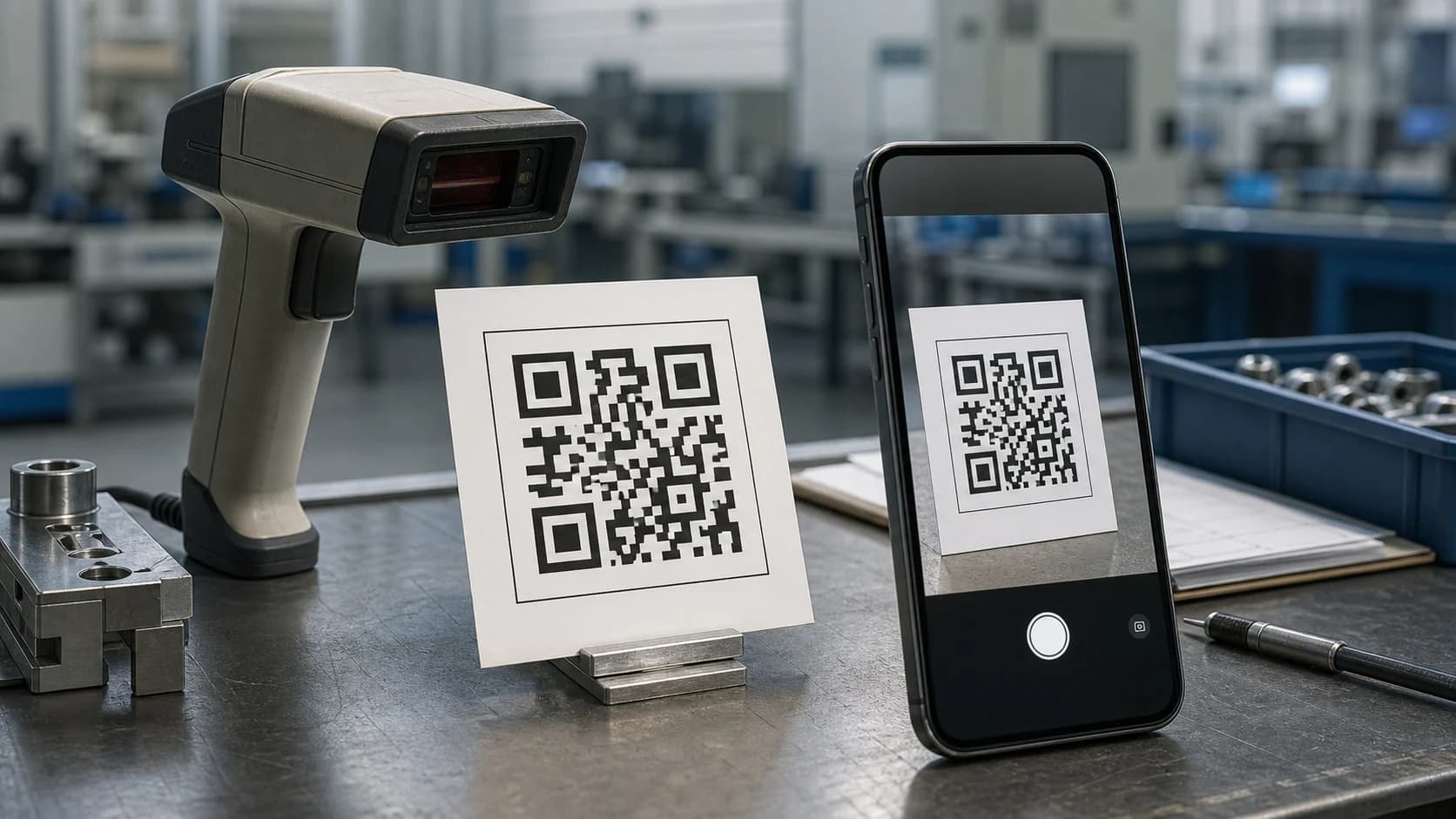
If you have ever scanned a square code on a menu, package, ticket, or poster, you may have wondered: what does QR stand for? QR comes from “Quick Response”, a name chosen to reflect the code’s original goal: fast reading. DENSO WAVE introduced the QR Code in 1994 for industrial use, and the format later spread into payments, marketing, tickets, contact sharing, Wi-Fi access, and everyday mobile browsing. This guide explains the QR meaning, how the technology works, and why QR Codes became more useful than traditional one-dimensional barcodes for many tasks.
What Does QR Stand For? The Short Answer
The simplest answer to what does QR stand for is Quick Response. According to DENSO WAVE’s official QR Code FAQ, the letters QR come from “quick response” because developers wanted a code that machines could read quickly.
There is one useful technical detail. DENSO WAVE explains that the official name is QR Code; “Quick Response” describes the origin of the QR name rather than turning the full term into “Quick Response Code.” In normal conversation, however, people commonly use the phrase to explain what does QR stand for.
Why Does QR Mean “Quick Response”?
The name makes more sense when you look at the problem the developers wanted to solve. Traditional barcodes worked well for product identification, but they stored information in one direction and offered limited capacity. Manufacturers needed a code that could carry more data while scanners still recognized it quickly.
Therefore, the development team designed a two-dimensional symbol with distinctive position markers. Those large square patterns help a scanner find the code’s orientation rapidly, even when the camera approaches from different angles. As a result, “Quick Response” described a real engineering objective rather than a marketing slogan.
When someone asks what does QR stand for, the speed-focused origin explains both the name and the visual design.
Who Invented the QR Code?
DENSO WAVE, then part of DENSO CORPORATION, developed and released the QR Code in Japan in 1994. Masahiro Hara was one of the key developers. The original project focused on manufacturing and automotive workflows, where teams needed faster identification and more information than a conventional barcode could hold.
DENSO WAVE later made the standardized QR Code specifications publicly available and stated that it would not exercise its patent rights for standardized QR Codes. In addition, QR Code became an international standard under ISO/IEC 18004. You can review the milestones in DENSO WAVE’s QR Code standardization overview.
This history matters because the answer to what does QR stand for connects directly to the format’s industrial roots: quick identification, reliable reading, and higher data capacity.
How Is a QR Code Different From a Barcode?
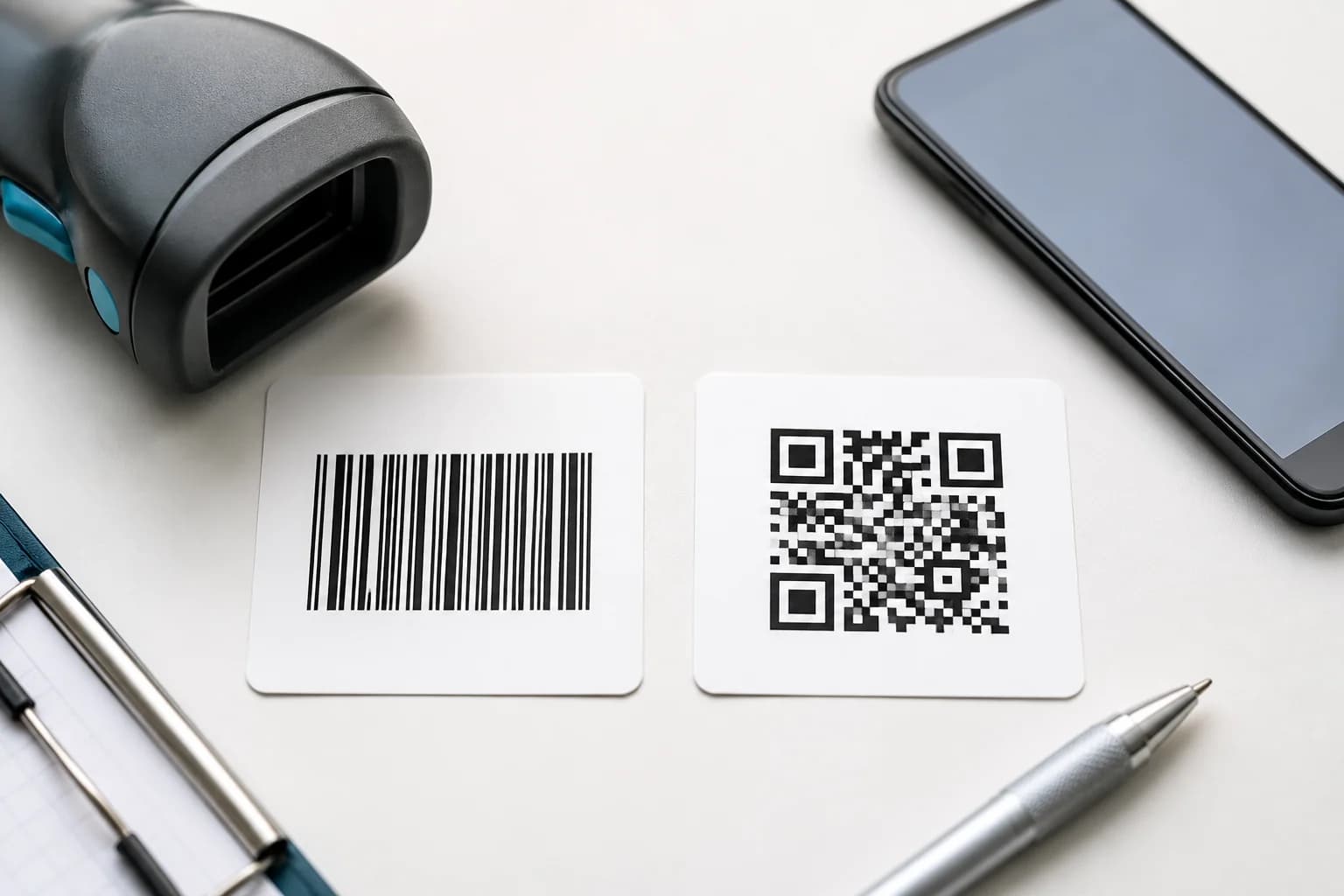
A traditional retail barcode usually stores data along one dimension. By contrast, a QR Code stores information across both horizontal and vertical directions. Consequently, a QR symbol can hold much more data in a compact area.
Key differences include:
DENSO WAVE lists four standard error-correction levels and explains that higher levels can restore more damaged codewords. However, higher correction also increases symbol density. Therefore, good printing still matters. If a code looks soft or distorted, see our QR code blurred guide before distributing it.
- Direction: barcodes mainly encode information along one axis, while QR Codes use two dimensions.
- Capacity: QR Codes can store significantly more data than common one-dimensional barcodes.
- Orientation: QR position markers help scanners detect the symbol from different angles.
- Error correction: QR Codes can remain readable even when part of the symbol is damaged, depending on the error-correction level.
- Consumer use: modern phones can scan QR Codes directly with built-in cameras.
What Information Can a QR Code Store?
Understanding what does QR stand for only explains the name. The bigger reason QR Codes became popular is flexibility. A QR symbol can encode several kinds of information, including:
In practice, most marketing QR Codes contain a URL. The phone decodes that address and then opens the destination. This approach keeps the printed symbol simple while the linked page can contain richer content such as videos, forms, menus, product information, or downloads.
For long-lived printed materials, the destination strategy matters as much as the symbol. Our QR codes in print guide explains size, contrast, quiet zones, file formats, and proof testing.
- Website URLs
- Plain text
- Email addresses
- Phone numbers
- Wi-Fi network details
- Contact information
- App or file links
- Location or event links
How Does a QR Code Work?
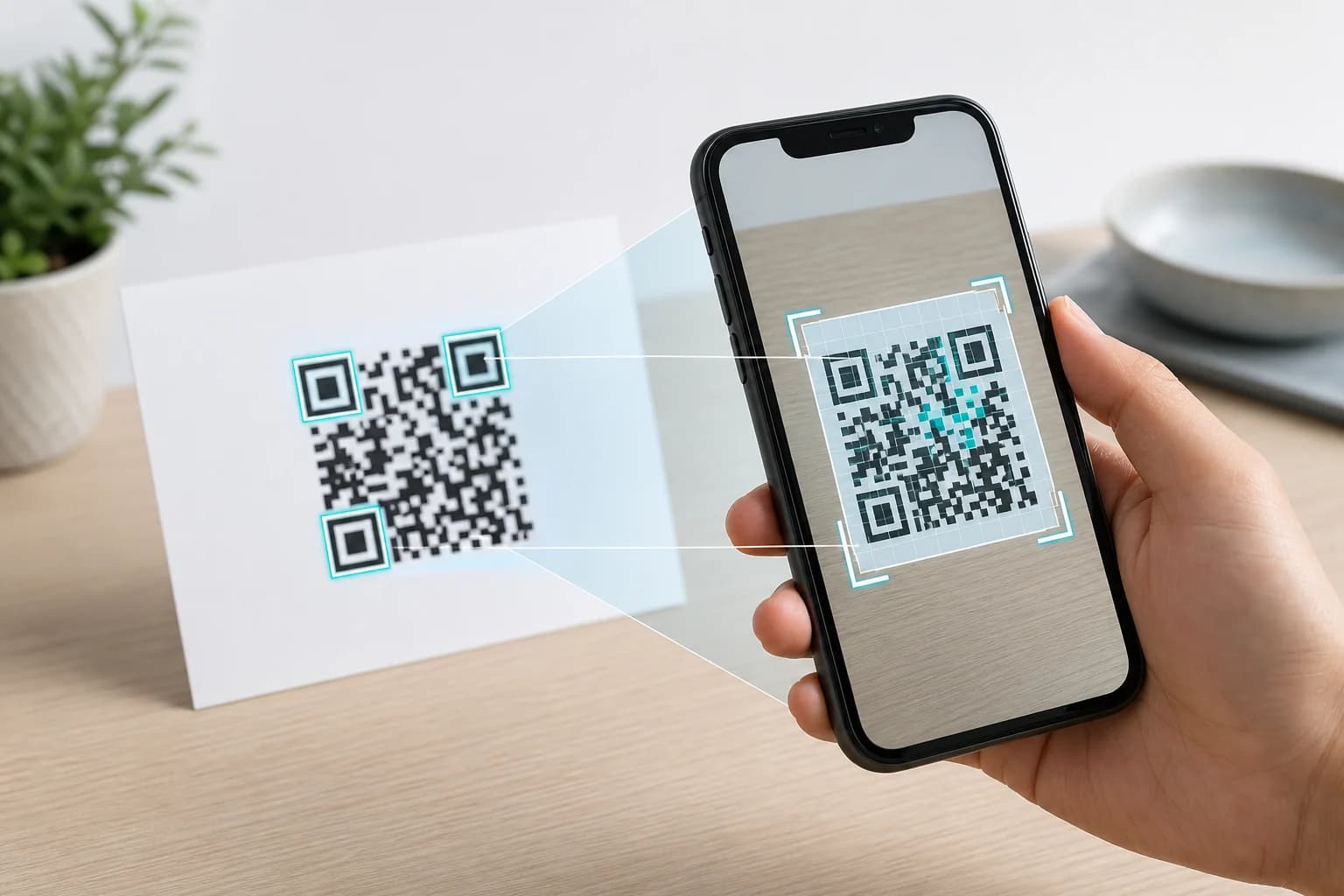
A QR Code turns data into a structured grid of dark and light modules. When a camera scans the symbol, software locates the position patterns, corrects perspective, reads the modules, applies error correction, and reconstructs the encoded data.
The three large squares near the corners play an important role because they help the scanner detect orientation. A clear quiet zone around the symbol also separates the code from nearby text or graphics. Therefore, a QR Code that contains perfectly valid data can still fail when a designer crops the quiet zone or prints the modules too small.
If you want to test a code on an Apple device, use our guide to scanning a QR code on iPhone. If the camera cannot recognize the symbol, the QR code not scanning guide walks through the most common causes.
Does “Quick Response” Mean Every QR Code Opens Instantly?
No. The answer to what does QR stand for refers to the code’s fast-reading design, not a guarantee that every linked page loads instantly.
Several separate steps affect the experience:
Therefore, a QR Code may scan immediately but still lead to a slow website. Likewise, a damaged print may delay decoding even when the website itself is fast. Good QR performance depends on both the physical symbol and the digital destination.
- The camera must detect the symbol.
- The phone must decode the stored data.
- If the code contains a URL, the browser must connect to the destination.
- The destination server must respond.
- The page must load efficiently on the user’s network.
Static and Dynamic QR Codes
The QR meaning stays the same for both static and dynamic codes, but the way they route users differs.
Static QR Code
A static QR Code stores its final data directly. For example, a static URL code contains the actual website address. After creation, you cannot change that encoded address without generating a new symbol.
Dynamic QR Code
A dynamic QR Code normally stores a managed redirect URL. The service can then forward visitors to a destination that you may update later. In addition, dynamic systems can support scan management and analytics because the redirect receives each request before forwarding the visitor.
This distinction also explains why a QR Code can keep scanning while its destination changes. For a deeper explanation of longevity, read Do QR Codes Expire?.
Where Are QR Codes Used Today?
Once you know what does QR stand for, the range of modern uses becomes easier to understand. QR Codes reduce the gap between a physical object and a digital action.
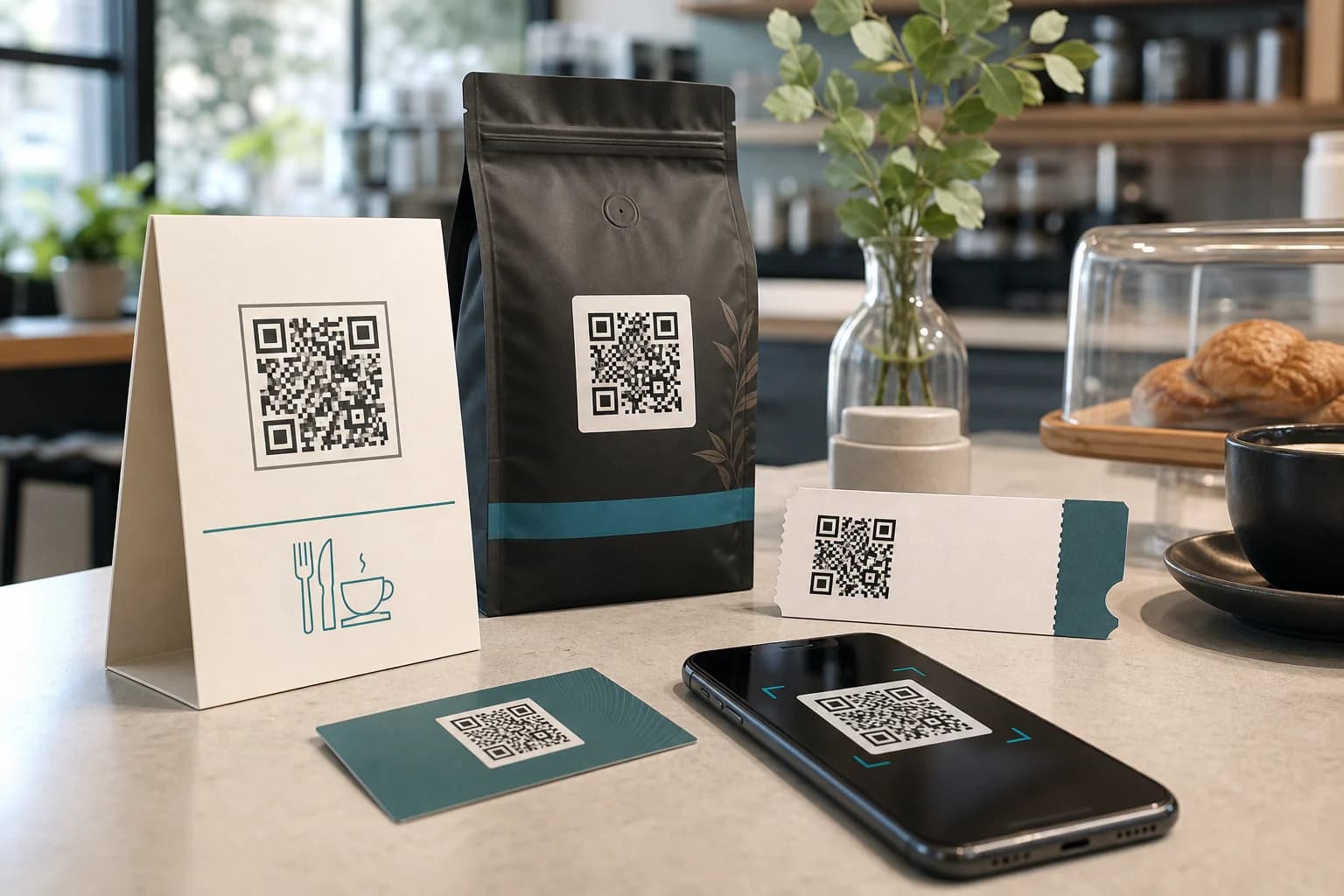
Common examples include:
For example, couples can use a wedding QR code for photos to direct guests to a shared gallery or upload page. Makers can even 3D print a QR code when they preserve module shape and contrast.
- Restaurants: menus, ordering pages, reviews, and promotions.
- Retail: product details, manuals, loyalty programs, and campaigns.
- Events: tickets, schedules, registration, maps, and photo sharing.
- Networking: vCard QR codes, portfolios, LinkedIn pages, and contact cards.
- Packaging: instructions, authenticity pages, support, and product updates.
- Print marketing: posters, flyers, stickers, mailers, and business cards.
Common Misunderstandings About What Does QR Stand For
Several myths appear repeatedly around QR terminology.
Myth 1: QR means “Quick Read.”
It does not. QR comes from “Quick Response.”
Myth 2: QR is a company name.
No. QR Code is the name of the symbol format developed by DENSO WAVE.
Myth 3: Every QR Code tracks users.
No. A static code can simply contain data. Tracking usually requires a managed redirect or analytics layer.
Myth 4: A QR Code automatically expires.
The visual symbol has no universal expiration timer. However, linked pages or managed redirects can stop working.
Myth 5: More data always makes a better QR Code.
Not necessarily. More encoded data can create a denser symbol. Therefore, a short and well-managed destination often produces a more practical code for print.
How to Create a QR Code With CraftMyQR
After answering what does QR stand for, creating one is straightforward. Start with the CraftMyQR generator, choose the content or destination, generate the symbol, and then test it on more than one phone before publishing or printing.
For a stable destination that will not change, a static code may be enough. However, if you expect to update the final URL or want scan management, consider the CraftMyQR Dynamic QR workflow. For print projects, export at a suitable quality and proof the final physical size instead of testing only on a monitor.
Conclusion: What Does QR Stand For?
So, what does QR stand for? QR comes from Quick Response, a name that reflects the original goal of fast machine reading. DENSO WAVE introduced the format in 1994, and its combination of capacity, orientation detection, error correction, and mobile usability helped it spread far beyond manufacturing. Today, the same symbol can connect print to websites, contact details, Wi-Fi, events, files, and dynamic campaigns. With CraftMyQR, you can turn that simple “Quick Response” idea into a code designed for the way people actually scan and interact today.
Frequently Asked Questions
What does QR stand for in QR Code?
QR comes from “Quick Response.” DENSO WAVE chose the name because the development team focused on fast reading. The official product name is QR Code, while “Quick Response” explains the origin of the letters QR and the design goal behind the technology.
Does QR stand for Quick Response Code?
People often expand the phrase that way, but DENSO WAVE makes a finer distinction. QR comes from “Quick Response,” while the official name is QR Code. Therefore, the safest wording is that QR derives from Quick Response rather than treating the entire official name as a conventional acronym.
Who invented the QR Code?
DENSO WAVE developed the QR Code in Japan and released it in 1994. Masahiro Hara was one of the key developers. The original goal involved industrial identification and faster scanning, although the format later expanded into consumer phones, payments, marketing, logistics, tickets, and many other uses.
Why are QR Codes faster to scan than some older codes?
Their two-dimensional structure and distinctive position patterns help scanners locate and orient the symbol quickly. In addition, the format includes error correction. However, scan speed still depends on print quality, module size, contrast, lighting, camera focus, and the performance of the linked destination.
Can a QR Code contain more than a website link?
Yes. A QR Code can encode text, contact details, phone numbers, email information, Wi-Fi credentials, URLs, and other supported data. Nevertheless, many business uses rely on web links because a landing page can present richer content and can be updated without placing large amounts of data inside the symbol.
Are QR Codes the same as barcodes?
Both encode machine-readable information, but they are not the same format. A typical retail barcode stores data mainly along one dimension, while a QR Code uses a two-dimensional grid. As a result, QR Codes can hold more information and support smartphone scanning in many everyday situations.
Do QR Codes expire?
Standard static QR symbols do not contain a universal expiration timer. However, a website, domain, file, or managed dynamic redirect can become unavailable. Physical damage can also stop scanning. Therefore, long-term QR projects should test both the printed symbol and the destination on a recurring schedule.
Need to create a QR code now?
Create and preview your QR code with our free generator. For long-term materials like menus, packaging and posters, consider upgrading to dynamic QR codes.