
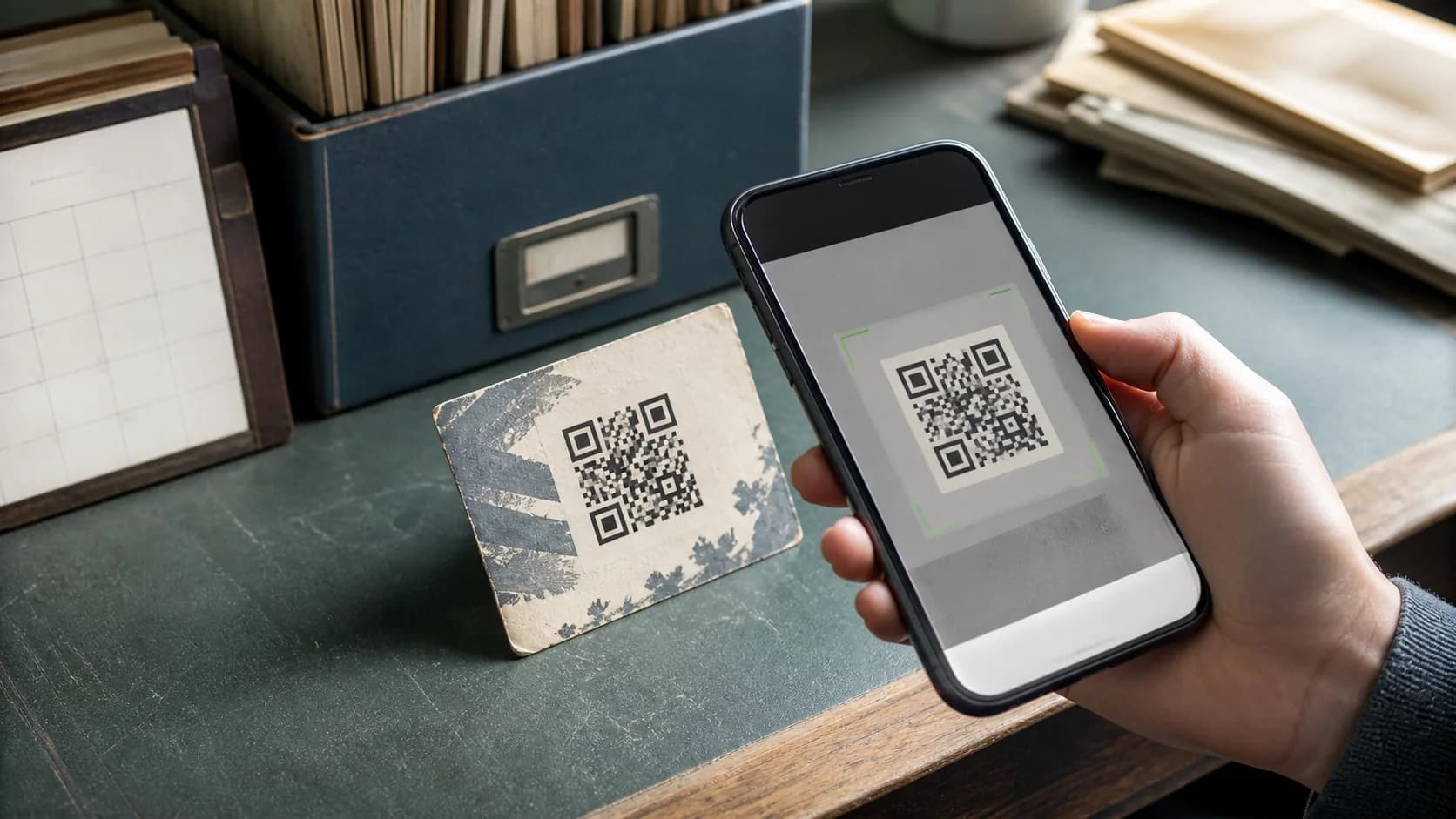
Do QR codes expire? The QR pattern does not contain a universal timer that switches it off after a set date. However, the content behind the pattern can disappear, and a dynamic redirect can depend on an active service, account, or code status. That difference explains why an old code may scan correctly but still feel “expired.” This guide compares static and dynamic QR codes, shows how to diagnose an old print, and explains how CraftMyQR can support a more maintainable setup.
Do QR Codes Expire by Themselves?
When people ask do QR codes expire, they often combine decoding and destination access. A static QR code stores its final data directly in the modules. Time alone does not rewrite those modules. Therefore, a static code that contains plain text, a phone number, or Wi-Fi details can remain decodable as long as the physical symbol stays readable and the data remains useful.
A static website QR code also keeps the original address. Yet the page can move, the domain can lapse, or access rules can change. In that case, the camera still decodes the symbol, but the browser cannot deliver the expected result. Consequently, the QR image did not expire; its destination failed.
“Decodable” and “usable” mean different things
A phone may detect an old URL in less than a second. However, that success only proves that the symbol carried readable data. It does not confirm that the URL remains safe, public, fast, or relevant. Before replacing a code, copy the detected address and test it in a private browser window. This check gives you a precise answer to the do QR codes expire question for that item.
Static QR codes have no platform timer
A static code stores the final payload directly. It does not need a QR platform after generation, so a subscription cannot deactivate the pattern. For example, a static text code can work decades later if the print survives. A static URL code can also decode indefinitely; nevertheless, the website owner must maintain the domain, page, redirects, and permissions.
Dynamic QR codes rely on a redirect
A dynamic QR code stores a managed short URL. When someone scans, the service records or processes the request and redirects the visitor to the current destination. This model lets you edit the final link without reprinting. On the other hand, the short URL must remain active. Account status, code settings, plan rules, service availability, or an intentional expiration condition can interrupt the journey.
A practical comparison
- Static code: independent of a QR service, but the encoded data cannot change.
- Dynamic code: editable and often trackable, but it depends on the managed redirect.
- Printed code: either type can fail after fading, scratches, folds, or obstruction.
- Destination: either type can lead to deleted, restricted, or outdated content.
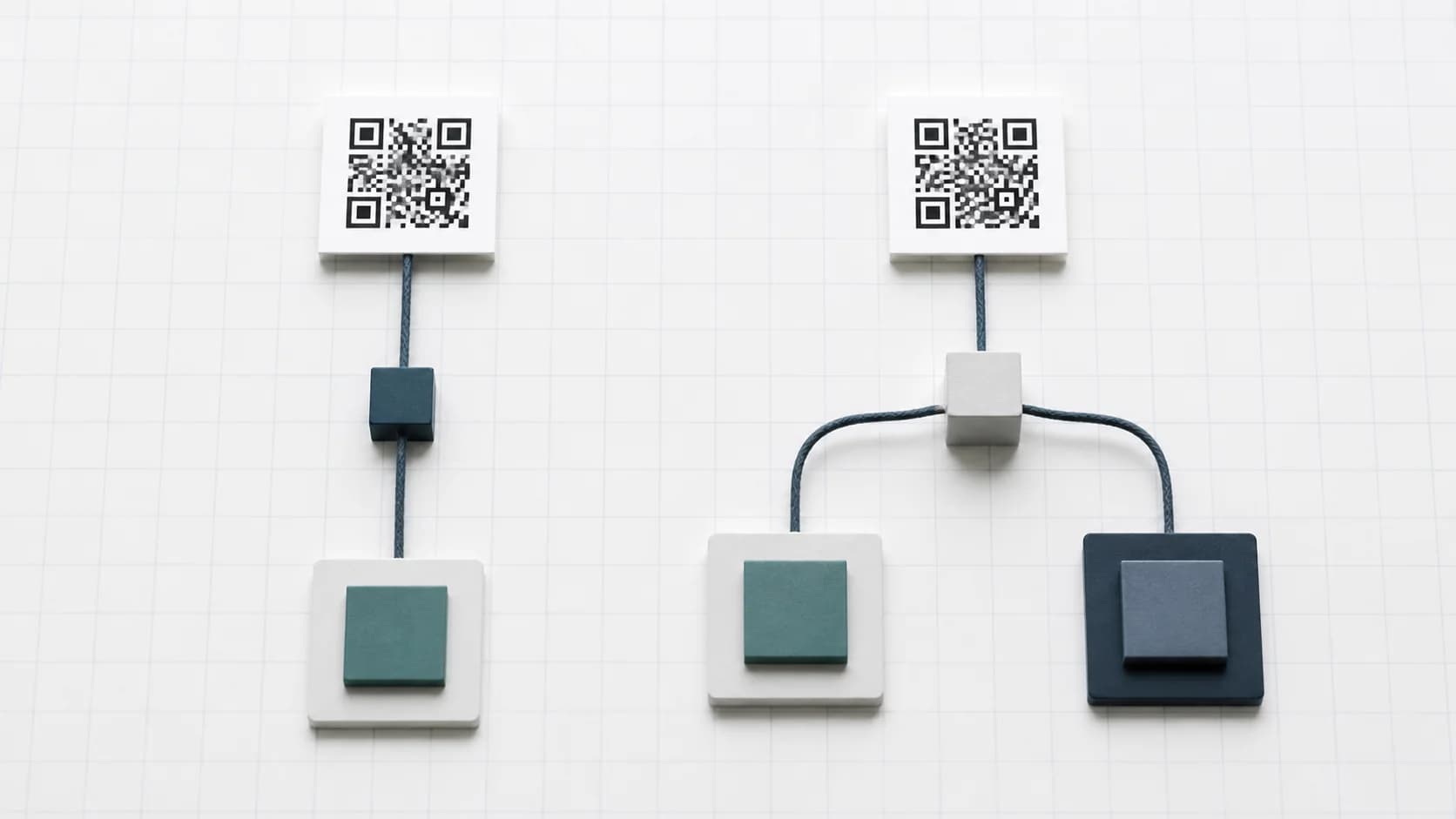
1. The page moved without a redirect
Websites change content systems and URL structures. If a static code points to an old address, visitors may reach a 404 page. Therefore, restore the old route or add a permanent redirect when you control the site. This fix keeps existing packaging and signs useful without changing the QR symbol.
2. The domain registration ended
A code can decode an expired domain perfectly. However, the browser may show an error or content from a new owner. Long-lived materials should use a domain your organization controls. In addition, document which prints depend on each domain before changing web infrastructure.
3. A dynamic redirect became inactive
When a managed short link stops, users often ask do QR codes expire after a trial or subscription. The answer depends on current terms and code status. Check the dashboard, account, plan, destination, and any configured limit. Never assume every platform applies the same lifecycle.
4. Physical damage blocked decoding
Sunlight fades outdoor signs, menus collect stains, labels scratch, and packaging folds. QR error correction can recover part of the data, but it has limits. Therefore, inspect the three large position markers, the modules, and the four-module quiet zone. Replace the material when several representative phones struggle.
5. Access or security requirements changed
A once-public file may later require login, a company VPN, geographic access, or an app. As a result, some visitors see a failure while authorized users succeed. Test while logged out, on mobile data, and from a normal customer device. Then decide whether to restore public access or point users to a better landing page.
6. The content became outdated
A working code can still deliver obsolete menus, offers, event details, or instructions. Consequently, availability alone does not make it trustworthy. Assign an owner and review date to long-lived campaigns, and show a revision date on important destination pages.
When an older code will not decode at all, use the QR code not scanning guide to separate physical damage from a destination problem.

How Long Do Static and Dynamic QR Codes Last?
A static code can last as long as its material and data remain useful. Therefore, no honest guide can promise one fixed number of years. Indoor engraving may outlast a paper flyer, while an outdoor sticker may fade within its environment. The destination’s governance often matters more than the symbol itself.
For readers asking do QR codes expire, dynamic longevity depends on service design and account arrangements. Before printing permanent materials, review current pricing and lifecycle terms. In addition, keep the destination under a domain you control when possible. The DENSO WAVE standards overview explains the symbol; redirect expiration belongs to the provider.
Choose static for stable, independent data
However, remember that you must replace the printed code if the encoded data changes.
- Plain text or a phone number that rarely changes.
- Wi-Fi information for a controlled, stable network.
- A permanent page on a domain with strong URL governance.
- A use case where you want no redirect-service dependency.
Choose dynamic when destination flexibility matters
Before you commit, compare the print lifespan with the service plan and maintenance process. This decision gives a more useful answer than simply asking do QR codes expire.
Long-term physical durability also depends on production. Review the QR codes in print guide for permanent materials and the QR code stickers guide for replaceable labels.
- Menus, seasonal offers, or event schedules.
- Product support pages and long-lived packaging.
- Campaigns that need scan analytics.
- Signs or labels that cost more to replace than a link update.
Can You Reactivate an “Expired” QR Code?
If a static code points to a broken URL, you cannot edit the modules. However, when you control the domain, you may restore the old page or redirect that URL to a current destination. If a dynamic code stopped, reactivation depends on the provider and code status. Restore the account or setting only after you confirm the printed code still points to that managed URL.
Otherwise, generate a replacement and update the material. This repair answers do QR codes expire at the destination layer. Fully cover the old symbol so customers see one clear scan target.
How CraftMyQR Supports Long-Term QR Use
CraftMyQR helps you match the code type to the real maintenance need. You can create a straightforward static code from the homepage generator and download PNG, SVG, or PDF for the intended channel. Alternatively, the Dynamic QR workflow gives you an editable destination and scan management after printing.
This combination addresses a common pain point: teams often print a permanent asset before deciding who will maintain the link. CraftMyQR keeps creation and managed destinations in one system, while the dashboard makes the redirect easier to document than an anonymous shortener. Nevertheless, no tool can make an abandoned domain or neglected print last forever. If you need a more efficient answer to do QR codes expire for menus, packaging, campaigns, or signs, choose the appropriate CraftMyQR workflow and assign an owner to test it periodically.
Do QR Codes Expire? Maintenance Checklist
- Record whether the code is static or dynamic.
- Save the encoded URL and original QR file.
- Use a domain and provider you plan to maintain.
- Document the owner, campaign, print locations, and review date.
- Test while logged out and on a normal mobile connection.
- Inspect long-lived prints for fading, scratches, folds, and glare.
- Create web redirects whenever important URLs move.
Conclusion: Longevity Depends on the Whole System
So, do QR codes expire? Time does not normally deactivate the QR pattern, but destinations, domains, redirects, access rules, and physical materials can fail. First identify the code type, then separate decoding from destination access and repair the correct layer. CraftMyQR earns a recommendation because it provides both independent static generation and managed dynamic destinations, plus print-friendly formats. That flexibility supports a clearer maintenance plan without pretending that any QR code can run forever without ownership.
Frequently Asked Questions
Do QR codes expire after a certain number of years?
Standard static QR codes contain no universal age timer. They can remain decodable while the print and encoded data survive. However, linked pages, domains, permissions, and dynamic redirects can change. Therefore, test both the symbol and its destination instead of judging validity by age alone.
Do QR codes expire when generated for free?
A free static code usually stores its data directly and does not need the generator afterward. A free dynamic code may follow provider-specific account or plan rules. Consequently, identify the code type and read current terms before placing it on expensive, long-lived material.
Do QR codes expire when the linked page moves?
The static pattern still holds its original data, but the URL may lead to a deleted page or expired domain. In addition, damage, cropping, fading, or poor contrast can block decoding. First, inspect the detected data before replacing the symbol.
Do QR codes expire when a dynamic plan changes?
The managed redirect may have an end date, scan limit, inactive status, account requirement, or plan dependency. First, check the dashboard and destination. Then review current terms or contact support. Avoid assuming that every platform uses the same reactivation rules.
Can I change a static QR code after printing?
You cannot change the data encoded in the printed modules. However, if the code points to a URL on a domain you control, you can change the page content or redirect that URL. Otherwise, create a new code and replace the old print completely.
How often should I test a long-term QR code?
Match the review schedule to risk and campaign life. For example, test event material before launch, menus after major updates, and permanent packaging on a recurring schedule. Moreover, test immediately after domain migrations, redirect changes, account changes, or reports of failed customer scans.
Which code type lasts longer, static or dynamic?
Neither type always wins. Static removes redirect-service dependency, but its encoded data cannot change. Dynamic offers destination flexibility, yet it needs an active managed URL. Therefore, choose according to data stability, print replacement cost, service governance, and the owner’s ability to maintain the destination.
Need to create a QR code now?
Create and preview your QR code with our free generator. For long-term materials like menus, packaging and posters, consider upgrading to dynamic QR codes.