
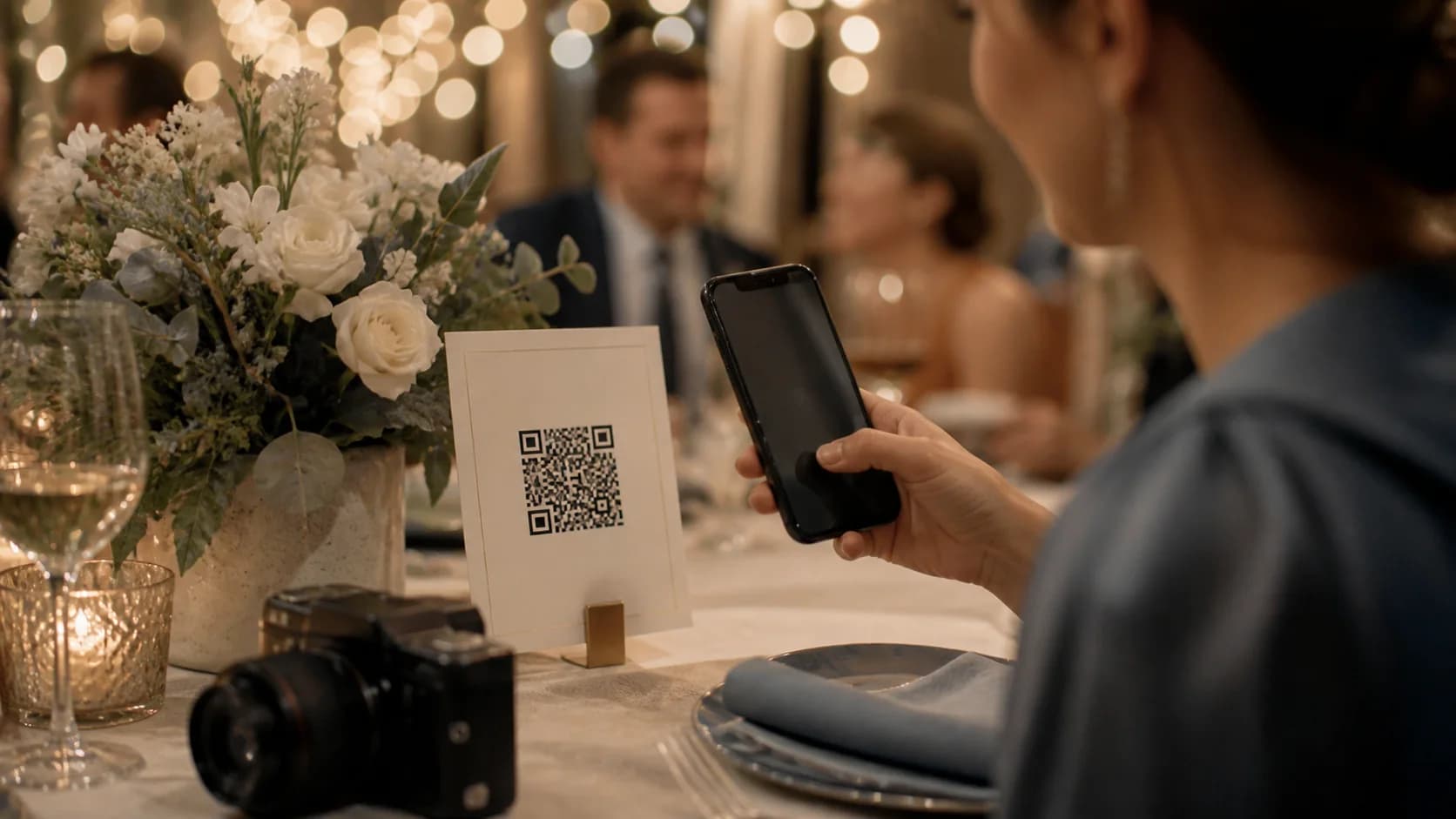
A wedding QR code for photos gives guests one place to upload and view memories from the ceremony and reception. Instead of collecting images from several group chats, print the code on signs, table cards, and next-day messages. However, the QR code only opens the door; the gallery, permissions, instructions, and backup plan determine whether guests participate. This guide covers the workflow and explains where CraftMyQR helps.
What Is a Wedding QR Code for Photos?
A wedding QR code for photos is a scannable link to an album, upload page, shared folder, or wedding gallery. Guests open Camera, scan, tap the link, and follow the upload instructions. Most recent phones handle normal QR links without a separate scanner app, although the gallery itself may still require an account or app.
The best setup gives guests one destination throughout the event. Therefore, you can repeat the same code at the welcome table, bar, guestbook, photo booth, and reception tables without creating fragmented albums. After the wedding, you can also send the link again to anyone who forgot to upload.
Why Use a Wedding QR Code for Photos?
A professional photographer captures planned moments, while guests record spontaneous scenes. A shared upload flow helps collect both. In addition, it reduces searching through message threads or compressed chat images.
However, participation depends on low friction. If guests must create an unfamiliar account or navigate a confusing folder, many will postpone the task.
- Give every guest one clear photo-sharing destination.
- Collect candid images during the ceremony and reception.
- Reduce loss across private chats and social platforms.
- Keep printed instructions short and consistent.
- Reuse the destination for highlights or thank-you messages.
Shared cloud folder
A cloud folder can provide quick setup and familiar file storage. Nevertheless, permission settings often cause trouble. Test whether a guest can upload without seeing private account details or gaining unwanted delete access. In addition, confirm whether the service requires login and whether mobile uploads preserve useful image quality.
Dedicated wedding gallery
A wedding gallery may offer moderation, messages, downloads, and event branding. However, pricing, storage, and retention vary. Compare the guest upload flow rather than only the couple’s dashboard.
Custom upload page
A custom page gives you control over instructions and consent. On the other hand, it requires reliable hosting and mobile design. Keep the main upload button easy to find.
Static vs Dynamic Wedding QR Code for Photos
A static QR code stores the final album URL. It can work well when the link is tested, permanent, and unlikely to change. Because it does not rely on a managed redirect, the symbol remains independent of the QR platform after creation. However, you must replace the print if the album address changes.
A dynamic wedding QR code for photos points to a managed short link. Therefore, you can update the final destination without changing signs or table cards. For example, the code can open upload instructions before the event and a curated gallery afterward. Dynamic does add a service dependency, so confirm account and plan requirements for the period you want the print to remain useful.
For invitations or signs that may remain in use after the event, review whether QR codes expire and which parts of the destination need ongoing maintenance.
How to Create a Wedding QR Code for Photos
- Choose the gallery, upload page, or shared folder.
- Configure viewing, uploading, downloading, deleting, and moderation permissions.
- Open the destination in a private mobile browser and complete a test upload.
- Decide whether a static or dynamic code fits the link and print lifespan.
- Create the QR code from the final destination.
- Use dark modules, a light background, and a four-module quiet zone.
- Add a direct CTA such as “Scan to share your photos.”
- Print one proof and test with multiple iPhone and Android devices.
Run a guest test, not an owner test
The album owner may already hold cookies, permissions, and the right app. Consequently, a successful owner test can hide guest friction. Ask someone outside the setup account to scan, upload two photos, view the gallery, and download an image. Then correct unclear copy or permissions before printing.
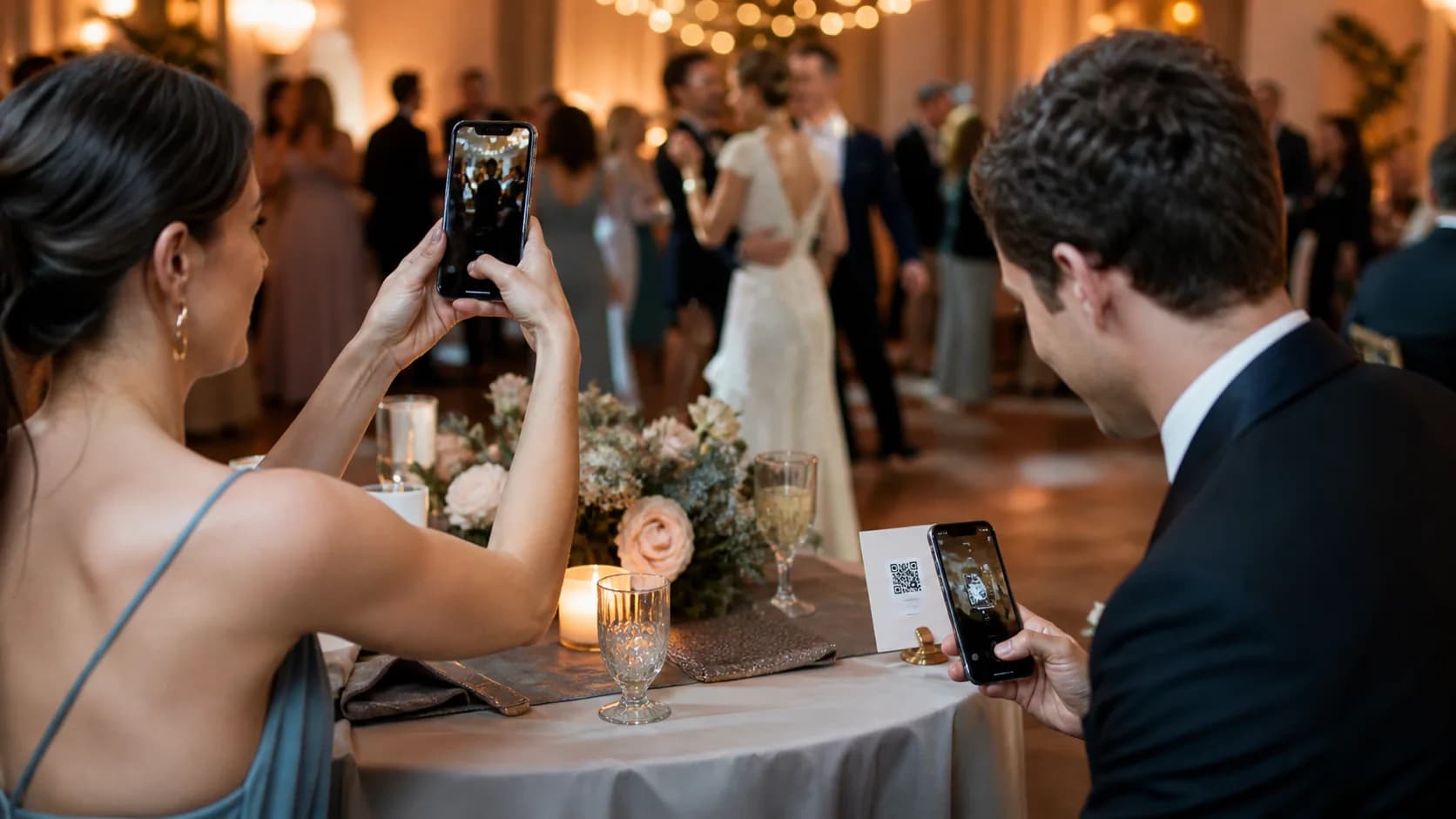
Design and Print a Wedding QR Code for Photos
Wedding stationery invites decoration, but scan reliability comes first. Use a dark QR pattern on a light plain background, keep the three position markers clear, and protect four modules of quiet zone on every side. If you add a logo, keep it modest and test the finished version rather than assuming error correction will recover every design choice.
For close-range table cards, a code around 3–4 cm wide can provide a practical starting proof. However, size also depends on data density, print quality, light, and scanning distance. Welcome signs need a larger code because guests stand farther away. A matte finish usually handles reception lighting better than a highly reflective laminate.
Use SVG or print-ready PDF when the design workflow accepts vectors. Otherwise, use a sufficiently large PNG. In addition, keep the aspect ratio locked and avoid screenshots or JPEG compression. The complete QR codes in print guide covers module size, quiet zone, glare, and proof testing in more detail.
Where to Display the Photo QR Code
Ask the DJ or coordinator to mention the wedding QR code for photos once. A short prompt often works better than more signs.
If you plan to place the code on favors, welcome bags, or removable signs, the QR code stickers guide covers material, adhesive, glare, and real-world scan testing.
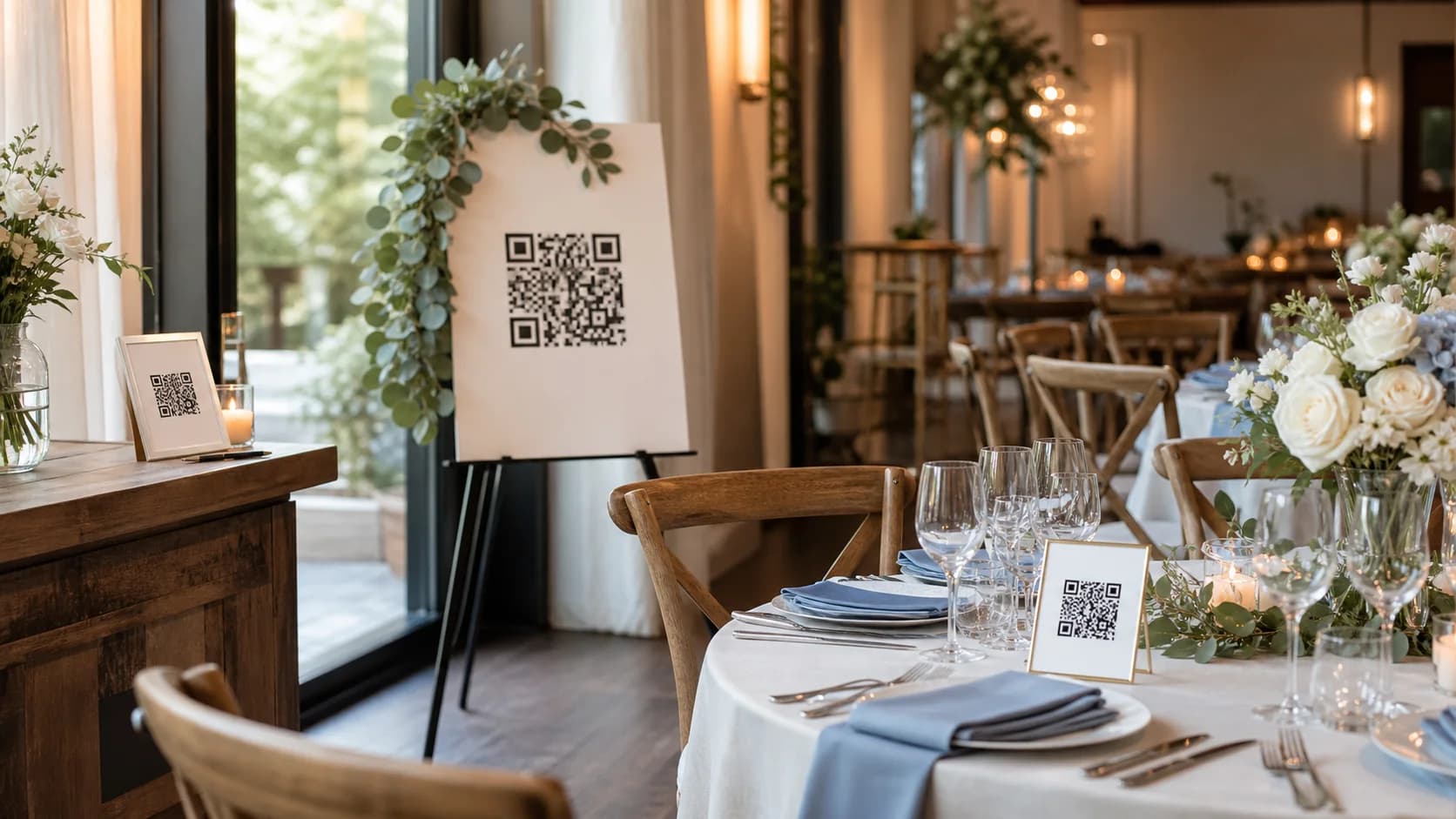
- Welcome sign: introduces the activity as guests arrive.
- Reception tables: places the prompt where phones remain within reach.
- Guestbook station: connects messages and photos in one moment.
- Photo booth: reaches guests who already plan to take pictures.
- Bar or lounge: uses natural waiting time without interrupting dinner.
- Next-day message: reminds guests who captured photos but forgot to upload.
Privacy, Consent, and Guest Trust
Explain who can view uploads, whether images may appear publicly, how long the gallery will remain available, and who can download originals. If you plan to post guest photos on social media or marketing channels, request appropriate permission rather than treating an upload as automatic consent for every use.
For a private gallery, use access controls and never print a password beside a public code. In addition, moderate live displays so an unsuitable upload does not appear. After the event, download originals and keep a second backup because a QR link does not replace storage.
Common Wedding QR Code for Photos Mistakes
- Creating the QR code before the album permissions are final.
- Testing while logged into the owner account only.
- Using several different destinations across signs and tables.
- Printing the code too small or on a glossy, curved display.
- Using vague copy such as “Scan me” instead of explaining the benefit.
- Requiring an unfamiliar app without warning guests.
- Leaving the gallery open indefinitely without a retention plan.
- Keeping no independent backup of the uploaded originals.
How CraftMyQR Supports a Wedding QR Code for Photos
CraftMyQR solves the QR source and link-management part of the workflow. Once the album works for a guest, you can create the code from that destination, customize colors and a logo carefully, preview it, and download PNG, SVG, or PDF for signs and stationery. As a result, every designer starts from the same controlled master file instead of a screenshot copied through messages.
If the album URL may change, the Dynamic QR option lets you update the destination without reprinting. This approach can be more reliable than a fixed code on early stationery because wedding plans and gallery links sometimes change. Nevertheless, the gallery provider still controls uploads, privacy, and storage. If you want a more efficient way to prepare a wedding QR code for photos, try CraftMyQR for generation and destination control, then test the complete guest journey.
Wedding QR Code for Photos Final Checklist
- The gallery accepts a test upload from a logged-out guest.
- Viewing, download, delete, and moderation permissions match the plan.
- The static or dynamic choice fits the expected link changes.
- The artwork uses strong contrast and a four-module quiet zone.
- The final proof scans from realistic distance and reception light.
- The sign explains exactly what guests should do.
- The couple has a retention and backup plan after the event.
Conclusion: Make Sharing Easy and Expectations Clear
A wedding QR code for photos works best when the album, permissions, instructions, print, placement, and backup plan all support one simple guest journey. CraftMyQR earns a recommendation because it provides a controlled QR source, print-friendly formats, careful customization, and optional dynamic destination editing. Those features reduce reprint and asset errors, while the chosen gallery continues to handle uploads and privacy. Build the destination first, test as a guest, then print and share.
Frequently Asked Questions
Can guests use a wedding QR code for photos without an app?
Yes, when the chosen gallery supports browser uploads. Test the complete flow on iPhone and Android while logged out. Some services still request an account or app, so state that requirement clearly before printing and choose a lower-friction option when participation matters most.
Should a wedding QR code for photos use a static or dynamic link?
Static works when the gallery link will remain stable and you want no managed-redirect dependency. Dynamic works when you may change the destination after printing. Therefore, carefully compare flexibility, service requirements, replacement cost, and how long guests should continue scanning.
Where should I display a wedding QR code for photos?
Use natural pause points, such as the welcome sign, guestbook, photo booth, bar, and reception tables. Keep one destination across every display. In addition, send the same link the next day so guests can upload photos they took but forgot to share.
How large should a wedding QR code for photos be on a table card?
Around 3–4 cm can start a close-range proof, but it is not a universal standard. Data density, print quality, contrast, lighting, and distance also matter. Therefore, print at final size and test the exact paper or display before ordering.
How long should the wedding photo gallery stay open?
Keep uploads available long enough for guests to respond after the event, then follow the provider’s storage terms and your privacy plan. There is no single correct duration. Communicate the deadline, download originals, create a second backup, and review who can still access the gallery.
Can I show guest uploads live during the reception?
Yes, if the gallery supports it and someone moderates submissions before display. Without review, accidental, duplicate, or unsuitable photos may appear publicly. Tell guests about the live display, define who can view it, and keep a coordinator responsible for the screen and upload queue.
Is a public wedding photo QR code private?
No. Anyone who sees or photographs the code may open its destination unless the gallery adds access controls. Avoid sensitive details, use appropriate permissions, explain who can view uploads, and do not print passwords beside a public sign. For stronger privacy, share access through a controlled guest channel.
Need to create a QR code now?
Create and preview your QR code with our free generator. For long-term materials like menus, packaging and posters, consider upgrading to dynamic QR codes.