
Free vCard QR Code Generator
Create a free vCard QR code for contact details. Add a name, company, job title, phone and email, then customize and download PNG, SVG or PDF.
Create your vCard QR code
Enter the contact details you want to share. Customize the design, scan-test the result and download it for print or digital use.
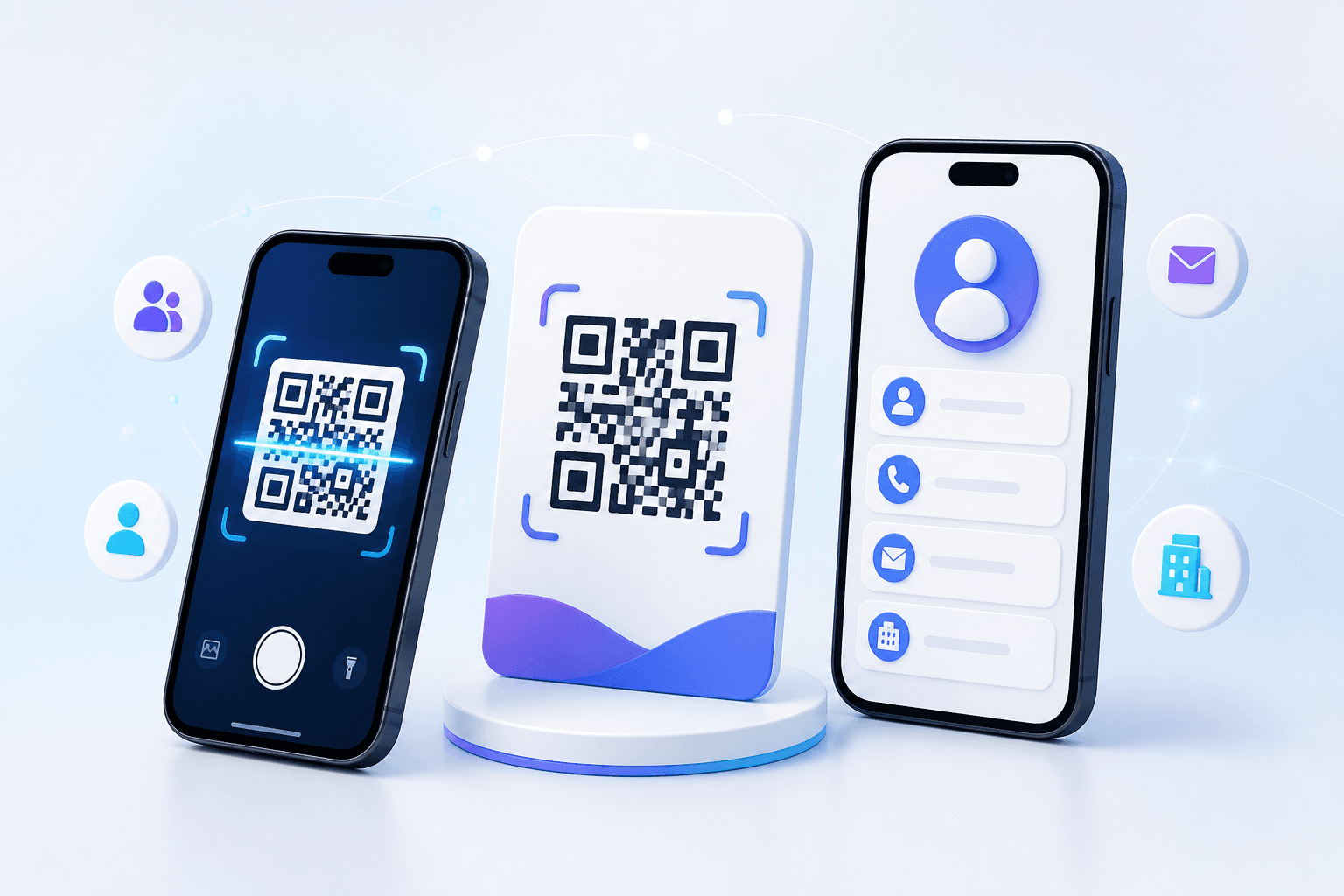
Quick answer: Enter a name and the contact details you want to share, customize the QR design, test the contact preview on a phone, then download PNG, SVG or PDF.
What is a vCard QR code?
A vCard QR code stores contact information in a format that many phone cameras and QR scanner apps recognize. After scanning, the phone can show a contact preview and offer to save the details. This avoids asking someone to type a name, phone number, email address, company and job title from a printed business card.
CraftMyQR creates a standard vCard 3.0 payload directly in the QR code. The current generator includes name, company, job title, phone and email fields. The information is encoded in the downloaded symbol, so the code does not need a profile landing page or redirect to work.
How to create a vCard QR code
- Enter the contact name. Use the name you want people to see in their contact preview.
- Add professional details. Include a company and job title when the code is for networking, sales or recruiting.
- Add a phone number and email. Include the country code when people may scan the code outside your local area.
- Customize the QR code. Choose colors, module styling or a logo while keeping strong contrast and a clear margin.
- Scan-test the result. Confirm every field appears correctly before downloading or printing.
- Download PNG, SVG or PDF. Choose an output that fits your digital or print workflow.
What information can this contact QR code contain?
| Field | How to use it |
|---|---|
| Name | The contact name displayed by the phone |
| Company | Business, organization or brand |
| Job title | Role or professional position |
| Phone | Direct, mobile or business number |
| Preferred address for follow-up |
Only include information you are comfortable distributing. Anyone who can scan or photograph the QR code may be able to read the encoded contact details.
vCard QR code vs digital business card link
A vCard QR code and a QR code that opens an online profile solve related but different problems. A vCard is designed to transfer contact fields directly to the phone. A digital business card or profile URL opens a web page where you can present a biography, social links, portfolio items, booking links and other content.
| Need | vCard QR code | Profile URL QR code |
|---|---|---|
| Save contact details quickly | Best fit | Usually needs an extra tap |
| Show rich profile content | Limited contact fields | Best fit |
| Works without a hosted landing page | Yes | No |
| Update content after printing | No | Possible with the same URL or a dynamic QR code |
Does a vCard QR code expire?
A static vCard QR code does not expire because of age. Its contact data is contained in the QR pattern. However, the information can become outdated when a phone number, email, employer or job title changes. Because the fields are encoded directly, changing them requires generating and printing a new code.
If information changes often, consider linking to a maintained profile page instead. You can use the main free QR code generator for a permanent profile URL, or create a dynamic URL code when you need to change the destination later.
Where to use a vCard QR code
- Business cards: let recipients save contact details without manual entry.
- Conference badges: make networking faster at events and trade shows.
- Email signatures: provide a scannable contact option on another screen.
- Sales materials: connect brochures, proposals and product sheets to a representative.
- Storefronts and offices: share a public business contact at reception or outside business hours.
- Resumes and portfolios: give recruiters a quick way to save applicant details.
How to print a reliable business card QR code
Keep enough contrast
A dark foreground on a light background is the safest choice. Brand colors can work, but avoid combinations that are too similar in brightness.
Preserve the quiet zone
Leave clear space around every side of the symbol. Text, borders and decorative graphics should not touch the QR code.
Use the right file format
SVG is useful when a designer needs scalable artwork. PNG works well for common digital layouts, while PDF is convenient for print review and sharing.
Test the final physical proof
Do not rely only on the browser preview. Scan the actual printed card at a natural distance on more than one phone, then verify that each saved field is correct.
vCard QR code best practices
- Use a recognizable contact name rather than an unexplained abbreviation.
- Include a country code in phone numbers used by international contacts.
- Use a monitored email address that is appropriate for public distribution.
- Add a short instruction such as “Scan to save my contact.”
- Regenerate the code whenever an encoded detail changes.
- Keep an editable source or note of the original fields for future reprints.
Free vCard QR Code FAQ
Can I create a vCard QR code for free?
Yes. Enter the contact fields in the CraftMyQR generator and download the finished code without creating a hosted contact page.
What happens when someone scans a vCard QR code?
A compatible phone can display the encoded details and offer to add them as a contact. The exact preview depends on the device and scanner app.
Can I update a vCard QR code after printing?
No. A static vCard stores the contact fields in the QR pattern, so changed details require a newly generated code.
Does a vCard QR code need internet access?
The contact data itself is encoded in the QR symbol and does not require a hosted landing page. Device behavior can still vary by camera or scanner app.
Is it safe to put a vCard QR code on a business card?
It is practical, but treat every encoded field as public information because anyone with access to the code may be able to read it.
Which format should I download for a printed business card?
SVG is usually the most flexible choice for scalable print layout. Always scan-test the final exported and printed artwork.