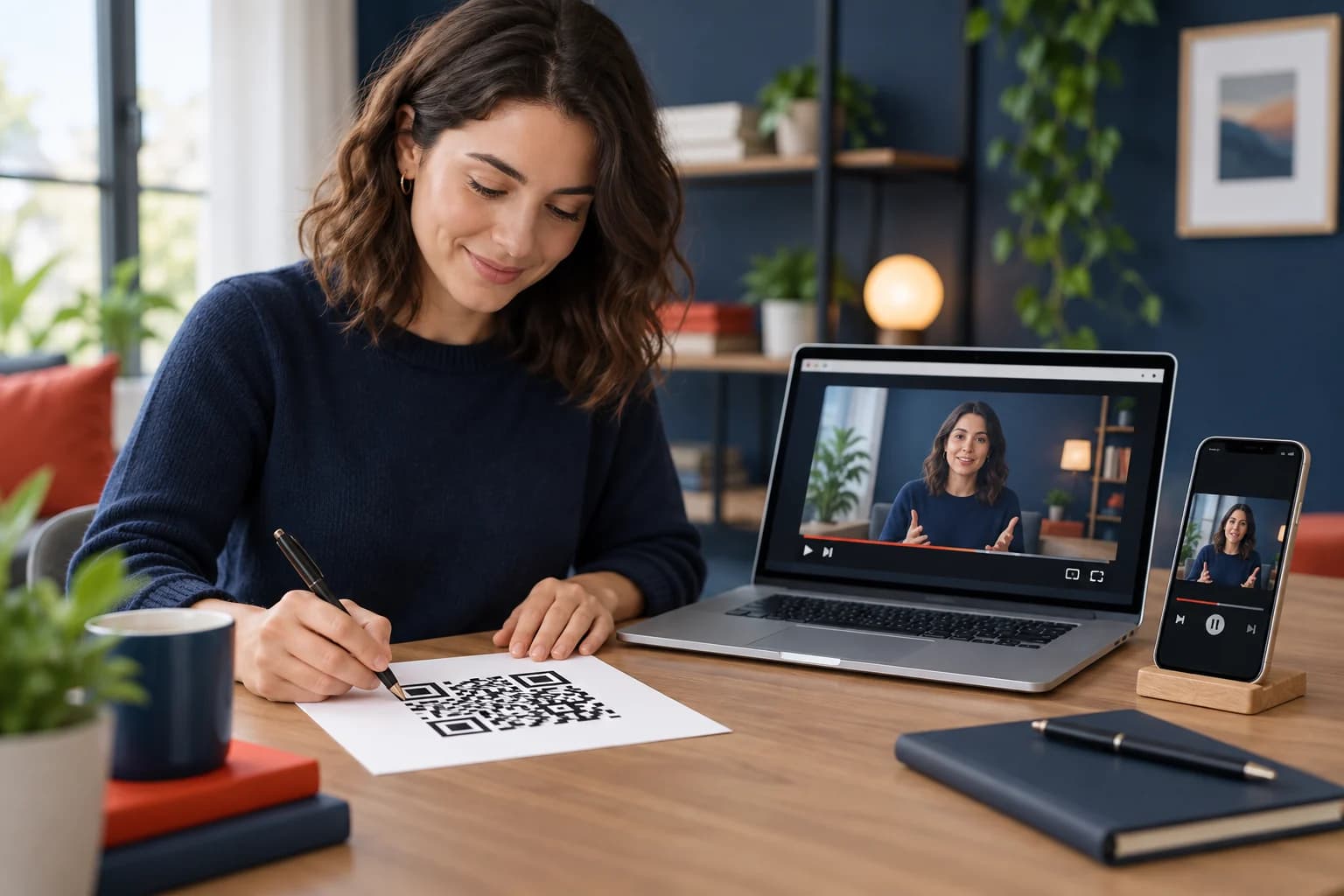
Learning how to make a QR code for YouTube lets a printed lesson, exhibit, product insert, poster, or presentation open a video without asking someone to type a long address. The QR code stores a share URL; it does not contain the video itself or guarantee that the video remains public.
This guide covers video, channel, playlist, Short, and timestamp links, plus static and dynamic routing, tracking, placement, accessibility, and testing. Use the CraftMyQR generator after you verify the exact public destination.
How to Make a QR Code for YouTube in 7 Steps
That is the practical answer to how to make a QR code for YouTube. The details matter when a video is unlisted, age-restricted, embedded in a playlist, meant to start at a timestamp, or printed on long-lived material.
- Choose the destination. Decide whether to open one video, a timestamp, playlist, channel, or Short.
- Check visibility and rights. Confirm the intended audience can view the content and you are authorized to share it.
- Copy the official share link. Use YouTube’s Share control rather than the address from an editing dashboard.
- Choose static or dynamic. Consider whether the destination may change after printing.
- Generate the QR code. Paste the verified link into CraftMyQR and customize conservatively.
- Add context. Tell people what they will watch, approximate length, audio needs, and any data or sign-in requirement.
- Test the final placement. Scan on multiple phones, networks, and app/browser states and play the intended segment.
Copy the Right YouTube Share Link
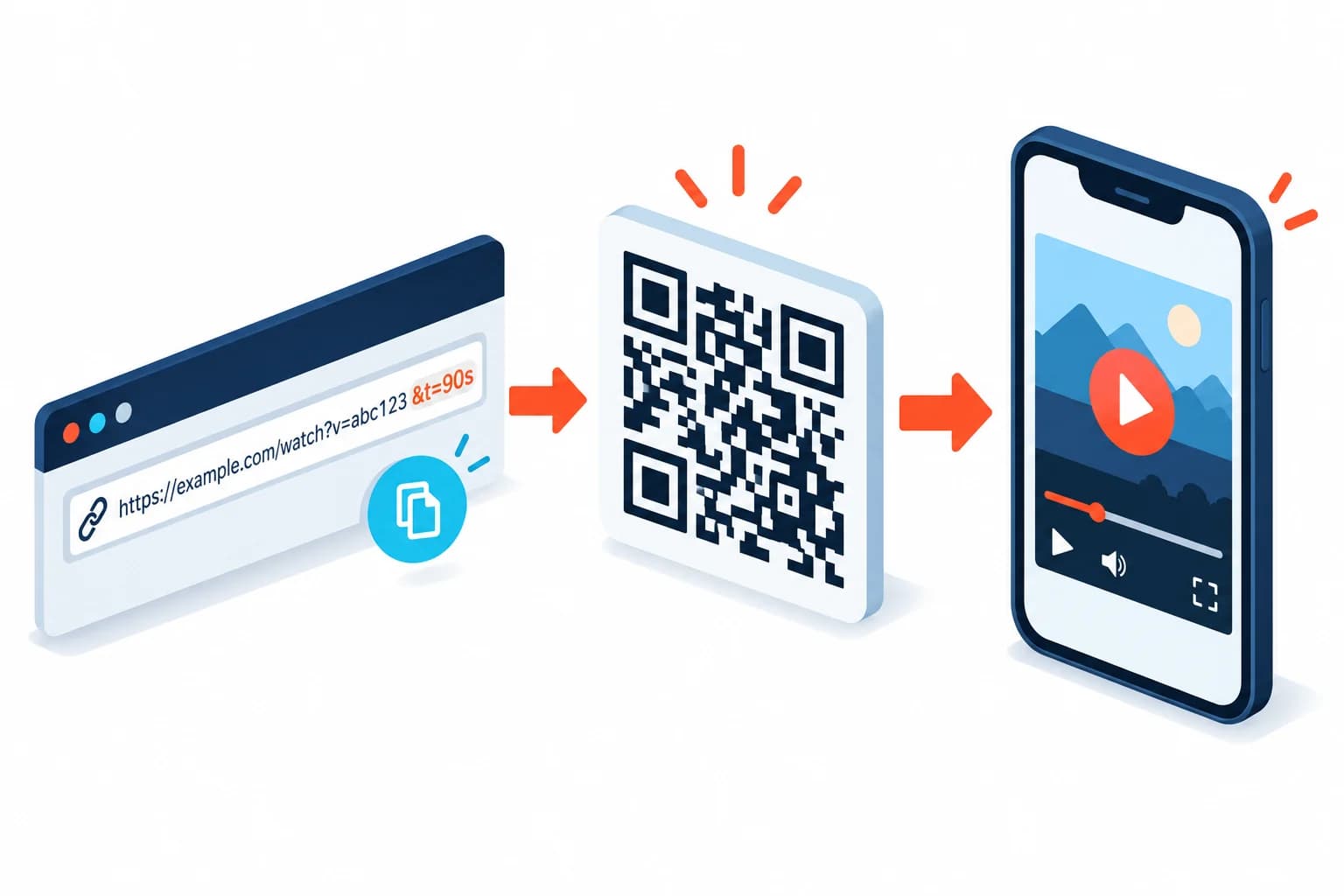
YouTube’s video and channel sharing guidance explains how to use Share and how to start a video at a chosen point. Copy the viewer-facing link, then open it in a private mobile browser.
For a single video, confirm the title, channel, thumbnail, visibility, and start position. For a playlist, verify order and whether unavailable videos create gaps. For a channel, choose the channel URL that presents the intended landing view.
Do not copy YouTube Studio, edit, analytics, or account-specific URLs. They may require the owner’s account or expose a workflow ordinary viewers cannot access. Save the approved share URL beside the artwork source.
Video, Timestamp, Playlist, Channel, or Short?
Use a direct video link when one piece of content answers the printed prompt. Add a timestamp when viewers need a specific chapter or demonstration, but introduce enough context that the jump does not feel abrupt.
Use a playlist for an ordered series, course, product collection, or event recordings. Use a channel link when discovery and subscribing are the goals. A Short link is appropriate for vertical short-form content, but test how it opens in both the app and browser.
The destination should match the call to action. “Watch the two-minute setup” should not open a channel homepage, and “Explore the full series” should not open only episode three.
Check Visibility, Restrictions, and Longevity
Public videos are broadly discoverable. Unlisted videos can be viewed by people with the link, including anyone who scans or shares the QR code. Private videos require approved accounts and are usually poor choices for public print.
Age, region, copyright, organization, and sign-in restrictions can change what different viewers see. Test with a signed-out account and from the relevant audience context. Do not claim universal access when the video has known restrictions.
Printed codes may outlive a campaign or video. Assign an owner, preserve the video or a replacement page, and avoid deleting content without considering materials already in circulation.
Static or Dynamic YouTube QR Code?
A static code stores the YouTube share link directly. It is simple and suitable when the video, playlist, or channel will remain the correct destination for the material’s life.
A dynamic QR code can redirect the same printed code to a revised video, language version, playlist, transcript page, or campaign landing page. It can also record scan events before YouTube opens.
Dynamic routing requires an active service and careful wording. If a printed card promises one specific tutorial, do not silently redirect it to an unrelated promotion. Use a durable landing page when context, alternatives, and long-term maintenance matter.
Create and Label the YouTube QR Code
Paste the approved share link into the CraftMyQR generator. Use a dark foreground, light plain background, complete quiet zone, and modest logo treatment. Export PNG for many digital layouts or SVG/PDF for print workflows.
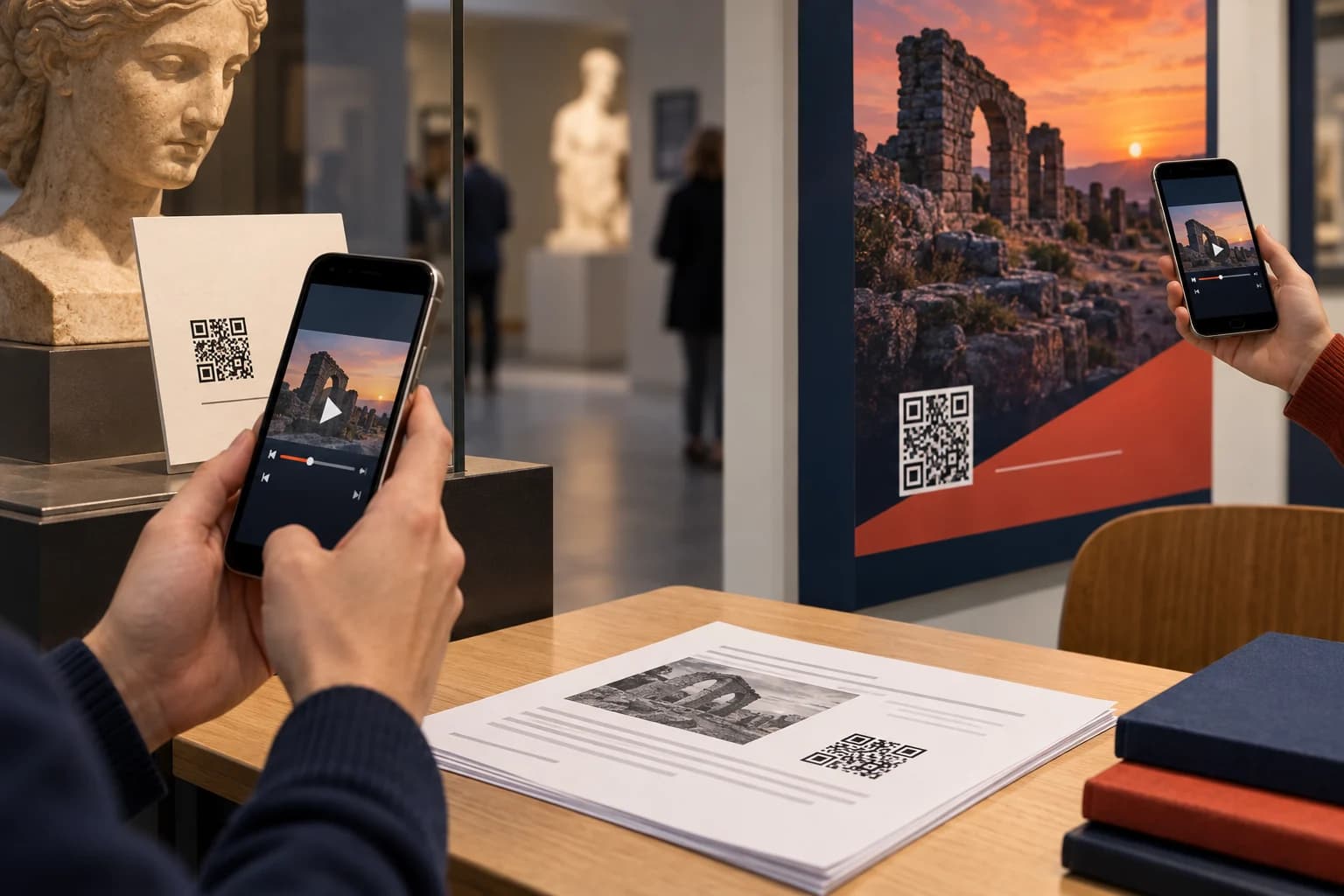
Write a specific prompt: “Scan to watch the installation video,” “Scan for the 90-second demonstration,” or “Scan to open the lesson playlist.” Note that audio or mobile data is needed when relevant, especially in museums, classrooms, clinics, and public spaces.
Do not use the YouTube brand or logo in a misleading way. Follow applicable brand and trademark rules, and make clear that the content belongs to its actual channel or creator.
Test Playback, Not Just Detection
Scan on recent iPhone and Android devices with and without the YouTube app installed. Check whether the link opens in the expected app or browser, begins at the correct timestamp, preserves playlist context, and shows the intended account and title.
Test Wi-Fi and mobile data, normal and restricted browsing modes, portrait and landscape, captions, sound, and any age or sign-in prompt. Let the video play long enough to detect an unavailable, blocked, or wrong version.
Then test the actual physical placement: handout, exhibit label, package, poster, or projected slide. Check distance, angle, glare, surface, and nearby visual clutter. Provide a short fallback link when the content is important.
Add Accessibility and a Useful Fallback
Provide accurate captions and, when useful, a transcript or text summary. A QR code should not make essential instructions video-only. In a noisy or quiet environment, viewers may be unable to use audio even when the scan works.
The W3C mobile accessibility resources reinforce that mobile experiences should support varied abilities and input methods. Pair the code with a typed URL, title, duration, and alternative format.
If the video demonstrates a safety or assembly procedure, keep essential warnings in print and on the destination page. Do not make a network connection or third-party platform the only source of critical information.
Measure and Maintain Video QR Campaigns
A managed redirect can report scan events, while web analytics on an intermediate landing page may report sessions. YouTube analytics reports video views and watch behavior under its own rules. These numbers will not match one-to-one.
Use separate campaign routes for placements only when the distinction informs a decision. A museum gallery, product packaging, conference handout, and classroom worksheet may justify separate attribution. Keep labels consistent and free of personal information.
Review long-lived codes after channel changes, video replacements, rights claims, age restrictions, or deleted content. A maintained landing page can provide a transcript, alternate platform, or updated video when the original route changes.
Common YouTube QR Code Mistakes
Approve the exact share URL and playback behavior before design, then keep the video owner and printed placements in a maintenance register.
- Copying a Studio URL: viewers see an account or permission workflow.
- Using the wrong destination type: a video prompt opens a broad channel page.
- Ignoring restrictions: signed-out, regional, or age-limited users cannot watch.
- Missing the timestamp test: the link starts at the beginning or outside playlist context.
- No audio or caption note: the environment makes the content unusable.
- Testing only the app: browser-only viewers receive a different experience.
- Treating scans as views: redirect events are reported as watched videos.
Why Use CraftMyQR for YouTube Links?
The CraftMyQR generator converts a verified YouTube share URL into a code with live preview, color and logo controls, quality guidance, and PNG, SVG, or PDF export. Managed dynamic routing is available when printed materials need an updateable destination.
That is more dependable than a screenshot or improvised short link because the creator can preserve the approved source and test the exact output. CraftMyQR does not host or control the video, so YouTube visibility, rights, captions, and availability still need management.
To finish how to make a QR code for YouTube, choose the precise viewer-facing link, explain what opens, protect the symbol, test playback across app and browser states, and maintain the content. Create the final asset with CraftMyQR.
Browse the CraftMyQR QR code tools to choose the generator that matches the destination and workflow.
Frequently Asked Questions
Can a QR code open a YouTube video directly?
Yes. Encode the public or unlisted viewer-facing share URL, and compatible phones will offer to open it in the YouTube app or browser. Test both paths because app installation, account state, and device settings affect behavior.
Can a YouTube QR code start at a specific time?
Yes. Use YouTube’s share option to include a start time, then copy that generated link. Test while signed out and in both app and browser to confirm the timestamp and playlist context behave as intended.
Can I make a QR code for a YouTube playlist?
Yes. Copy the viewer-facing playlist link and verify the order, first item, unavailable videos, and app behavior. Label the printed code as a playlist so viewers expect a series rather than one short video.
Will a QR code work for an unlisted YouTube video?
Yes, anyone with the unlisted link can generally view and reshare it. The QR code is therefore not private access control. Test restrictions and avoid using an unlisted link for content that requires strict confidentiality.
Can I change the video after printing the QR code?
A managed dynamic code can point the same printed pattern to another authorized video or landing page. A static code cannot change unless the original URL itself redirects or the content at that exact address is updated.
How do I track views from a YouTube QR code?
Use a managed redirect or campaign landing page for scan or session data, then compare with YouTube analytics. Scans, page sessions, video views, and completed watch time are separate events and should not be reported as identical.
What should I write beside a YouTube QR code?
Describe the content and benefit: “Scan to watch the two-minute setup,” for example. Include duration, audio, data, caption, sign-in, or age requirements when relevant, plus a short fallback URL for essential content.
Why does the QR code open the wrong YouTube page?
The copied link may point to a channel, playlist, Short, Studio page, old video, or unintended timestamp. Decode the exact value, compare it with the approved share link, and test on a signed-out mobile browser.
Need to create a QR code now?
Create and preview your QR code with our free generator. For long-term materials like menus, packaging and posters, consider upgrading to dynamic QR codes.