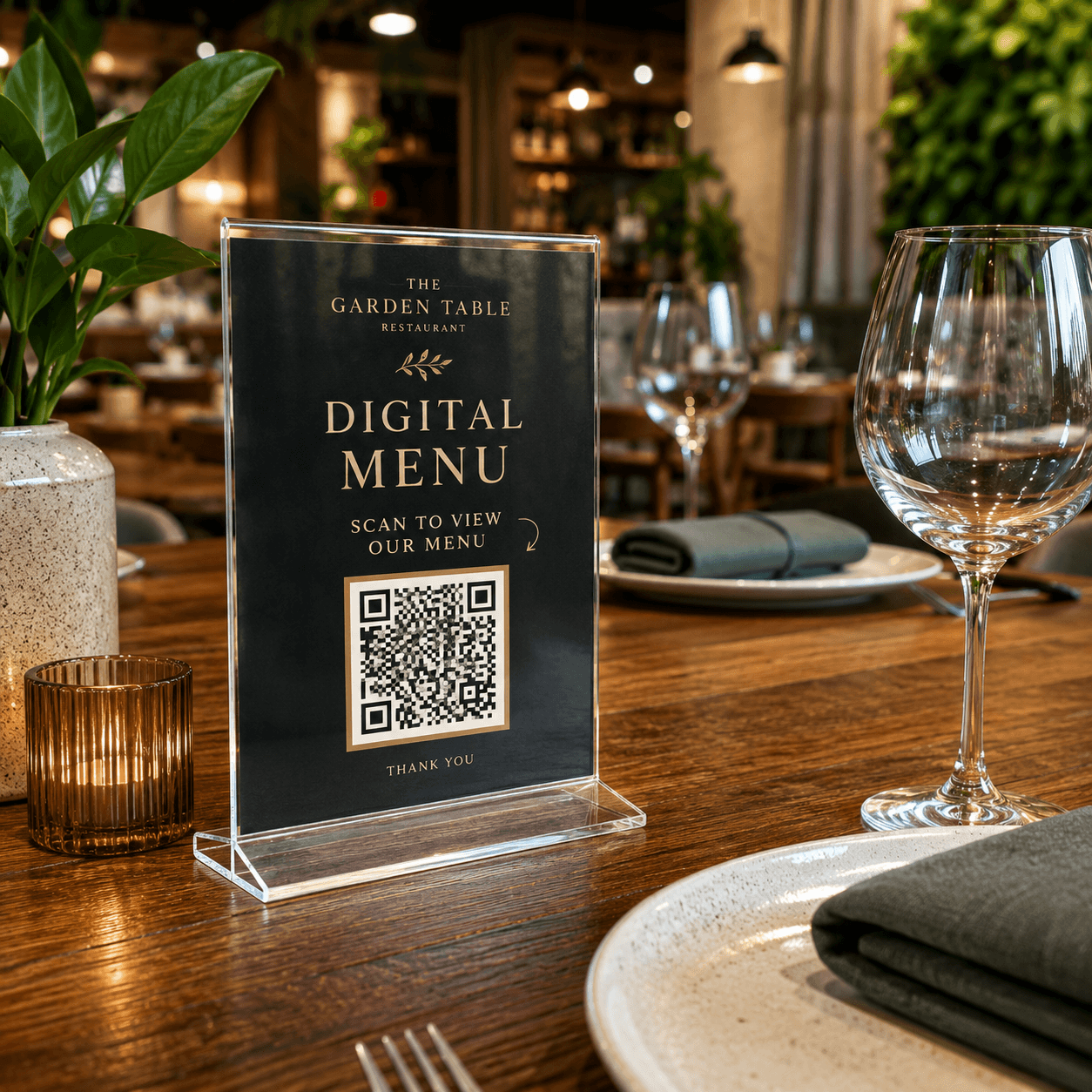
Keep the content current after the QR code is printed
1Publish the menu page
2Create a dynamic QR code
3Print the PNG on the display
4Update the menu link in Dashboard
A dynamic QR code is recommended for this workflow
These materials are often printed, displayed or kept in service for a long time. A dynamic QR code lets you update the destination for a menu, review page, check-in form, product guide or contact page without changing the QR image.
Common questions about creating, downloading, printing and managing QR codes.
Do I need to reprint a menu QR code after an update?
A static QR code keeps the same destination. With a dynamic code, you can update the menu URL while keeping the printed code in place.
Where should a restaurant place a menu QR code?
Common placements include table displays, entrance posters, checkout signs and takeout inserts. Test every placement at the real scan distance and lighting.
Dynamic QR codes
Need to update links later or review scan data?
Dynamic QR codes let you change the destination after printing and review scan activity over time.