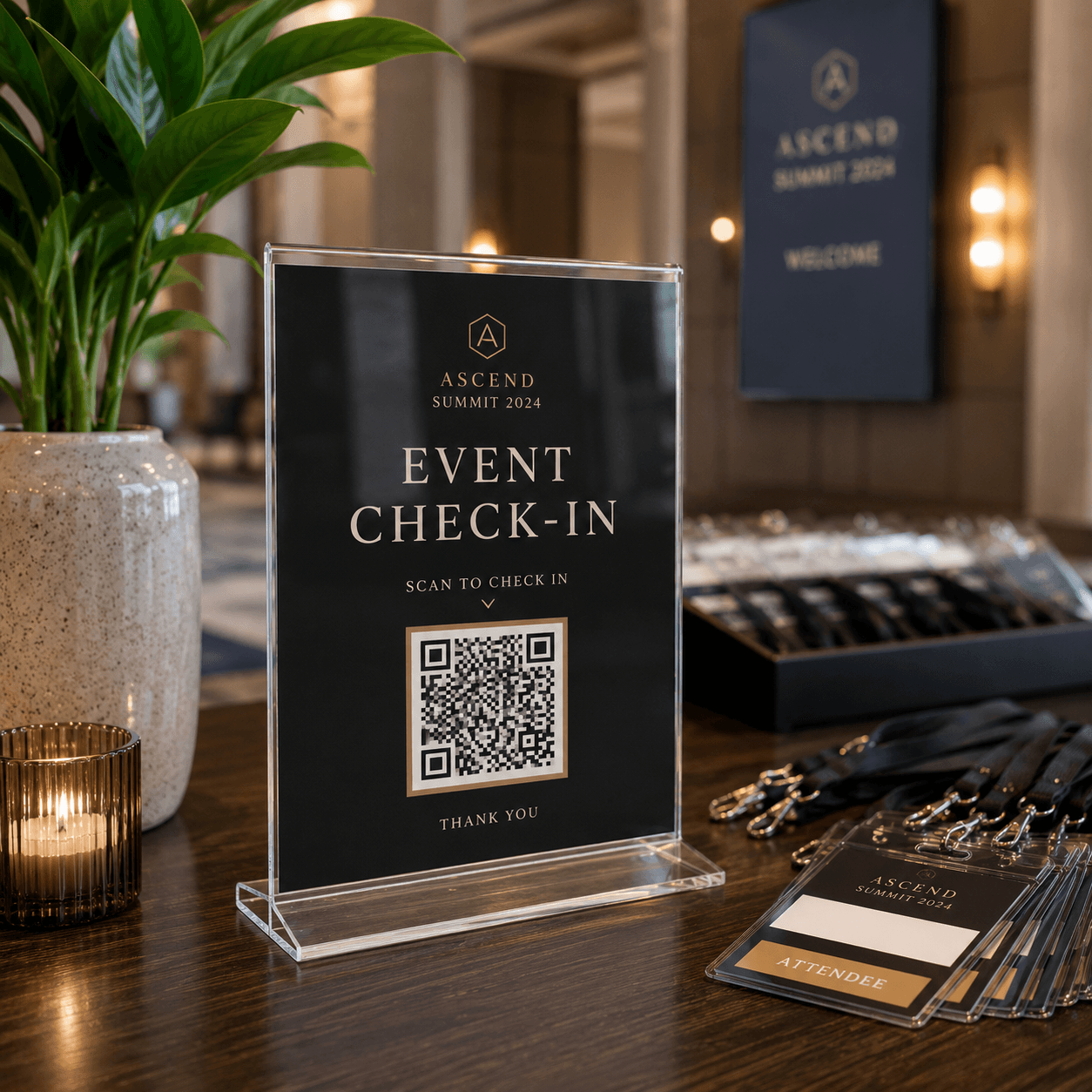
Keep the content current after the QR code is printed
1Prepare the registration link
2Create a dynamic QR code
3Place the check-in materials
4Switch to resources after the event
A dynamic QR code is recommended for this workflow
These materials are often printed, displayed or kept in service for a long time. A dynamic QR code lets you update the destination for a menu, review page, check-in form, product guide or contact page without changing the QR image.
Common questions about creating, downloading, printing and managing QR codes.
Can an event QR code track scans?
A dynamic QR code can record scan activity. Keep those scans separate from completed registrations, valid tickets and successful check-ins in your reporting.
Can I link the code to a check-in form?
Yes. Link to an existing registration, ticketing or check-in page, confirm mobile permissions, and test the full attendee journey before opening the event.
Dynamic QR codes
Need to update links later or review scan data?
Dynamic QR codes let you change the destination after printing and review scan activity over time.