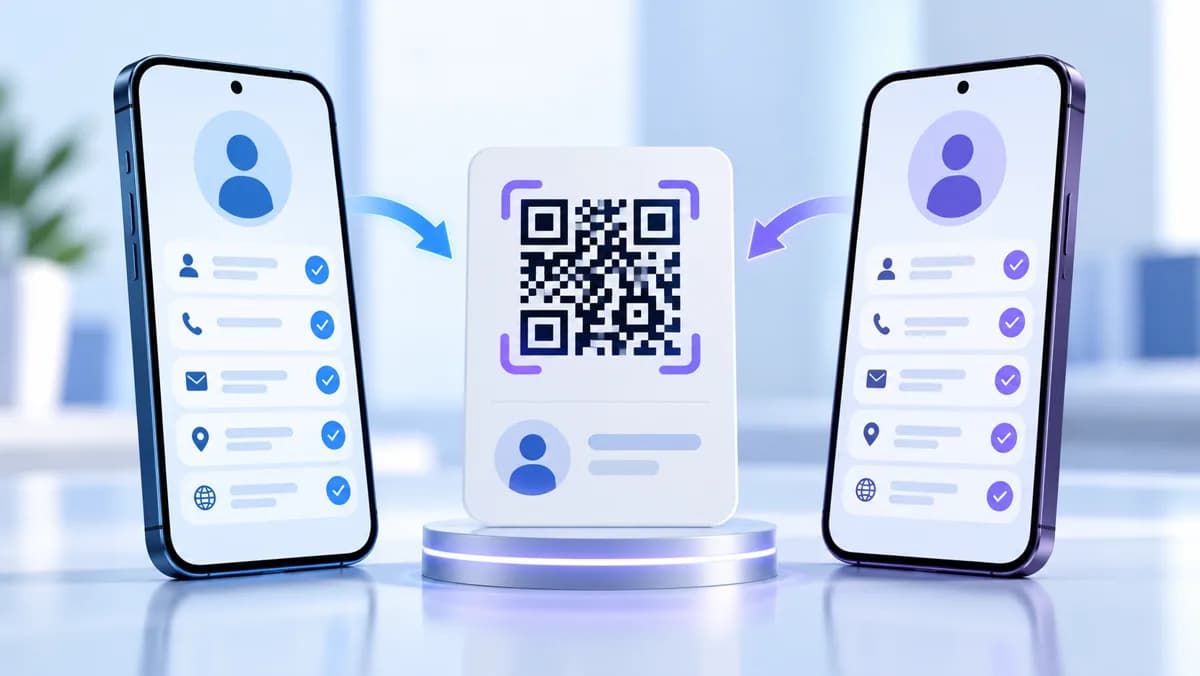
vCard QR code compatibility is not a single yes-or-no feature. A phone must first decode the QR image, then recognize the text as a contact card, parse its fields, and present a useful save action. A failure at any stage can look like “the QR code does not work.” This guide audits the current CraftMyQR vCard QR code generator and gives you a test method that separates those stages.
The important finding is straightforward: CraftMyQR currently generates a compact vCard 3.0 payload with name, organization, job title, telephone, and email fields. That is a sensible common-denominator contact card, but no honest article can guarantee identical behavior across every iPhone, Android phone, camera app, browser, contacts app, or managed-device policy. The test matrix below shows how to make a supportable claim for your own audience.
What CraftMyQR Places in a vCard QR Code
We inspected the current public generator’s payload construction rather than inferring fields from the form labels. It creates this sequence:
This field-level audit is more useful than a generic “works on phones” statement. It tells you what should appear after a successful scan and what is outside the current generator’s scope. The public workflow does not claim to include a postal address, website, birthday, photo, social profile, pronunciation, or multiple labeled phone numbers.
The generated payload uses vCard 3.0, while the current IETF specification is vCard 4.0 in RFC 6350. Version 3.0 remains common in contact-exchange workflows, but applications can interpret versions and optional properties differently.
| Line | Purpose | Included when generated |
|---|---|---|
| BEGIN:VCARD | Opens the contact object | Always |
| VERSION:3.0 | Declares the vCard version | Always |
| FN: | Formatted display name | Always present as a line |
| ORG: | Company or organization | Always present as a line |
| TITLE: | Role or job title | Always present as a line |
| TEL: | Telephone number | Always present as a line |
| EMAIL: | Email address | Always present as a line |
| END:VCARD | Closes the contact object | Always |
vCard QR Code Compatibility Has Four Layers
Treat compatibility as a pipeline:
A raw-text result means the first two layers worked but contact recognition did not. When the preview omits a company, decoding and recognition worked, while property mapping failed or the source field was empty. If a correctly populated preview never appears in the address book, investigate permissions, account selection, synchronization, or user cancellation.
This layered model is the first diagnostic tool to use. Recreating the QR at random can hide the real problem and produce inconsistent campaign assets.
- Image acquisition: the camera sees the entire symbol with enough focus, contrast, and quiet zone.
- QR decoding: the scanner recovers the exact text payload.
- vCard parsing: the operating system or application recognizes the text and maps its properties.
- Contact saving: the user confirms the preview and the contacts provider stores the record.
Inspect the Payload Before Testing Devices
Generate the contact through the CraftMyQR generator, scan it with a tool that can reveal raw QR text, and compare every line with the intended source values. Keep a plain-text copy of the expected vCard beside the image.
Check these details:
Structured text formats require escaping for certain characters. RFC 6350 describes vCard’s content-line model and escaping rules, although a version 3.0 consumer may follow earlier conventions. If your real data includes punctuation, non-Latin names, or line breaks, test those values explicitly instead of validating only a simple English sample.
- The payload begins with
BEGIN:VCARDand ends withEND:VCARD. VERSION:3.0appears once.- The formatted name is complete and not replaced by the company.
- Phone and email values do not contain accidental spaces or copied labels.
- A colon, semicolon, comma, or backslash in user data has not changed parsing.
- Line endings survive every export, upload, messaging app, and content-management step.
Payload Length Changes the Physical Problem
A contact card usually contains more bytes than a short URL. More data can require a higher QR version, which means more modules across the same printed width. Each module then becomes smaller.
That relationship explains why a simple website QR may scan on a business card while a long contact payload at the same outer size struggles. The format can be valid even when the physical rendering has too few pixels or printer dots per module.
Use the QR code data capacity guide to understand that tradeoff, and review how small a QR code can be before approving compact print. Do not add unnecessary notes or repeated fields merely because the vCard format permits them.
A Defensible iPhone and Android Test Matrix
Do not test “an iPhone and an Android.” Record the exact scanning path and save result. Build the matrix with these fields:
For each row, record four outcomes separately: decoded text, contact preview opened, fields mapped correctly, and contact saved. A single “pass” checkbox discards the evidence you need to troubleshoot.
This article does not report a fabricated fleet test. Device behavior changes with operating-system updates and installed applications. The matrix is designed so your team can build a current compatibility statement based on the devices, regions, languages, and account policies that actually matter.
| Variable | Minimum coverage | Record |
|---|---|---|
| Platform | iOS and Android | OS version |
| Hardware | older and current camera generations | device model |
| Entry point | native camera plus intended scanner app | app and version |
| Contact account | local, iCloud, Google, or managed account as relevant | selected destination |
| Source | screen and final print | size and material |
| Lighting | bright, ordinary indoor, dim | location and notes |
| Data | simple ASCII plus representative real names | exact payload checksum |
Test Data That Exposes Parsing Problems
One easy sample is not enough. Create at least four test contacts:
Keep the expected result explicit. For example, define whether a leading plus sign must remain in the telephone field and whether the company should appear as an organization rather than part of the display name. Screenshots of the preview help, but export the saved contact when possible so you can inspect the stored fields.
If one dataset fails across every device while simpler data works, focus on payload construction and escaping. If all datasets fail only on one route, such as an in-app scanner, focus on that application’s parser or handoff behavior.
- A basic Latin-script name with one phone number and email.
- A name and company containing commas, semicolons, apostrophes, or backslashes.
- A non-Latin name that represents your real audience.
- Long but legitimate company, title, phone, and email values.
The phone shows plain text
The QR symbol decoded, but the scanning path did not launch a contact-card action. Try the native camera, inspect whether BEGIN:VCARD and VERSION:3.0 survived, and note which application handled the result. Do not call it an image failure.
The preview opens with missing fields
Compare the raw payload with the preview. Empty source values, unsupported properties, escaping mistakes, and parser-specific mapping can all remove a field. Test the same exact image through another scanning path before changing the generator.
The preview looks correct but the contact is absent
Confirm that the user tapped the final save action and selected the expected account. Contacts can be stored locally, in iCloud, in a Google account, or within a managed container. Synchronization and permissions occur after successful QR decoding.
The code works on screen but not in print
Treat this as a rendering problem. Check minimum size, contrast, quiet zone, print resolution, surface glare, and damage. The QR code not scanning checklist helps isolate those variables without rewriting a valid vCard.
Decide Whether vCard or a Landing Page Fits Better
A direct contact QR code is efficient when the contact details are stable and the desired action is saving a record. It exposes the full payload in the QR, works without a web page after decoding, and minimizes taps when the scanner recognizes it.
A landing page is better when details change frequently, you need multiple actions, or you want explanatory context before saving. The QR can encode a short managed URL, while the page offers phone, email, website, social links, and a downloadable contact file. That approach depends on connectivity and adds a page load, but it gives you more control over updates and presentation.
Use CraftMyQR’s dynamic QR workflow for an editable web destination. Use the vCard generator for a compact, direct contact exchange. The choice should follow the maintenance requirement, not a claim that one format is universally more compatible.
A Release Checklist for vCard QR Code Compatibility
Before printing or distributing the asset:
If a campaign is business-critical, keep a visible human-readable fallback such as a short URL, email address, or telephone number. The fallback should remain usable when a camera, parser, policy, or damaged print interrupts the contact flow.
- Archive the exact image and raw vCard payload.
- Record the payload byte length and the final QR dimensions.
- Test punctuation and non-Latin data that your audience will encounter.
- Cover native camera routes on representative iOS and Android devices.
- Verify field mapping, not only the appearance of a contact prompt.
- Save the contact and inspect the chosen account.
- Test the final material, size, and lighting.
- Repeat a canary test after major OS or scanner-app updates.
Conclusion: Make vCard QR Code Compatibility Measurable
Reliable vCard QR code compatibility starts with an exact payload audit, then separates image decoding, contact parsing, field mapping, and saving. CraftMyQR’s current vCard QR code generator creates a focused vCard 3.0 contact containing name, company, title, phone, and email. That defined scope makes testing clearer.
The information gain here is the field-level generator audit, the four-layer failure model, and a cross-device matrix that records observable outcomes instead of claiming universal support. Generate your real contact, retain its raw payload, and approve it on the devices and print conditions that represent your audience.
Frequently Asked Questions
Does a vCard QR code work on both iPhone and Android?
Many current phones can decode and recognize vCard data, but behavior depends on the camera path, operating system, parser, and contacts app. Test the exact image and fields on representative devices before making a compatibility claim.
Which vCard version does CraftMyQR generate?
The current public CraftMyQR generator builds a vCard 3.0 payload. It includes formatted name, organization, title, telephone, and email lines between the standard BEGIN:VCARD and END:VCARD markers.
Why does my phone show vCard text instead of a contact?
The QR decoding stage succeeded, but the scanning application did not recognize or hand off the vCard content. Check the raw markers and version line, then try the native camera or another intended scanning route.
Why are some contact fields missing after scanning?
The source field may be empty, a character may require escaping, or the receiving parser may map the property differently. Compare the exact raw payload, preview, and saved contact before changing the QR image.
Does saving a vCard contact happen automatically?
Usually the phone presents a contact preview and requires user confirmation. The person may also choose among local, iCloud, Google, or managed accounts, so a correct preview does not prove the contact was finally saved.
Can a long vCard make the QR code harder to scan?
Yes. More encoded data generally increases the module count. At a fixed outer size, each module becomes smaller, leaving less tolerance for blur, low print resolution, camera distance, and imperfect focus.
Should I use a vCard QR code or a website landing page?
Choose vCard for direct saving of stable contact details. Choose a landing page when information changes, multiple actions matter, or presentation needs more control. The web route requires connectivity but can use an editable managed URL.
How often should I repeat compatibility testing?
Retest after changing the contact data, QR design, dimensions, printing process, scanning app, or major operating-system version. Keep a small canary matrix so changes are compared with the same payload and acceptance criteria.
Need to create a QR code now?
Create and preview your QR code with our free generator. For long-term materials like menus, packaging and posters, consider upgrading to dynamic QR codes.