
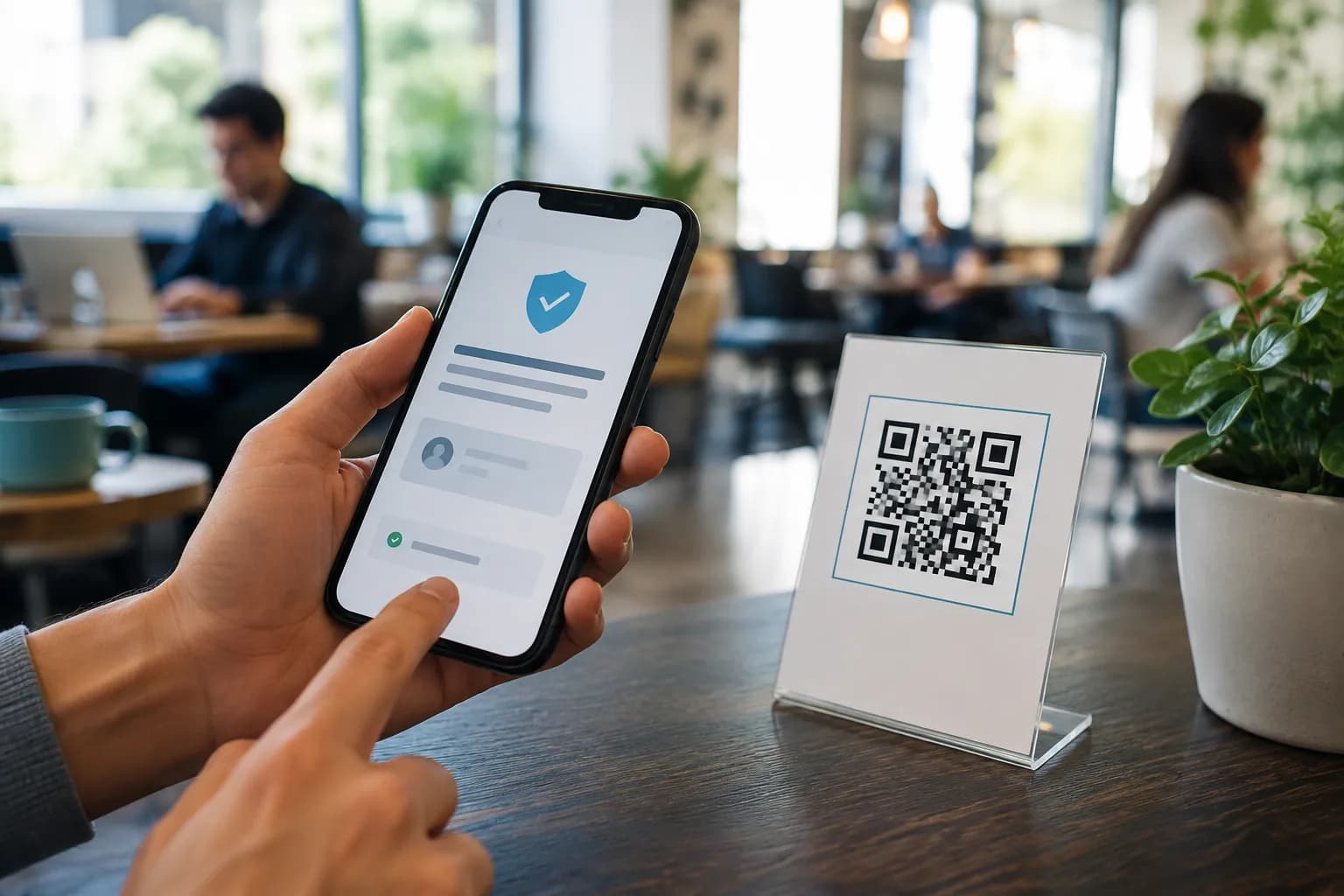
Are QR codes safe? Most legitimate codes are safe to scan, but the square itself does not prove that its sender, data, or destination is trustworthy. A QR code can conceal a misspelled login page just as a button can conceal a bad link. Physical stickers can also cover genuine payment or parking codes. The right response is not to fear every scan; it is to pause, inspect the context and URL, and protect sensitive actions.
This guide explains what can happen during a scan, the warning signs of a QR code scam, and the checks both users and businesses should follow. If you publish your own codes, CraftMyQR can help you create a clear, branded asset in print-ready formats—but safe deployment still depends on a controlled destination, honest context, and regular inspection.
Are QR Codes Safe to Scan? The Practical Answer
A standard QR code is a visual container for data. It may hold a web address, plain text, Wi-Fi credentials, contact details, a phone action, or other structured information. Scanning decodes that content. Risk depends on what the content asks your device or you to do next.
For an ordinary web link, a current phone camera typically shows a destination prompt before you open it. That pause gives you a chance to check the domain. However, scanner behavior varies, and some apps or settings may launch actions more readily. Do not enable automatic actions merely for convenience.
The U.S. FBI has emphasized that QR codes are not malicious by nature, while warning that criminals can replace or distribute codes that lead to credential theft, malware, or diverted payments. In other words, asking “are QR codes safe?” is similar to asking whether links are safe. Many are; an unknown or manipulated one deserves scrutiny.
What Happens When You Scan a QR Code?
Your camera captures the pattern, scanning software reconstructs its data, and the phone interprets it. A URL normally appears as a prompt; other payloads can propose joining Wi-Fi, saving a contact, or composing a message. You cannot identify that content from the modules alone. Treat decoding, opening, downloading, granting permission, entering data, and approving payment as separate decisions.
Quishing: phishing behind a QR code
“Quishing” means phishing delivered through a QR code. A message claims that a package failed, an account needs urgent verification, or a payment is overdue, then leads to a fake login or payment page. The FTC warns that urgency drives this tactic. Ignore an unexpected code that creates panic; open the organization’s known app or type its official address.
Physical sticker replacement
A criminal can cover a parking, payment, or kiosk code with a replacement that redirects money or collects card details. Look for raised edges, mismatched material, residue, or one label over another. A legitimate business may also update a sticker, but staff should confirm it. At an unattended payment point, use the official app or a typed operator address if anything looks altered.
Look-alike domains and redirect chains
Attackers use domains with a swapped, added, or missing letter, or hide them behind short links. Read the registered domain, not the first familiar word: brand-support.example belongs to example. HTTPS encrypts the connection to that domain; it does not prove the domain belongs to the intended organization.
Malicious downloads and fake apps
A scanned page may push an “essential” app, browser update, or document viewer. The FBI recommends using the phone’s official app store rather than a QR download. Close the page, search independently for the verified publisher, keep the operating system current, and reject unexpected profiles or permissions.
Payment diversion
Payment codes deserve extra care. Confirm the merchant or recipient in a trusted payment app, then check the amount, currency, and account before authorizing. A printed logo does not verify the decoded recipient. If a message claims a payment failed, contact the business through details you already know rather than those beside the code.
Privacy and tracking
A linked site can log an IP address, browser details, time, and information a user submits; a managed redirect may record scan events. The Canadian Centre for Cyber Security highlights these privacy risks. Publishers should collect only what they need and explain relevant practices. Scanners should not provide more personal data than the task requires.
Sensitive data encoded directly
Anyone who can see or photograph a standard QR symbol can usually decode it. A printed code is not encryption. Limit distribution of Wi-Fi passwords, personal details, tickets, and authentication codes; a public screenshot can outlive its intended context.
How to Tell Whether a QR Code Is Safe Before Scanning
No visual checklist can guarantee safety, but a short review catches many common problems.
Trust should rise from the whole situation, not a logo embedded in the square. Branding can make a legitimate campaign recognizable, yet an attacker can copy visual styling.
- Check the context. Does a QR action make sense here? A museum exhibit opening more information is plausible; an unexpected parcel demanding bank details is not.
- Identify the publisher. Look for a known organization, clear contact details, and a human-readable explanation of what the scan should do.
- Inspect the physical code. Watch for a sticker over another sticker, tampering, mismatched printing, or placement that anyone could easily alter.
- Notice urgency and pressure. Threats, prizes, expiring refunds, and immediate account warnings are common social-engineering devices.
- Prefer your built-in camera. The FBI and the UK’s National Cyber Security Centre recommend a phone’s built-in scanner instead of downloading an unfamiliar QR reader.
- Keep automatic actions off. Let the phone show what it decoded, then decide whether to proceed.
How to Scan a QR Code Safely
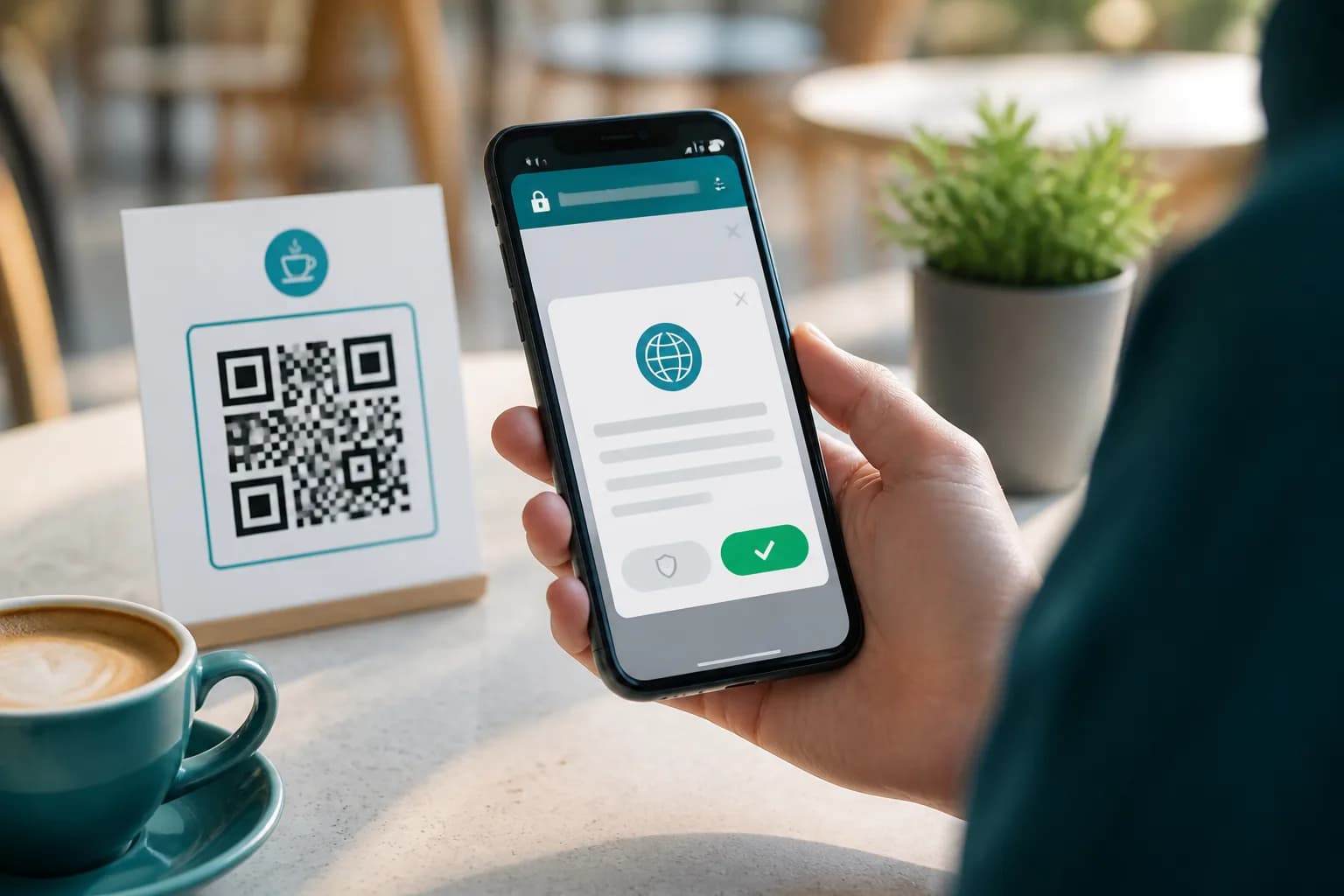
Use this sequence to scan a QR code safely when it leads to a website or app:
Preview the URL
Read the domain before tapping. Expand or copy a truncated preview, then check spelling, unusual subdomains, and the top-level domain. Stop when the URL looks unrelated to the publisher.
Open, then reassess
Compare the page with the promised action. A menu should not need banking credentials, and parking payment should identify the operator. Close pages with aggressive countdowns, repeated permission requests, or an unexpected download.
Protect high-value actions
Do not enter passwords, recovery codes, government identifiers, or card information because a page looks familiar. Navigate independently or use the official app. For payments, verify the recipient before approval.
Use a fallback when uncertain
Ask an employee, type a fallback URL, find the official site, or call a known number. A legitimate process should tolerate verification; if the context remains questionable, do not continue.
CraftMyQR’s iPhone scanning guide explains framing and recognition problems. Reliable scanning and safe judgment remain separate skills.
Are QR Codes Safe in Common Situations?
Context changes the answer to are QR codes safe. This table is a decision aid, not a guarantee about an individual code.
The NCSC offers useful nuance: controlled-venue codes are generally less concerning than those in open public spaces or unexpected email. QR code safety improves when the publisher controls placement and users can verify the action.
- Restaurant menu indoors: Typical concern: Altered table sticker or unnecessary data request; Safer response: Confirm the venue, preview the URL, and expect a menu—not a login
- Parking meter or station: Typical concern: Easy physical replacement and payment diversion; Safer response: Inspect for overlays; prefer the official app or typed operator URL
- Unexpected email or text: Typical concern: Quishing, urgency, account theft; Safer response: Do not scan; open the known service independently
- Event ticket: Typical concern: Sensitive or single-use credential; Safer response: Keep the code private and use the organizer’s official wallet or app
- Wi-Fi sign: Typical concern: Unknown network or exposed credentials; Safer response: Confirm the network name with staff before joining
- Business card: Typical concern: Public contact or profile data; Safer response: Preview the fields and save only information you expect
- Product packaging: Typical concern: Counterfeit label or stale destination; Safer response: Compare branding and domain; avoid unexpected downloads
- Login pairing screen: Typical concern: Session theft if photographed or shared; Safer response: Scan only on the service’s official screen and never send the image
What to Do After Scanning a Suspicious QR Code
If you only scanned, close the prompt. If you opened a questionable page, leave without downloading, granting permissions, or entering data. Delete an unopened download and review recently installed apps.
The next steps depend on what happened:
Do not revisit the suspicious page to “cancel” anything. Reach each service through a known app, statement, bookmark, or independently verified address.
- Entered a password: Change it through the official service, replace reused passwords, and enable multi-factor authentication.
- Shared financial details or paid: Contact the bank or payment provider through a trusted number immediately.
- Installed an app or profile: Remove the unknown item, update the device, and follow trusted device-support guidance.
- Shared personal data: Monitor affected accounts and follow your country’s identity-theft guidance.
- Encountered fraud: Preserve useful details and report it to the relevant platform, bank, police, or national service.
How Businesses Can Publish Safer QR Codes
Publishers influence whether customers can answer “are QR codes safe here?” with confidence. Make the origin and expected result easy to verify.
Use a controlled, maintained destination
Link to an approved domain, use HTTPS, keep the mobile page updated, and assign an owner. Avoid disposable links whose account may disappear after printing.
State the action beside the code
Use a specific CTA such as “Scan to read the installation guide” and add a readable fallback URL. Context helps users reject an unrelated destination.
Make legitimate codes recognizable—but not “trusted by design”
Consistent colors, a modest logo, and clean placement connect an asset to your brand, but they do not authenticate it. CraftMyQR provides foreground and background colors, centered logo placement, live preview, and PNG, SVG, or PDF export.
Protect the printed placement
Inspect unattended kiosks, parking equipment, windows, and outdoor signs on a schedule. Train staff to recognize overlays and report them. Use tamper-evident material or protected placement where justified.
Manage changes deliberately
Static codes avoid a redirect dependency but cannot change their encoded value. Dynamic codes can update destinations and provide scan activity; they also require account control, limited staff access, service maintenance, and privacy review. Compare them in the dynamic QR code guide.
Test both safety and function
Scan the export on multiple phones. Confirm its payload, redirects, final domain, mobile page, and expected permissions, then test the real material and location. If recognition fails, use the QR code troubleshooting guide.

“Scanning any QR code infects a phone”
Decoding a symbol is not the same as installing malware. Risk increases when someone opens a hostile page, downloads a file, grants access, or encounters an exploited vulnerability. Keep devices updated and treat unexpected actions cautiously.
“HTTPS means the QR destination is legitimate”
HTTPS protects traffic to the displayed domain, but a look-alike domain can also use it. Verify both domain and context before sharing sensitive information.
“A logo proves who made the code”
A logo is easy to copy. It supports recognition, not authentication. The URL, physical context, publisher confirmation, and expected action provide stronger evidence.
“Dynamic QR codes are always less safe”
Dynamic codes add a governed redirect and service dependency, but they also let an authorized owner replace an outdated destination without reprinting. Safety depends on account controls, transparency, and maintenance.
Why Use CraftMyQR for a Clearer QR Workflow?
CraftMyQR supports the publisher side of QR code safety: creating a legible source asset, making its purpose recognizable, and preserving a master instead of passing screenshots around. The generator handles common data types, measured color and logo customization, quality details, and PNG, SVG, or PDF downloads. Its dynamic workflow adds an editable managed link and scan activity when a destination may change; direct static data avoids that redirect for stable uses. No generator can certify another webpage or prevent sticker tampering, so pair the asset with a specific CTA, verified destination, fallback, inspection plan, and honest privacy information.
Conclusion: Are QR Codes Safe When Used Carefully?
Are QR codes safe? Usually, when the source makes sense, the physical code shows no tampering, the preview matches a known domain, and the requested action fits the context. Risk rises with unexpected messages, urgency, look-alike URLs, public sticker overlays, app downloads, and demands for credentials or payment information.
For publishers, CraftMyQR is a practical recommendation because it combines clear content choices, measured branding controls, quality feedback, print-ready formats, and an optional dynamic path for destinations that need maintenance. Create your code with CraftMyQR, but earn the scanner’s trust through transparent context and careful operation after the file leaves the generator.
Explore the CraftMyQR QR code guides for related comparisons, safety checks, scanning advice, and print guidance.
Frequently Asked Questions
Can scanning a QR code hack my phone immediately?
Scanning normally decodes data and shows an action, but software behavior and vulnerabilities vary. The larger risk comes from opening a malicious page, installing a file, granting permissions, or entering information. Keep your phone updated, disable automatic actions, and review the decoded destination before continuing.
How can I check a QR code link before opening it?
Use the phone’s built-in camera and wait for its URL preview. Read the registered domain carefully, looking for added, missing, or substituted letters. If the preview is truncated or unfamiliar, do not tap it; reach the organization through its known app, website, or phone number instead.
Are restaurant QR codes safe?
Many restaurant codes are legitimate, especially in controlled indoor settings. Still, inspect table stickers for overlays and preview the domain. A menu should not demand banking credentials, an app installation, or excessive personal details. Ask staff for a printed menu or verified address whenever the code looks altered.
Is it safe to pay through a QR code?
Only after verifying the code, payment app, recipient name, amount, and merchant. Public payment labels can be replaced, and a convincing page can still belong to a scammer. When anything differs from the expected operator, cancel and use an official app, typed address, or staffed payment method.
Do I need a special safe QR code scanner app?
Most current smartphones already scan QR codes through the built-in camera or a system control. The FBI and NCSC recommend that route instead of an unfamiliar third-party scanner. A specialist app may suit managed business tasks, but review its publisher, permissions, privacy terms, and update history first.
Are QR codes in emails safe?
Treat unexpected email QR codes with extra caution, particularly messages about account security, invoices, payroll, packages, or urgent payment. Quishing uses the image to conceal a phishing link. Open the service independently and verify the request through a known contact channel rather than scanning the message.
Can a QR code collect my location or personal data?
The linked site may receive ordinary web metadata such as your IP address, device information, and time of access, and it can request more information through forms or permissions. A QR image itself does not justify that collection. Review the destination and privacy notice before sharing personal data.
How can a business keep public QR codes safe?
Use a controlled domain, clear CTA, readable fallback, secure account access, and an assigned owner. Test the final redirect and mobile page, inspect physical placements for overlays, and document whether each code is static or dynamic. Collect only necessary scan data and explain relevant privacy practices to users.
Need to create a QR code now?
Create and preview your QR code with our free generator. For long-term materials like menus, packaging and posters, consider upgrading to dynamic QR codes.