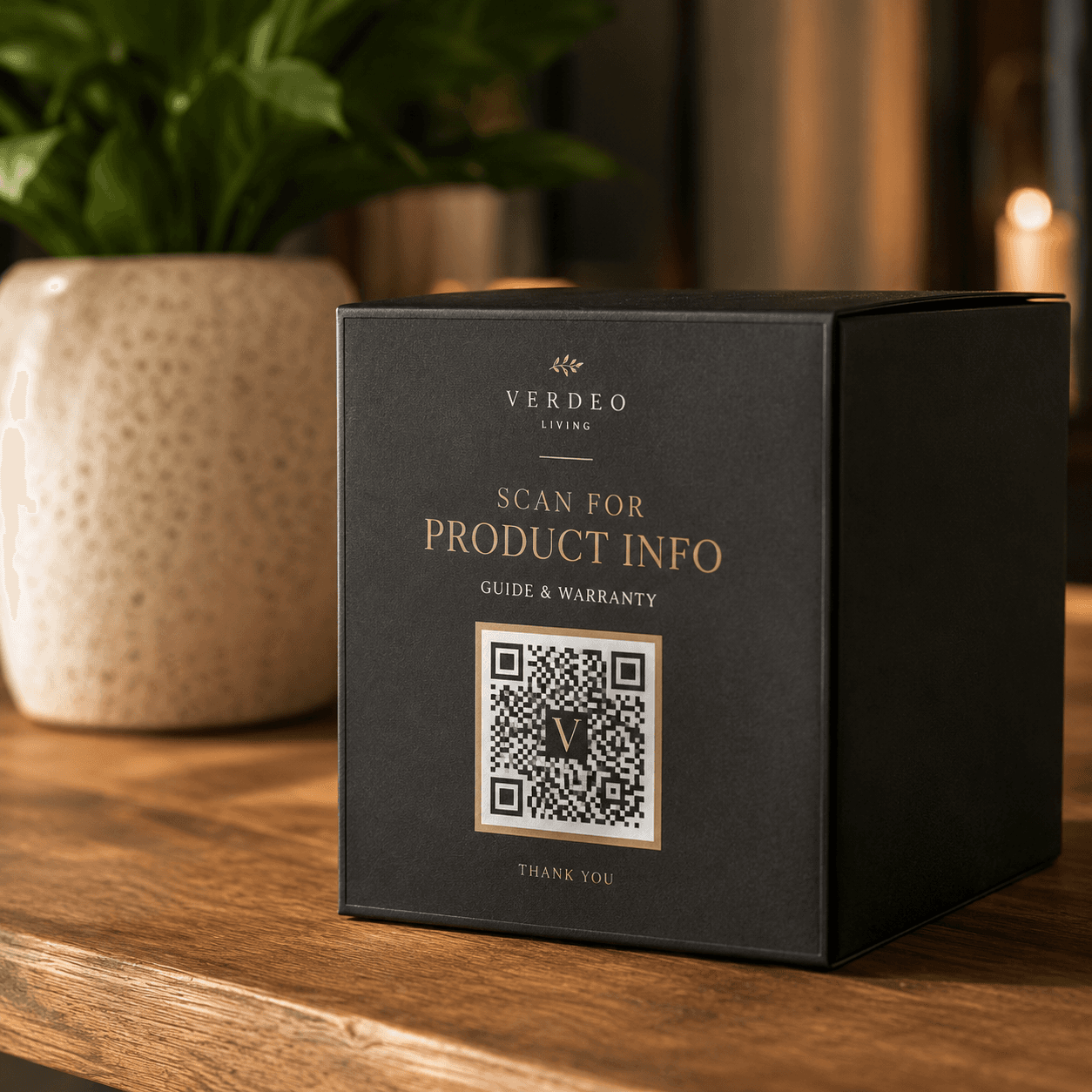
Connect packaging to guides, traceability and support
Useful for food, beauty, electronics and consumer goods. Dynamic destinations reduce the cost of content changes during long print cycles.
Outer boxBottle labelWarranty cardManual cover
Dynamic QR workflow
Keep the content current after the QR code is printed
1Prepare the guide or traceability page
2Create a dynamic QR code
3Print it on the packaging
4Update support or campaign links later
A dynamic QR code is recommended for this workflow
These materials are often printed, displayed or kept in service for a long time. A dynamic QR code lets you update the destination for a menu, review page, check-in form, product guide or contact page without changing the QR image.
Common questions about creating, downloading, printing and managing QR codes.
Should a packaging QR code be static or dynamic?
A dynamic code is usually more practical for long print cycles because the destination can change. A static code works when the content and URL will remain stable.
What should a packaging QR code open?
Use one clear destination, such as a product guide, warranty page, traceability record or support page. Label the expected action beside the code.
Dynamic QR codes
Need to update links later or review scan data?
Dynamic QR codes let you change the destination after printing and review scan activity over time.