
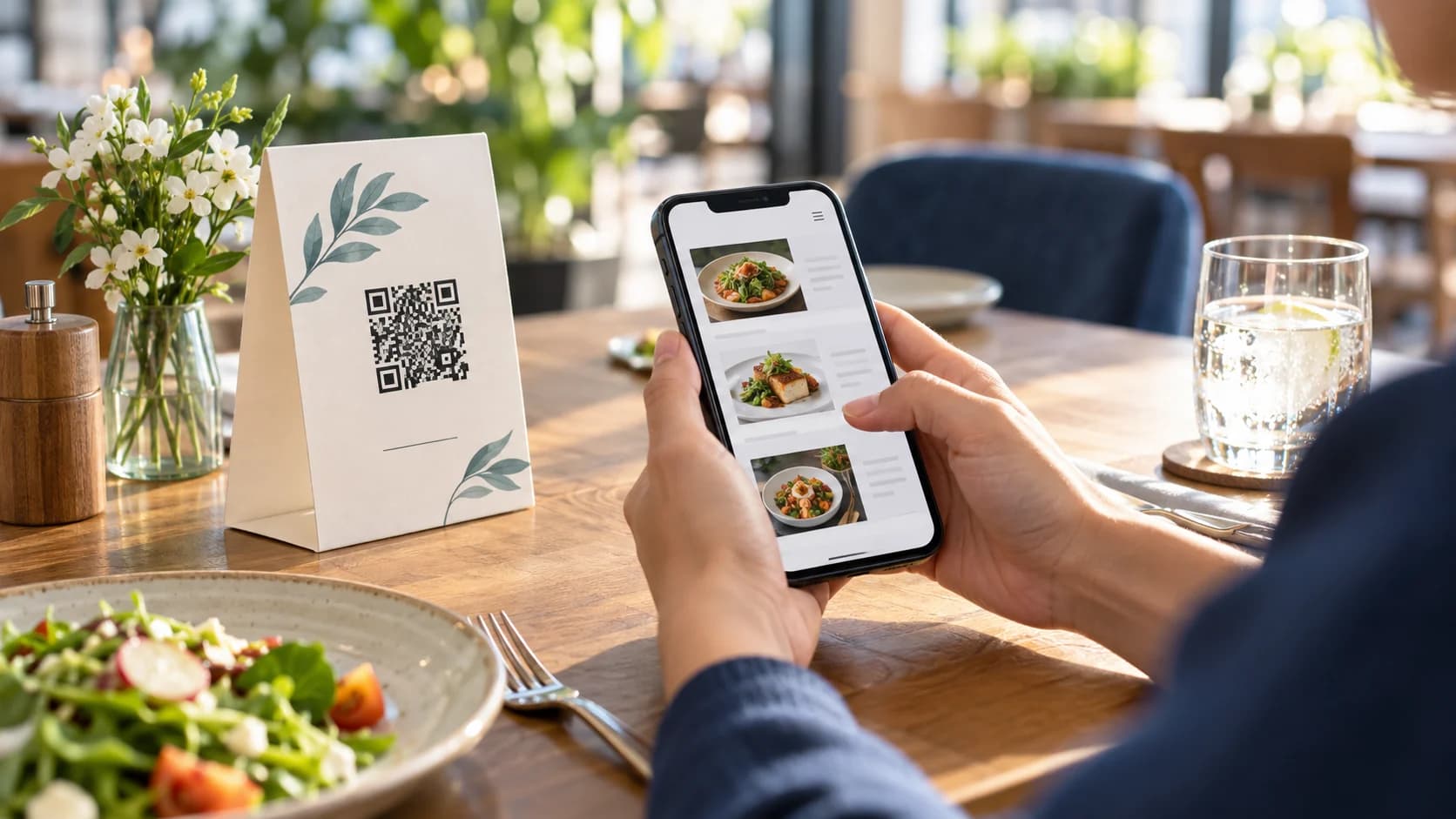
Learning how to make a QR code for a restaurant menu starts with the menu experience, not the table tent. Guests need readable prices, clear categories, allergen information where required, fast loading, and a way to order or ask questions. The QR code simply creates the bridge.
This guide compares mobile webpages and PDFs, explains static and dynamic codes, and covers table design, accessibility, testing, and maintenance. Use the CraftMyQR generator once the menu destination is ready.
How to Make a Restaurant Menu QR Code in 8 Steps
That is the reliable process for how to make a restaurant menu QR code. The best code cannot rescue a desktop-only menu, an outdated price, a private file, or poor cellular coverage.
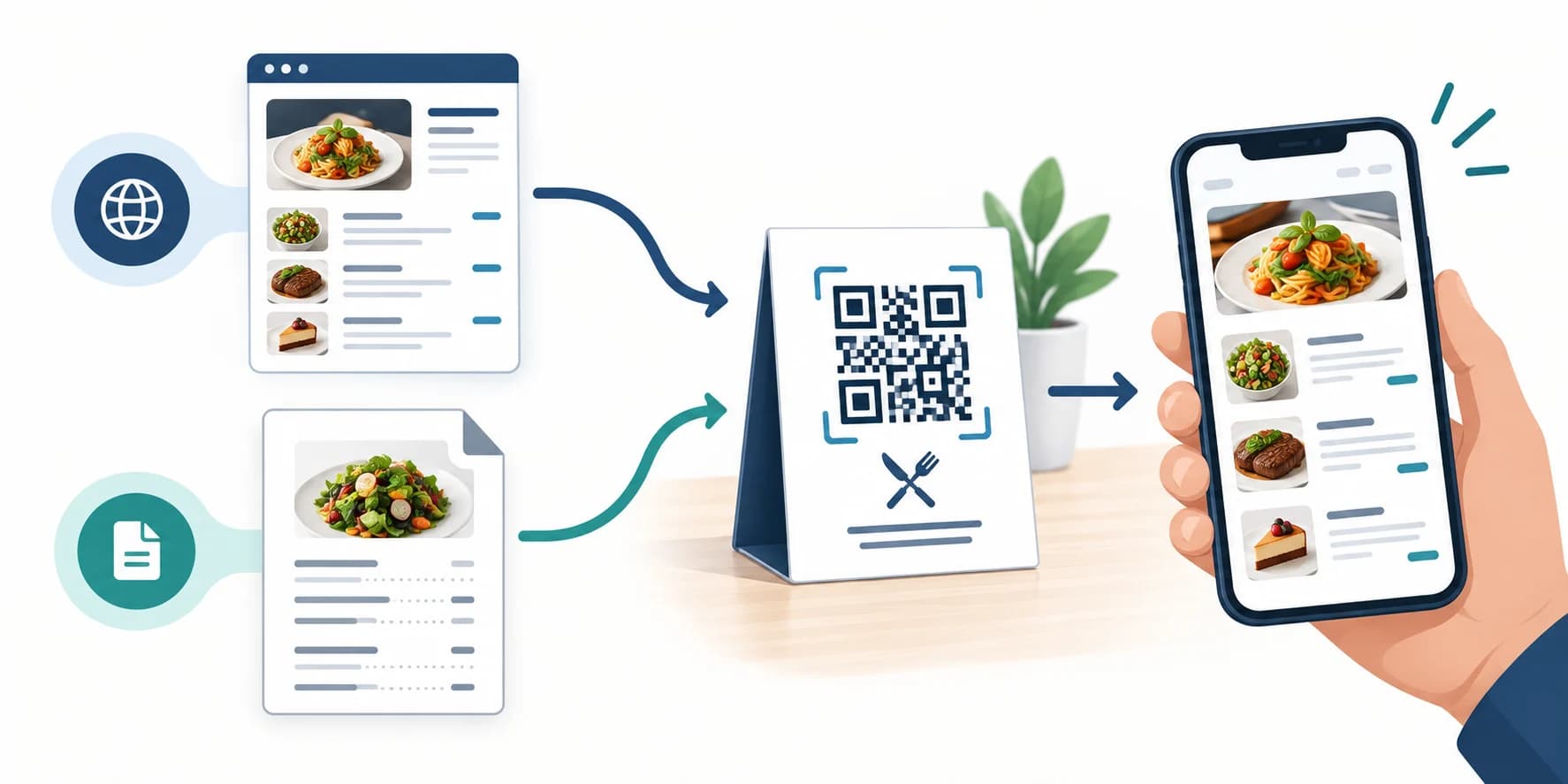
- Choose the menu format. Prefer a responsive web menu when possible, or prepare a genuinely mobile-readable PDF.
- Publish it at a stable HTTPS URL. Confirm guests can open it without an account.
- Review content. Check prices, availability, dietary labels, languages, and contact details.
- Choose static or dynamic. Consider how often the destination may change after printing.
- Generate the code. Paste the verified menu URL into CraftMyQR.
- Design table signage. Use high contrast, sufficient size, a clear prompt, and a short fallback URL.
- Test in the dining room. Use several phones, mobile data, and actual lighting and table distance.
- Assign maintenance. Define who updates the menu, destination, signs, and periodic tests.
Choose a Mobile Web Menu or a PDF
A responsive webpage usually provides the best phone experience. Text can reflow, categories can collapse, search and language controls can work, and prices can update without replacing the page URL. It can also support accessible structure more effectively than a visual-only document.
A PDF is familiar and easy to export from an existing design, but it often requires zooming and horizontal panning. If you use one, follow the PDF QR code workflow, compress images responsibly, use readable type, add tagged structure where possible, and test on a narrow screen.
A single image of a menu is usually the weakest option. Text may be tiny, screen readers cannot interpret the content, search is limited, and every update requires a new asset. Use HTML text or a properly prepared document instead.
Publish a Stable and Accessible Destination
Use an HTTPS page on a domain the restaurant controls. Avoid temporary preview links, shared-drive editor URLs, and files that request permission. Open the menu while signed out and on mobile data to see the same path a guest sees.
Mobile accessibility matters because scanning begins on a phone. The W3C mobile accessibility resources emphasize that mobile content intersects with established accessibility guidance. Use logical headings, sufficient contrast, readable sizing, descriptive links, and keyboard-friendly controls.
Provide a printed menu, accessible alternative, or staff-assisted option. Guests may lack a compatible phone, battery, data plan, camera access, vision, dexterity, or desire to scan. A QR-only policy can turn convenience into an unnecessary barrier.
Static or Dynamic Menu QR Code?
A static code stores the menu URL directly. If your website keeps the same page address while content changes, a static code can remain useful for years. This is often the simplest and most resilient arrangement.
A dynamic QR code can change its final destination without changing the printed square. It helps when breakfast, lunch, dinner, seasonal, room-service, or event menus live at different URLs, or when scan analytics support operations.
Dynamic infrastructure requires an active account and clear ownership. Do not use it to compensate for disorganized URLs. First create a durable menu information architecture; then choose a managed redirect only when its flexibility has a real purpose.
Design a Table Card Guests Understand
Write a specific prompt such as “Scan to view today’s menu.” Add the restaurant name and, if useful, the meal period or language. Do not place ordering claims beside a code that only opens a menu.
Use a dark code on a light matte field, preserve the complete quiet zone, and keep it away from folds, edges, stains, table-number graphics, and decorative patterns. A wipe-clean finish is useful, but highly reflective lamination can create glare.
Size the code for seated use and likely camera distance. Put the short menu URL below it as a fallback. If each table carries a different ordering identifier, separate that workflow from the general menu code and verify every table mapping.
Build the Menu for Fast Decisions
Put core categories, prices, and important availability information where guests can find them quickly. Use plain names, concise descriptions, and consistent dietary symbols. Do not hide required allergen or service information behind tooltips that are difficult to use on touchscreens.
Compress photography, defer nonessential media, and avoid intrusive pop-ups. The first useful content should appear quickly on ordinary mobile data. Test language switching and currency or tax wording if the venue serves international visitors.
If the menu links to ordering, make the handoff explicit. Confirm table number, fulfillment type, fees, tips, payment, and confirmation state. A menu scan should not accidentally start an order for the wrong location.
Test the Guest Journey in the Restaurant
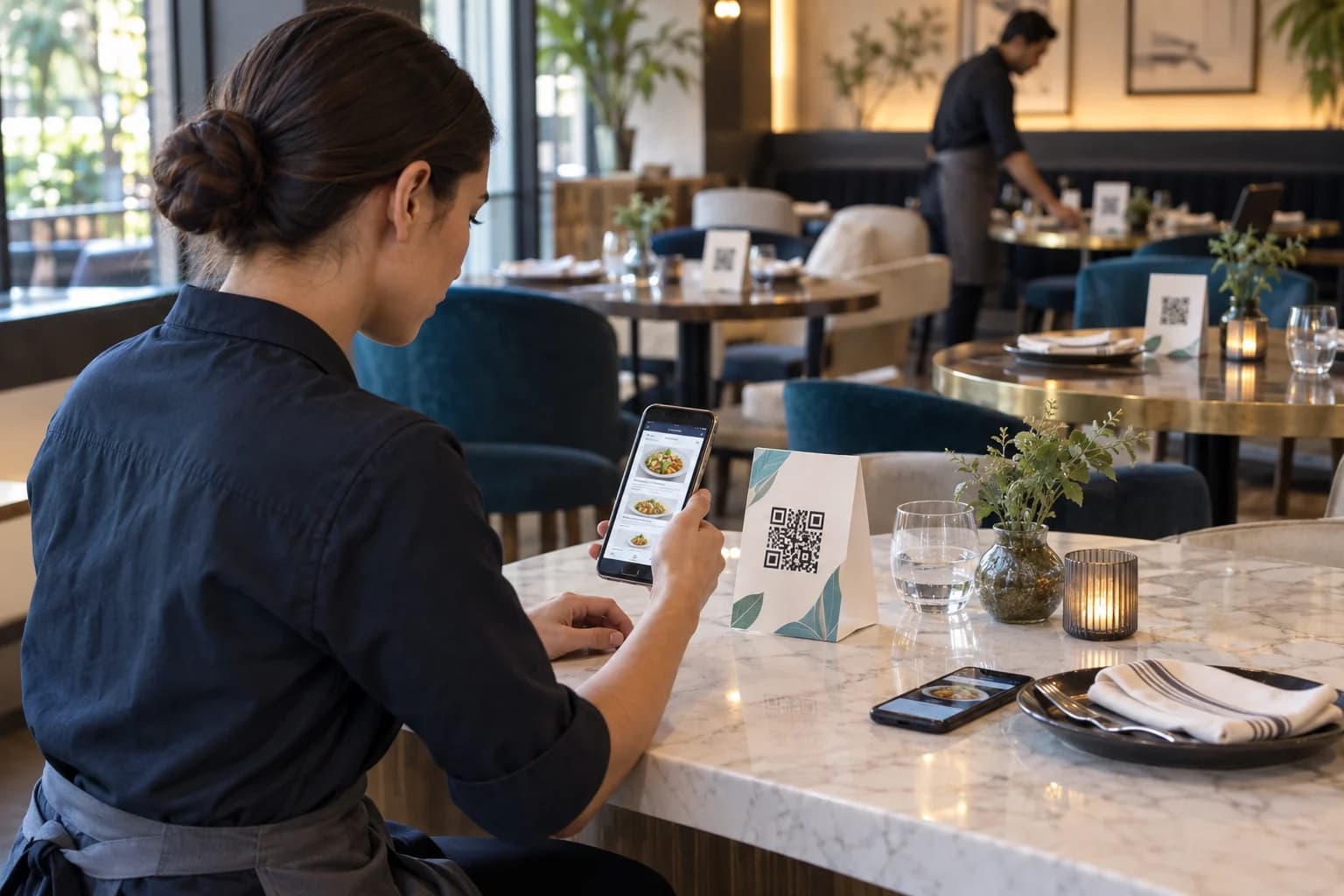
Sit at different tables and scan at the natural angle. Test daylight, evening light, reflections, worn table cards, and weak signal areas. Use recent iPhone and Android devices on both Wi-Fi and mobile data.
Open every menu category, enlarge text if needed, check dietary labels, tap ordering or reservation actions, and verify the restaurant location. Ask a person unfamiliar with the setup to try it without instructions; their hesitation reveals unclear wording.
Re-test after menu redesigns, domain changes, CMS updates, or new table-card production. Clean or replace damaged signs. A code that technically scans but opens an old menu is an operational failure.
Measure Without Confusing Scans and Orders
Dynamic scan analytics can show when and where redirect events occur. Web analytics can show menu sessions, while the ordering system records baskets and completed transactions. These are separate stages, and one guest may create several events.
Use consistent campaign labels for table cards, window signs, hotel rooms, or takeaway packaging. Avoid personal data in URL parameters. Compare locations and placements only when the codes, hours, audience, and menu paths are sufficiently similar.
Do not optimize solely for scan volume. A printed menu may produce fewer scans but serve accessibility and preference. The operational goal is an accurate, comfortable dining experience, not the largest possible redirect count.
Common Restaurant Menu QR Code Mistakes
Assign one owner for menu content and one documented procedure for table assets. Accuracy, accessibility, and sanitation deserve the same attention as QR styling.
- Uploading a desktop PDF: guests must pinch and pan through tiny columns.
- Using a restricted file: the owner can open it but diners see a permission request.
- Offering no fallback: guests without a usable phone cannot view the menu independently.
- Using glossy, dirty, or damaged cards: glare and wear slow scanning.
- Leaving prices outdated: the destination and printed materials disagree.
- Mixing table-order identifiers: a code sends an order to the wrong table or location.
- Tracking scans as orders: redirect events are reported as revenue or diners.
Why Use CraftMyQR for a Restaurant Menu?
CraftMyQR supports a verified menu URL through the main QR generator, direct public PDF links through the PDF tool, and managed dynamic redirects when destinations need post-print changes. The live preview and PNG, SVG, or PDF exports support common sign workflows.
That makes it more dependable than copying a screenshot or depending on a temporary share link. CraftMyQR handles the QR asset; the restaurant remains responsible for menu accuracy, accessibility, network access, and staff fallback.
The best answer to how to make a QR code for a restaurant menu is to build a fast mobile menu, preserve a stable route, design a clear table card, and test from the guest’s seat. Create the final code with CraftMyQR after the experience is ready.
Explore the CraftMyQR QR code solutions for related business, print, and campaign workflows.
Frequently Asked Questions
Is a webpage or PDF better for a restaurant menu QR code?
A responsive webpage is usually easier to read, update, search, translate, and navigate on a phone. A PDF can work when it is designed for narrow screens, compressed appropriately, publicly accessible, and paired with an accessible alternative.
Can I update menu prices without changing the QR code?
Yes, if the menu stays at the same URL or the code uses a managed dynamic redirect. Update the page or file behind that stable route, then scan every placement again to confirm the latest prices and items appear.
Do restaurants need to provide a printed menu?
Requirements vary by jurisdiction, and accessibility needs differ among guests. Even where print is not legally mandated, a physical or staff-assisted alternative is a sensible service fallback for people who cannot or prefer not to scan.
How large should a menu QR code be on a table?
No single size guarantees success. Choose a comfortable dimension for seated scanning, preserve the quiet zone, use strong contrast, and test the actual table card under daytime and evening lighting with several phone models.
Can one QR code show breakfast and dinner menus?
Yes. A stable landing page can present the current choices, or a managed dynamic code can switch destinations by an approved process. Avoid automatic behavior that surprises guests, and keep meal periods and restaurant location clearly identified.
Should each restaurant table have a different QR code?
A general viewing menu can use one shared code. Table-specific codes are useful only when ordering or service workflows need a table identifier. In that case, verify every mapping and provide a way for guests to confirm the table.
How do I make a menu QR code accessible?
Use structured HTML when possible, readable text, adequate contrast, descriptive headings and links, and touch-friendly controls. Provide a printed, typed-URL, large-text, or staff-assisted alternative so access does not depend solely on camera scanning.
Can I track orders from a menu QR code?
You can track scan events, web sessions, and order-system conversions as separate stages. Use consistent campaign identifiers and privacy-respecting analytics. Do not assume each scan represents one diner or that every menu session produces an order.
Need to create a QR code now?
Create and preview your QR code with our free generator. For long-term materials like menus, packaging and posters, consider upgrading to dynamic QR codes.