
PDF to QR Code Generator
Turn a PDF into a QR code using a public PDF link, or upload a PDF with CraftMyQR File QR on eligible plans.
Paste the PDF link into the generator below. This works without uploading the file to CraftMyQR.
Use PDF URLUse File QR to upload supported PDFs and create a managed file destination on eligible plans.
Upload PDF with File QRCreate a QR code for your PDF
Already have a public PDF URL? Paste it below. If you need CraftMyQR to host the file, use the File QR upload option.
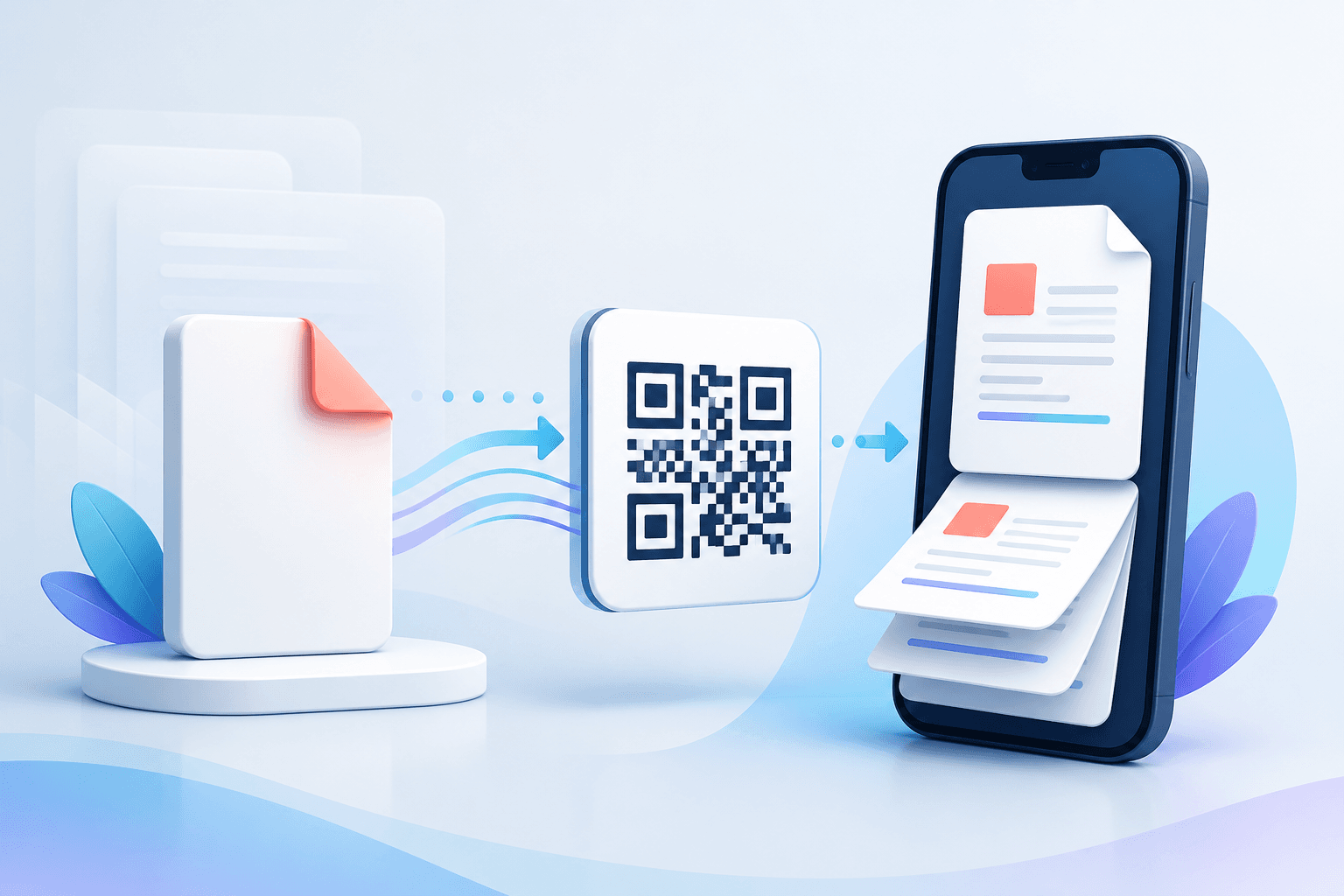
Quick answer: If your PDF already has a public URL, paste that link into the generator below. If you want CraftMyQR to host the PDF, use File QR on an eligible Pro or Business plan.
Two ways to turn a PDF into a QR code
| Method | Best for | What you need |
|---|---|---|
| Public PDF link → QR code | Simple sharing | A publicly accessible PDF URL |
| Upload PDF → hosted File QR | Managed document sharing | An eligible CraftMyQR plan |
Method 1: create a QR code from a PDF link
- Upload the PDF somewhere public. Use your website, cloud storage or another location that gives the intended audience access.
- Copy the direct or shareable link. Test it in a private browser window to make sure it opens without an unexpected login.
- Paste the PDF URL into the generator above.
- Customize the design. Adjust colors or add a logo while preserving strong contrast.
- Test on a phone. Confirm the PDF opens at a useful mobile zoom level.
- Download PNG, SVG or PDF artwork.
Method 2: upload a PDF with CraftMyQR File QR
If you do not already have a public PDF URL, CraftMyQR's File QR feature can host supported files and create a QR code that opens the hosted document. File uploads are a Pro/Business capability in the current product.
- Sign in to an eligible CraftMyQR workspace.
- Open File QR.
- Upload the PDF.
- Create the hosted file QR code.
- Test the delivered file on a mobile device before distributing the code.
Static or dynamic PDF QR code?
A static URL QR code stores the PDF URL directly. A dynamic QR code uses a managed short link, which lets you change the final destination later without changing the printed QR pattern.
| Need | Static | Dynamic |
|---|---|---|
| Permanent PDF URL | Good fit | Also works |
| Replace document later with a new URL | Requires a new QR code | Update the destination |
| Scan analytics | No built-in tracking | Available through the managed redirect |
| Long-running printed materials | Works if URL is stable | More flexible |
Can I update the PDF without changing the QR code?
Yes if the public URL stays exactly the same, or if you use a dynamic QR code and update the managed destination. If the PDF moves to a different URL and the code is static, the QR code must be regenerated.
Common uses for PDF QR codes
- Restaurant menus: connect table tents and windows to a digital menu.
- Product manuals: give customers access to setup guides.
- Catalogs and brochures: connect short printed pieces to longer documents.
- Reports and presentations: let attendees open supporting material.
- Education: distribute worksheets, syllabi and course resources.
- Policies and compliance documents: link signs or packaging to the current document.
PDF QR code best practices
Make sure the PDF is really public
A QR code cannot bypass file permissions. Test the exact destination in a signed-out or incognito browser.
Optimize the PDF for phones
Compress unnecessarily large PDFs, use readable font sizes and avoid layouts that require constant horizontal zooming.
Use a descriptive call to action
Tell the user what the code opens: “Scan to view the menu,” “Scan for the manual,” or “Scan to download the report.”
Use the right output for print
SVG is convenient for scalable print artwork. Keep the QR code square, preserve its clear margin and scan-test the physical proof.
PDF to QR Code FAQ
Can a QR code contain the entire PDF file?
Typical PDF QR sharing uses a link to a hosted document. QR capacity is far too small for most real PDF files.
Can I create a PDF QR code for free?
Yes, if your PDF already has a public URL. Direct CraftMyQR file hosting is a separate paid feature.
Can I upload a PDF directly to CraftMyQR?
Yes on supported Pro and Business plans through the File QR feature.
Can I track PDF QR code scans?
Use a dynamic QR code when scan tracking is required.
What happens if I delete the PDF?
The QR pattern may still scan, but the destination will fail if the file is no longer available.