
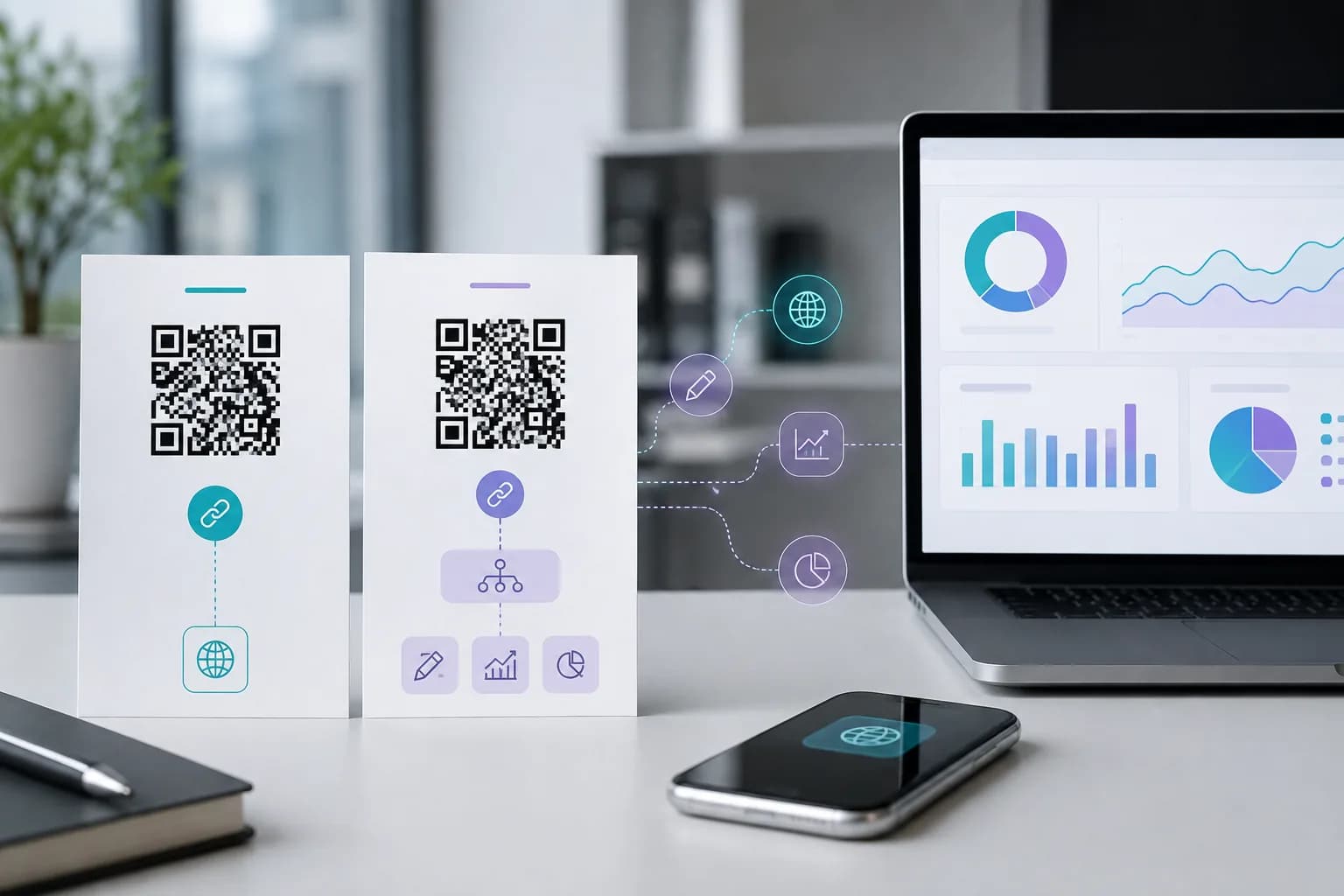
The static vs dynamic QR code choice can look deceptively simple: two codes may appear identical on a poster yet behave very differently after a scan. One contains the final destination; the other contains a managed link that can redirect somewhere new tomorrow. Choosing the wrong type may mean lost analytics, an avoidable subscription, or a costly reprint.
This static vs dynamic QR code guide explains the underlying difference, the tradeoffs that marketing pages often skip, and a simple way to decide before artwork goes to production. You can create either workflow with CraftMyQR: use the main QR code generator for a fixed payload or the dynamic QR code generator for a managed URL.
Static vs Dynamic QR Code: The Short Answer
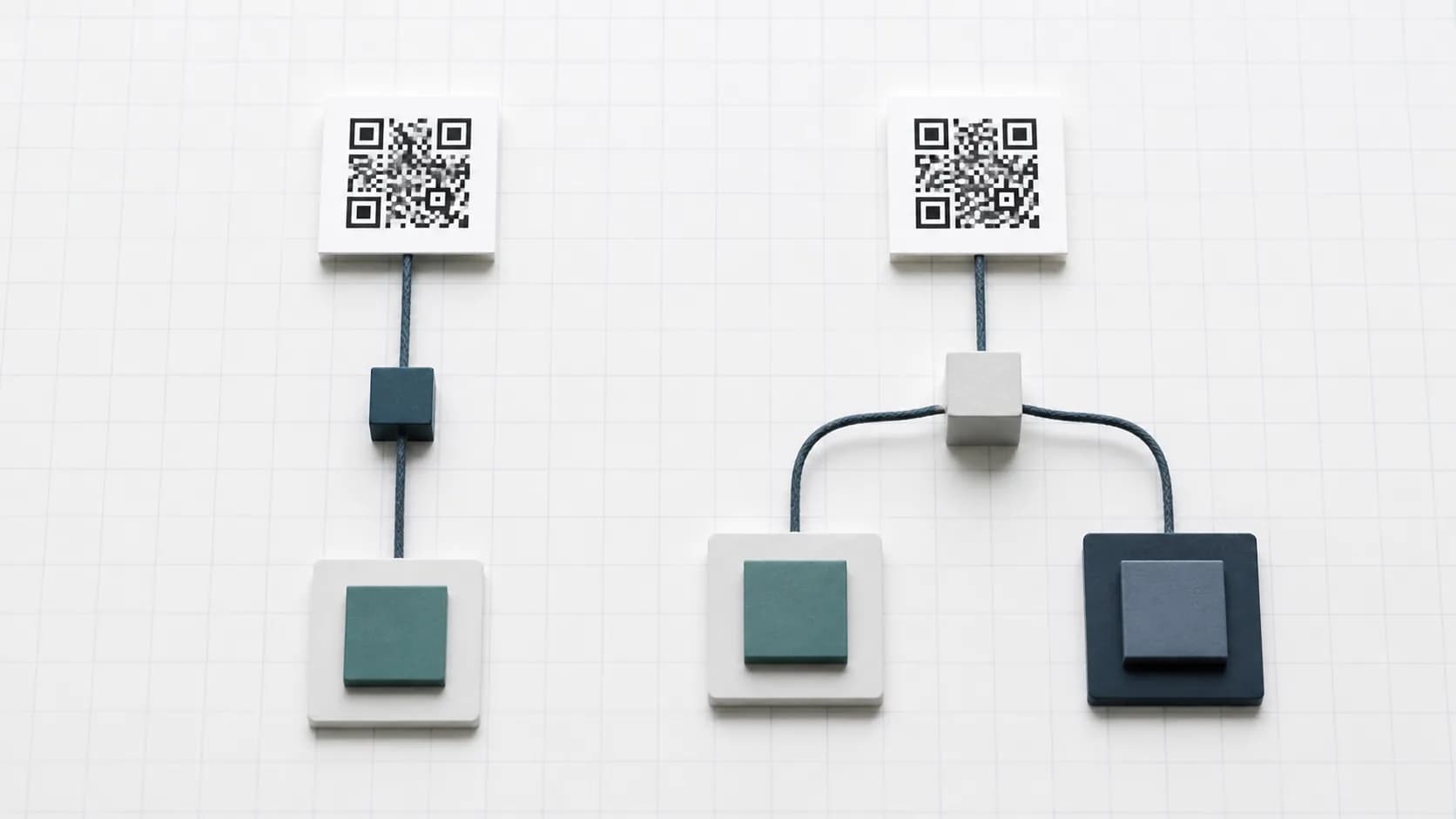
A static QR code stores the final content directly in its pattern. If that content is https://example.com/menu, the scanner reads that exact URL. Changing it requires generating a different pattern and replacing every existing copy.
A dynamic QR code stores a short redirect URL. The short link remains encoded in the printed pattern, while an online service controls the final destination. The owner can update that destination and record scan requests without changing the physical QR image.
Neither type is universally better:
That distinction applies to the data flow, not the appearance. Color, logo, shape, and file format do not determine whether a code is static or dynamic.
- Choose static for stable content, no redirect dependency, and simple one-off sharing.
- Choose dynamic for editable destinations, scan activity, reusable print, and campaign management.
How a Static QR Code Works
A QR encoder converts the payload into modules—the small light and dark squares inside the symbol. With a static code, that payload might be a URL, text, Wi-Fi credentials, an email action, a phone number, or vCard contact data. The scanner reconstructs the stored value directly.
Once the image exists, the generator does not need to remain online for the code to be decoded. A static Wi-Fi code, for example, can reveal its encoded network credentials without contacting the website that created it. A static URL code can still require internet access because the destination website must load, but there is no managed QR redirect in between.
Static does not mean the destination lasts forever
People often say static QR codes “never expire.” The symbol itself has no age counter, but the thing it contains can stop working. A domain may lapse, a page may return 404, a phone number may change, or Wi-Fi credentials may be replaced. The guide to QR code expiration explains this distinction in detail.
Static means the encoded data cannot be edited. It does not promise that the data will remain useful.
How a Dynamic QR Code Works
A dynamic code places an extra step between scanner and destination. Instead of encoding the final page, it encodes a managed short link such as a URL under the provider’s domain. The browser requests that link, the service records the event, and the server redirects the visitor.
That indirection creates two main capabilities:
With CraftMyQR, the printed code continues to hold the same managed short URL while you update its destination in the dynamic workspace. The current workspace also shows lifetime scans, current-month scans, the last scan time, and a recent trend. It supports names, folders, tags, pausing, and plan-dependent controls.
- The account owner can change the final destination while the short link stays the same.
- The service can count requests and display QR code tracking information.
Dynamic does not mean every part is editable
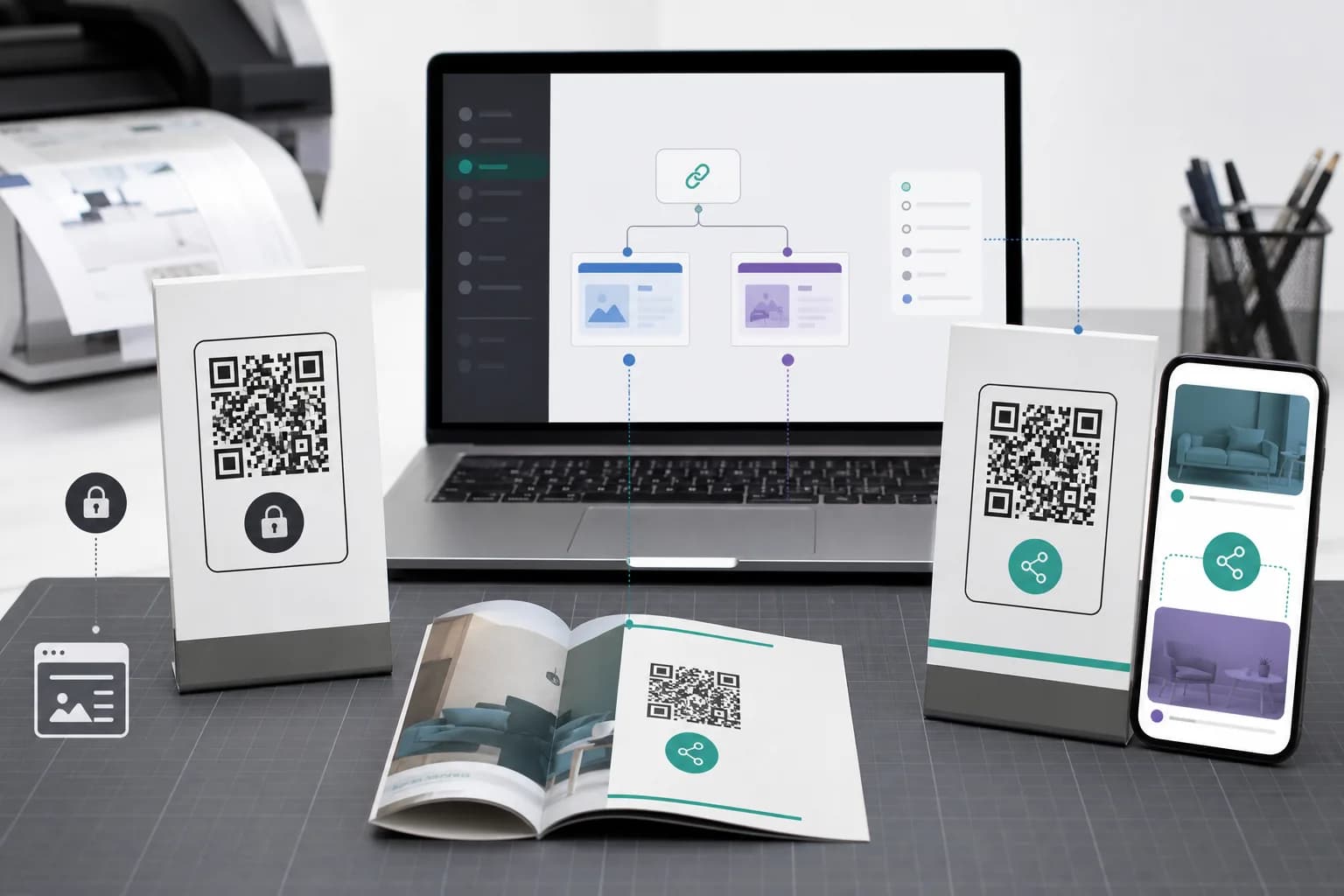
You can change the destination behind the link. You cannot remotely change ink already on a sign. A new color, larger quiet zone, different logo, or altered printed call to action still requires new artwork and usually a reprint.
Static vs Dynamic QR Code Comparison
| Decision factor | Static QR code | Dynamic QR code |
|---|---|---|
| What the pattern stores | Final content or destination | Managed redirect URL |
| Edit destination after printing | No | Yes |
| Built-in scan reporting | No | Usually, through the redirect |
| Redirect-service dependency | No | Yes |
| Account commonly required | No | Usually |
| Ongoing cost | Often none | May depend on plan and usage |
| Direct payloads such as Wi-Fi or vCard | Natural fit | Usually unnecessary |
| Long-lived print with a changing URL | Risky | Strong fit |
| Privacy exposure to a QR provider | No redirect event | Provider processes the redirect request |
| Can the existing printed type be converted? | No | No; recreate and reprint to change the encoded link |
The visible symbol may be denser when it contains a long final URL. A short dynamic link often needs fewer data modules, which can make the pattern simpler. Still, do not assume “dynamic” guarantees easier scanning. Final performance depends on payload length, physical size, contrast, quiet zone, error-correction settings, printing, surface, distance, lighting, and camera.
DENSO WAVE, which developed QR Code, explains that higher error-correction levels improve restoration capability but also increase symbol size. Test the final physical proof instead of judging a preview alone.
When a Static QR Code Is the Better Choice
Static codes are a strong default when the payload is settled and directness is valuable.
- Wi-Fi credentials: the phone needs the encoded network payload itself, so a redirect adds no benefit. Regenerate the code when credentials change and treat it like a visible copy of the password.
- A permanent URL you control: you can update content at the exact encoded address without changing the symbol. You cannot change the stored host or path, so preserve that URL or manage redirects on your domain.
- Contact or plain text: vCard fields, phone actions, email addresses, and short instructions can live directly in the code, avoiding a hosted page.
- Fewer third-party dependencies: removing a QR redirect service can fit privacy-sensitive or long-lived uses, although the destination and device still require their own security review.
When a Dynamic QR Code Is the Better Choice
Dynamic codes earn their extra dependency when the physical asset will outlive the destination or when measurement matters.
- Durable print: editable routing can correct a wrong or retired URL without discarding packaging, signs, menus, or cards.
- Measured campaigns: separate codes for a storefront, counter, mailer, and event can compare scan activity. UTMs and web analytics then show post-scan outcomes.
- Phased content: an event code can move from registration to schedules and recordings, provided its printed promise remains accurate.
- Larger code inventories: names, folders, tags, status controls, and reporting are easier to govern than a collection of anonymous image files.
A Five-Question Decision Framework
Answer these questions before choosing static vs dynamic QR code technology.
1. Could the exact destination change?
If the host, path, document URL, or campaign page might change after printing, use dynamic. If you own and will preserve the exact URL, static may be enough because you can update the page content at that address.
2. Do you need scan-event reporting?
Use dynamic when you need the QR service to count redirect requests. A static code with a UTM-tagged link can support web-session attribution, but it will not provide the redirect’s scan total.
3. How expensive is replacement?
The greater the cost of recalling packaging, replacing signs, or reprinting thousands of pieces, the more valuable editable routing becomes. A one-time code on an office printout may not justify the overhead.
4. Can you maintain the redirect?
A dynamic code depends on the short domain, provider, account, and applicable plan. Identify the account owner, renewal process, and expected lifetime. Check current plan details rather than assuming every feature or limit remains unchanged.
5. Does a standard dictate the carrier?
Some retail, healthcare, payment, ticketing, or industrial workflows specify a format and data structure. Follow the relevant standard, regulator, or trading partner. The marketing convenience of a dynamic URL does not override an operational requirement.
Cost, Ownership, and Reliability Tradeoffs
A fair dynamic vs static QR code comparison looks beyond the generator screen.
Static codes are self-contained, but their destinations still need governance. Someone must keep the domain, page, phone number, or network credentials valid. If the destination is controlled by a social platform or file host, that external dependency remains even without a QR redirect.
Dynamic codes add a managed service. That creates editability and reporting, but the redirect must stay available. Before committing durable materials, confirm:
CraftMyQR publishes its current options on the pricing page and provides a code-list export in the dynamic workspace. Keep your own campaign register too; an external record helps during staff changes and print audits.
- Who owns the account and recovery email?
- Who can edit or delete the code?
- Which plan limits apply to codes, scans, and history?
- What happens when a paid period ends?
- Can you export an inventory of codes and destinations?
- Does the short URL use a domain you are comfortable printing long term?
Can You Convert a Static QR Code to Dynamic?
Not after it has been printed. The static symbol already contains its final payload. Turning it into a managed link changes that payload, which changes the module pattern. You must generate a new dynamic code and replace the old artwork.
The reverse also requires a new code. You can create a static symbol that points to the dynamic code’s current final destination, but the existing printed dynamic pattern will still contain its managed short link.
There is one useful planning technique: put a stable URL on a domain you control into a static code, then manage the content or server-side redirect at that exact URL yourself. This can provide destination flexibility without a QR platform subscription, but your organization takes responsibility for hosting, analytics, security, and long-term maintenance.
How to Create and Test the Right Type With CraftMyQR
For a static code, open CraftMyQR, choose the relevant content type, enter the final value, and customize the design. For a managed code, use the dynamic generator, create its short link, and manage the final URL from your account.
Whichever type you choose:
The CraftMyQR print guide gives a fuller preflight process for size, quiet zone, contrast, placement, and final proofs.
- Confirm the exact payload and visible call to action.
- Keep dark modules against a light, uncluttered background.
- Preserve clear space around all four sides.
- Download a suitable format; SVG or PDF often fits professional print workflows, while PNG works well for common digital uses.
- Test the exported file on more than one phone.
- Test the physical proof at the intended distance and lighting.
- Recheck the live destination immediately before approving the print run.
Conclusion: Choose Before You Commit to Print
The static vs dynamic QR code decision comes down to where the changeable information lives. A static code holds the final value, avoids a managed redirect, and fits stable payloads. A dynamic code holds a managed link, allowing destination edits and scan reporting while depending on that redirect service.
CraftMyQR supports both paths without pretending one is right for every project. Use its static generator for fixed links, Wi-Fi, contact data, and straightforward sharing. Choose its dynamic workflow when reprinting would be painful or campaign activity must be measured. Most importantly, make the decision before production and scan-test the exact piece people will use.
Frequently Asked Questions
What is the main difference between static and dynamic QR codes?
A static code stores the final content directly in its pattern. A dynamic code stores a managed short link that redirects to the final destination. That redirect lets the owner edit the destination and record scan activity without changing the printed symbol.
Do static QR codes expire?
Static QR patterns do not expire because of age or a generator subscription. However, the encoded destination can fail. A deleted page, expired domain, changed phone number, or new Wi-Fi password can make an otherwise readable static code useless.
Do dynamic QR codes expire?
They can stop working if the redirect is paused, deleted, limited, or no longer supported by the account or provider. The QR image may still scan correctly while the managed short link fails, so maintain the service for as long as printed copies circulate.
Are dynamic QR codes easier to scan than static ones?
A short dynamic URL may create a less dense pattern than a long static URL, which can help in some designs. It is not a guarantee. Size, contrast, quiet zone, error correction, printing, surface, lighting, distance, and camera quality also determine scan performance.
Can I track scans from a static QR code?
The QR generator cannot count direct static scans because no managed redirect receives the request. A UTM-tagged destination can identify resulting web sessions in analytics, but sessions are not identical to raw scans and the printed destination remains fixed.
Can I change the design of a dynamic QR code after printing?
You can edit the destination behind its managed link, but you cannot change ink already printed. New colors, a different logo, more clear space, or another physical size require updated artwork and a replacement of the existing printed piece.
Is a static or dynamic QR code better for a restaurant menu?
Dynamic is useful when the menu URL may change or the restaurant needs scan reporting across tables or locations. Static can work when the exact menu URL is controlled and permanent, because the restaurant can update content served at that same address.
Is a dynamic QR code worth paying for?
It can be when editing a destination prevents an expensive reprint, or when scan reporting informs a real campaign decision. For a stable one-off link or direct payload, a static code may be simpler. Compare plan limits with the asset’s expected lifetime.
Need to create a QR code now?
Create and preview your QR code with our free generator. For long-term materials like menus, packaging and posters, consider upgrading to dynamic QR codes.