
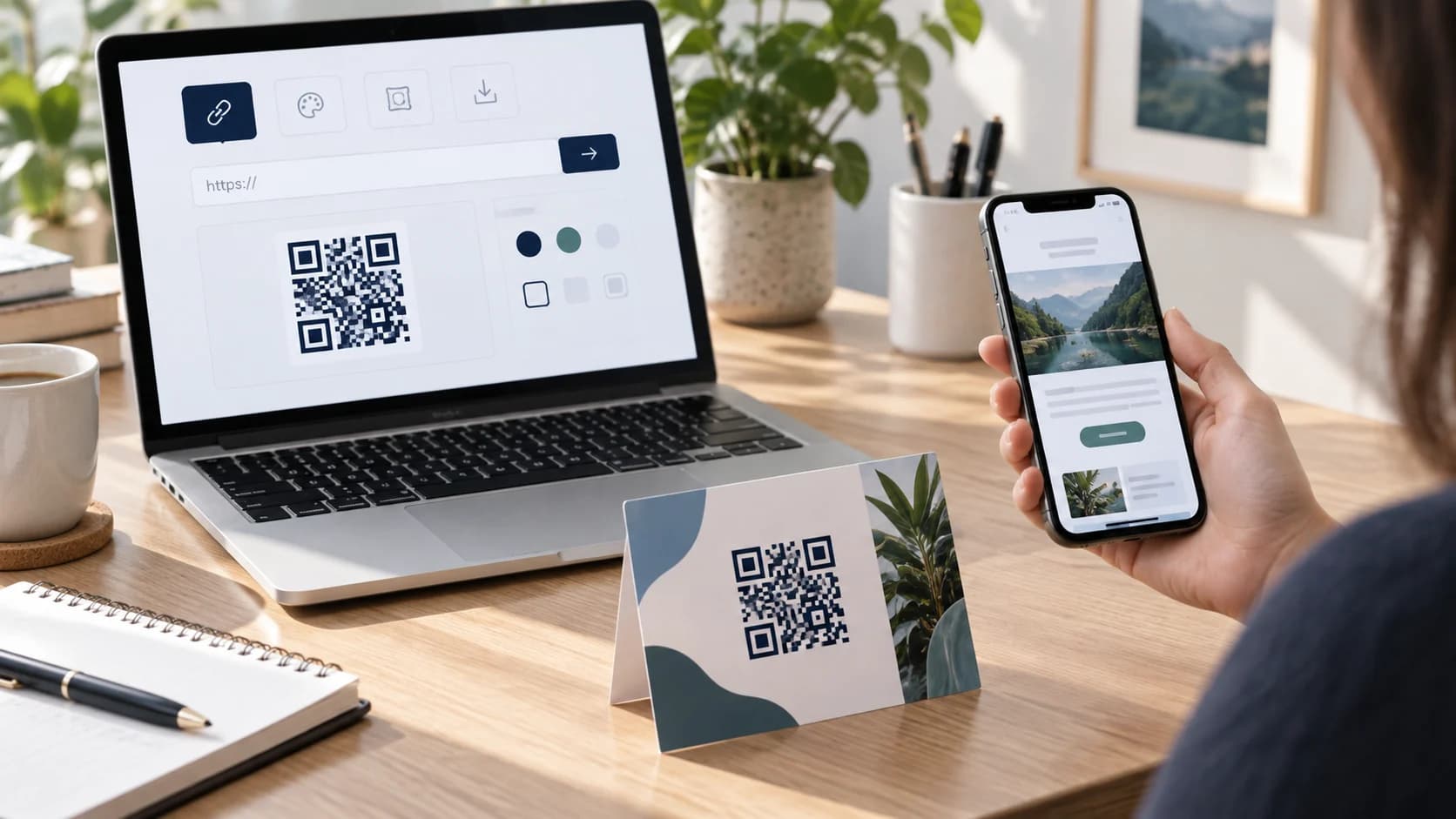
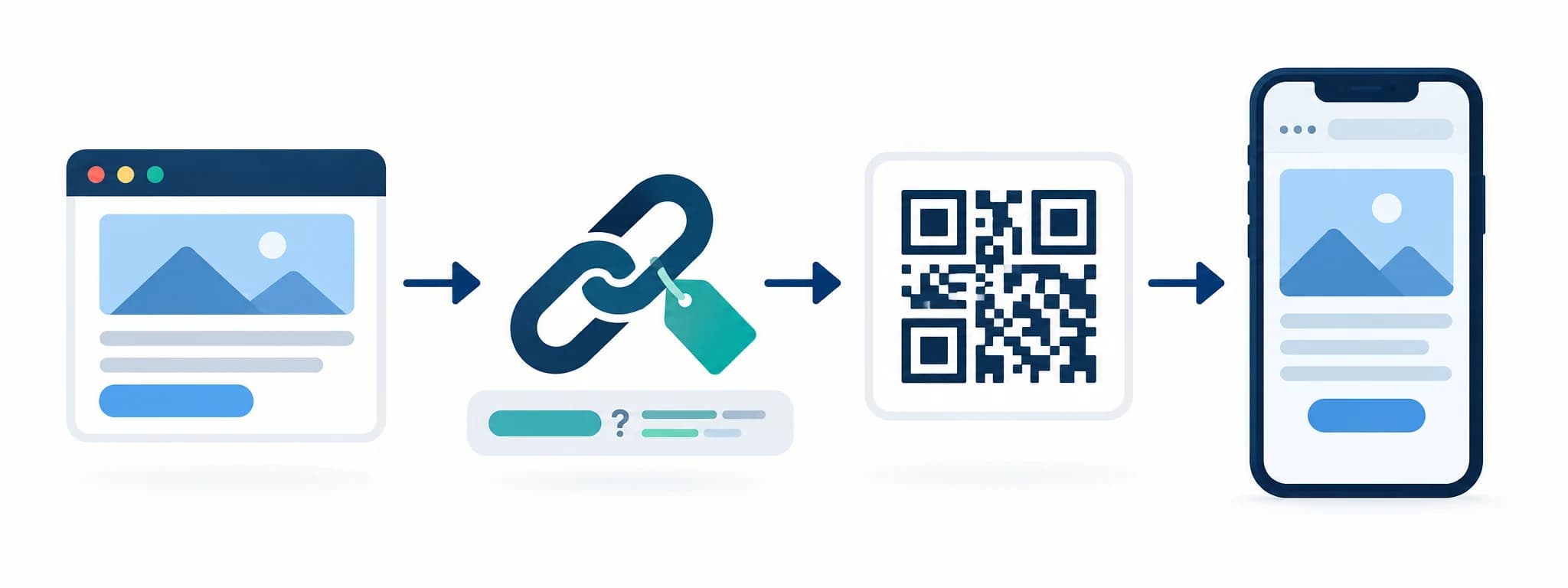
Learning how to make a QR code from a link is straightforward: copy a complete URL, generate the code, and download it. Making that code dependable takes a few more decisions. The destination must work on mobile, the URL must remain owned, and the printed design must survive size, glare, and real camera use.
This guide covers URL preparation, static and dynamic codes, campaign parameters, safe design, and end-to-end testing. You can create the asset in the CraftMyQR generator after the destination passes its checks.
How to Make a QR Code From a Link in 7 Steps
That is the practical answer to how to make a QR code for a link. The rest of the guide helps you avoid a correct code that points to the wrong page, exposes a temporary address, or becomes unreadable after design changes.
- Choose the final mobile page. Open it on a phone and complete the intended action.
- Copy the full HTTPS URL. Include the correct path, query string, and campaign parameters.
- Choose static or dynamic. Match permanence, editability, analytics, and service dependency to the use case.
- Paste the link into CraftMyQR. Recheck the previewed destination.
- Customize carefully. Preserve contrast, finder patterns, and quiet space.
- Download the right format. Use vector output for flexible print scaling or a suitable PNG for digital layouts.
- Test the final placement. Scan on multiple phones and follow every redirect through the target action.
Prepare a Link Worth Encoding
Use a destination you control or are authorized to promote. Prefer HTTPS, remove unnecessary session tokens, and avoid preview, staging, admin, or editor URLs. If the page requires sign-in, make that expectation clear beside the code.
Open the link on mobile data in a private browser. Check load time, cookie prompts, language, regional redirects, form fields, buttons, payment steps, and back navigation. A QR code eliminates typing; it does not improve a weak landing page.
Choose one primary action. A focused product page, registration form, menu, contact card, or video generally performs better than a homepage where the visitor must search again.
What We Verified in the Current Generator
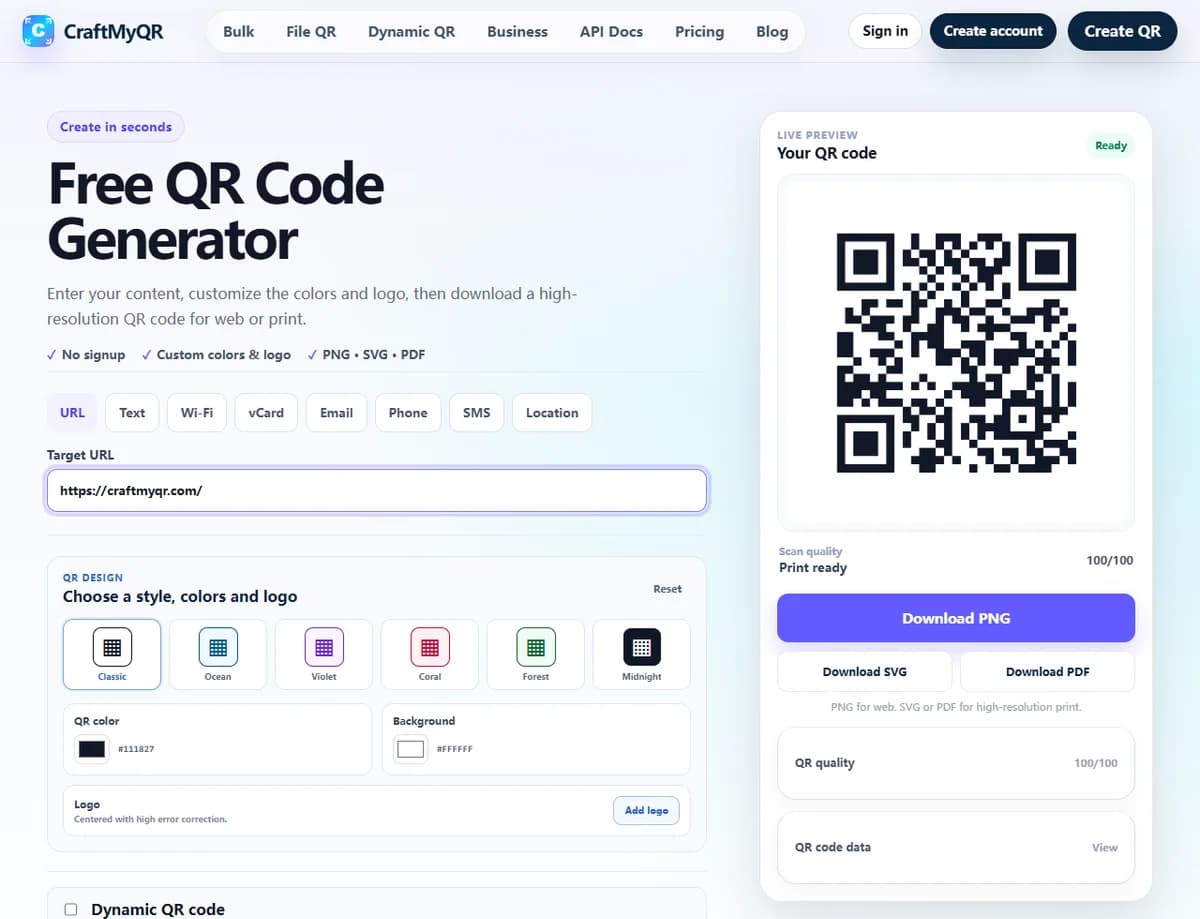
On October 20, 2026, we opened the public CraftMyQR URL generator in a desktop browser, entered https://craftmyqr.com/, kept the default colors and no logo, and downloaded PNG, SVG, and PDF. The PNG decoded to the exact 22-byte input with jsQR 1.4.0. This is a reproducible digital export check, not a physical print or phone-camera test.
The SVG’s complete 37-module width includes a 29-module core and four-module margin on each side. If placed at 25 mm complete width, each module is approximately 0.676 mm. This calculation explains the artwork; it does not establish a minimum usable size. A logo or different payload can change the structure, so inspect your actual export.
| Downloaded file | Observed structure | Practical implication |
|---|---|---|
| PNG | 520 × 520 pixels | Fixed pixel resolution; select final print dimensions deliberately. |
| SVG without logo | Vector paths; 37 × 37 viewBox including margin | Scalable source geometry for this tested design. |
| One 520 × 520 JPEG image on an A4 page | A PDF container does not make its embedded QR vector artwork. |
Check three URL failure cases before generation
| Illustrative input | Potential issue | Check |
|---|---|---|
| https://example.com/menu?location=west&lang=en | A missing separator can change a parameter. | Compare the decoded value character for character. |
| https://example.com/offer?next=https%3A%2F%2Fexample.com%2Fthanks | A nested URL needs appropriate encoding. | Test the complete intended transition; avoid decoding or double-encoding blindly. |
| https://example.com/preview?token=temporary | The QR may decode after the destination token expires. | Replace the temporary route with an approved stable destination. |
These example.com addresses illustrate URL structure; they are not tested campaign endpoints. A decoder proves what the symbol contains. A browser test establishes whether that address currently serves the intended page. Record both outcomes instead of calling every failed destination a QR image error.
Choose who owns future link changes
A direct static URL depends on maintaining that exact address. A redirect on your own domain adds routing you control. A managed dynamic code delegates routing to a service and account. Choose according to who can maintain the destination during the material’s lifetime, then keep an owner, original URL, final target, and last verification date in the campaign record.
Static vs Dynamic QR Code for a Link
A static QR code stores the full URL directly. It works without a managed redirect and is appropriate when the address is durable. Once printed, however, the encoded link cannot be changed. If the page moves and no website redirect exists, the material becomes stale.
A dynamic QR code stores a managed short URL that forwards to the destination. You can change the destination and review scan events without altering the printed pattern. That helps with packaging, signs, and long-running campaigns.
Dynamic links introduce service, account, billing, and privacy considerations. Assign an owner and maintain access. Do not promise that any QR code lasts forever; the destination domain and any redirect infrastructure must remain active.
Add Campaign Tracking Without Breaking the Destination
UTM parameters let analytics tools attribute visits to a source, medium, and campaign. Google’s campaign URL guidance explains the standard fields. A flyer might use utm_source=flyer, utm_medium=qr, and a specific campaign name.
Use a consistent lowercase naming convention and avoid personal information in parameters. Test the complete tagged URL because some sites strip, rewrite, or mishandle query strings. Keep a campaign register so “spring-sale,” “Spring_Sale,” and “spring2026” do not fragment reporting.
A dynamic redirect may provide scan events in addition to web analytics. Scans, sessions, and conversions are different metrics. One person can scan repeatedly, and a browser may block or delay analytics after the redirect.
Create and Customize the Link QR Code
Paste the verified URL into the CraftMyQR QR generator. The preview updates as you change colors and optional logo settings. Keep the foreground darker than the background and avoid transparent placement over unpredictable artwork.
A logo can aid recognition but it covers modules. Keep it modest, leave the three corner finder patterns clear, and test the exact export. Error correction improves resilience to limited damage; it is not permission to cover an arbitrary percentage of the code.
Use a truthful call to action near the symbol. “Scan to register,” “Scan to view the menu,” or “Scan to watch the setup video” sets a clearer expectation than “Scan me.”
Choose PNG, SVG, or PDF
PNG is convenient for websites, documents, presentations, and many online design tools. Export enough pixels for the final size and do not enlarge a small screenshot. SVG keeps module edges sharp at different sizes and is often the best handoff to a designer.
PDF can work well in print and proof workflows. Confirm that your layout application preserves the embedded artwork without rasterizing it at low resolution. Avoid JPEG, which can introduce soft edges and compression artifacts.
Keep the original download separate from placed artwork. If a designer crops or recolors the working copy, you can compare it with the approved source and regenerate cleanly.
Place, Size, and Test the Final Code
Protect a clear quiet zone on all four sides and keep the code square. The right physical size depends on data density, camera, print process, contrast, surface, and viewing distance. Test at the distance people will actually use.
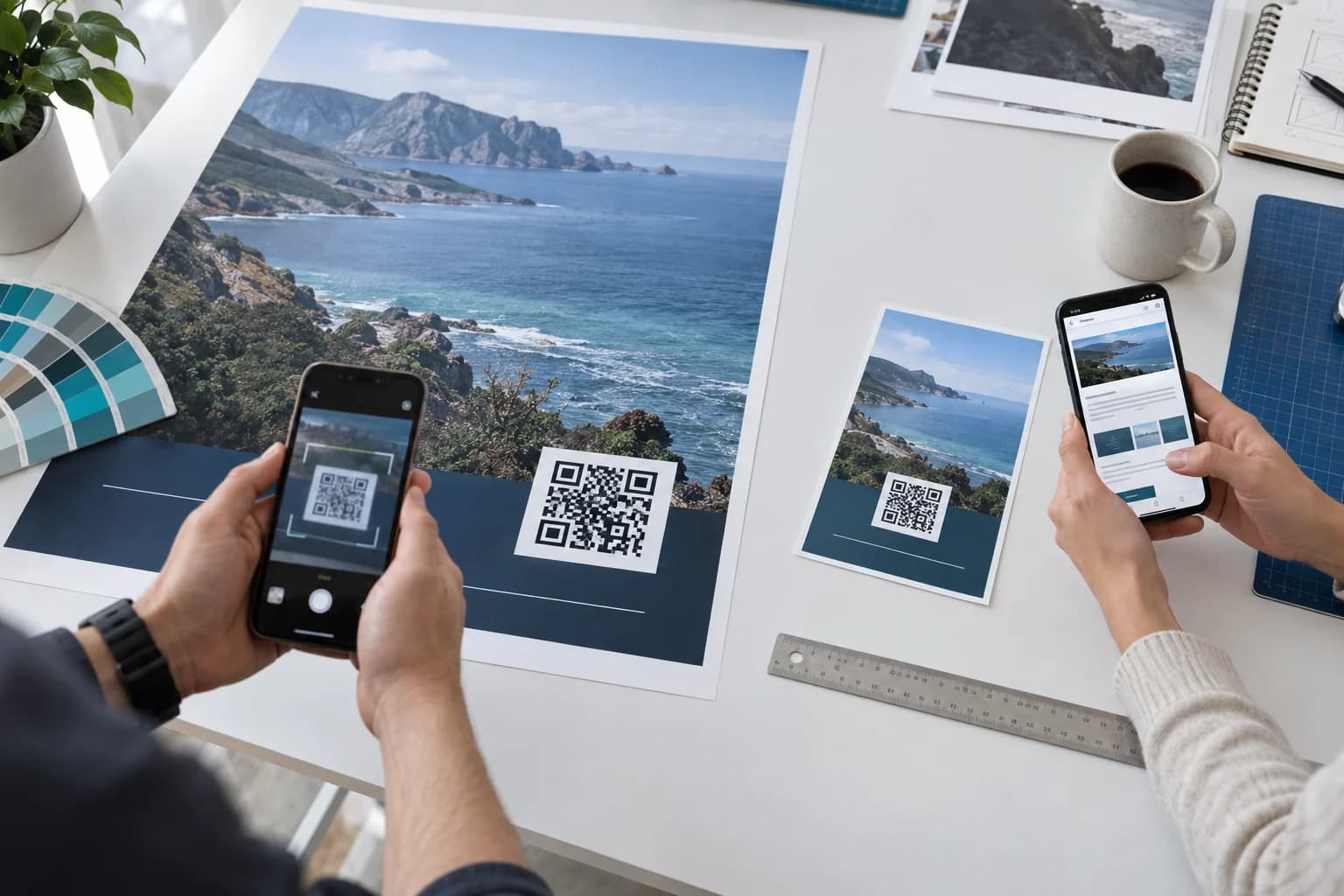
Scan the exported design, a final-size print, and the finished object. Test multiple phone models, normal and dim light, modest angles, Wi-Fi and mobile data. Follow redirects and complete the destination action rather than stopping when a notification appears.
If the code fails, work through the QR code troubleshooting guide: restore quiet space, increase size, strengthen contrast, remove obstruction, flatten the surface, simplify the payload, and re-export.
Maintain the Link After Distribution
Record the code owner, encoded or redirected URL, campaign name, placements, source artwork, and last test date. Check long-lived codes on a schedule and after website migrations, domain changes, authentication updates, or campaign handoffs.
For a static link on your own domain, preserve a server-side redirect when a page moves. For a managed dynamic code, protect account access and document who may edit the destination. Retire links deliberately instead of allowing them to fail without explanation.
If a destination becomes unsafe, misleading, or obsolete, remove physical placements where possible. A QR code inherits the trustworthiness of every redirect and final page in its chain.
Common Link QR Code Mistakes
A short destination checklist and physical proof prevent most of these errors. Approve the URL and the artwork as separate items, then test them together.
- Copying a staging or editor URL: ordinary visitors cannot open the intended page.
- Encoding a temporary token: the link expires after the material is distributed.
- Using an unfocused homepage: scanning creates another search task.
- Adding inconsistent UTM tags: analytics splits one campaign across many labels.
- Over-styling the code: contrast, quiet zone, or finder patterns become unreliable.
- Testing only on screen: print size, finish, curvature, and glare remain unknown.
- Losing account ownership: no one can update a dynamic destination later.
Conclusion: How to Make a QR Code From a Link Reliably
The CraftMyQR generator creates URL QR codes with live preview, color and logo controls, quality guidance, and PNG, SVG, or PDF downloads. You can choose a straightforward static asset or use managed dynamic features when destination changes and scan analytics justify them.
That workflow is more dependable than using a screenshot or an unknown shortened link because you can preserve the source asset, choose the output format, and document the destination. CraftMyQR cannot guarantee the health of a third-party page, so ownership and testing still matter.
To finish how to make a QR code for a link, verify the mobile destination, choose the QR type, add consistent tracking, protect the printed symbol, and test the full journey. Create the code with CraftMyQR once the URL is ready.
Browse the CraftMyQR QR code tools to choose the generator that matches the destination and workflow.
Frequently Asked Questions
Can I make a QR code for any website link?
You can encode most valid URLs, but you should use only destinations you are authorized to share. Test the page on mobile, avoid temporary or private editor links, and label sign-in, download, payment, or age requirements clearly.
Will a static QR code stop working?
The printed pattern does not expire by itself, but its destination can move, lose its domain, change permissions, or go offline. A static code remains useful only while the encoded URL continues to resolve to an appropriate page.
Can I change the link after printing the QR code?
Only if the printed code uses a managed dynamic redirect or the original URL remains under your control and can redirect server-side. A static code that directly stores an external address cannot be edited after printing.
Should I shorten a URL before making the QR code?
A shorter stable URL can create a less dense code, but unknown public shorteners add trust and longevity risks. Prefer your own short path or a managed dynamic service with clear ownership, then test every redirect.
How do I track QR code traffic in Google Analytics?
Add consistent UTM parameters to the destination URL before generation, then review campaign sessions and conversions in your analytics property. Keep parameters lowercase and non-personal. Dynamic scan counts can complement analytics but measure different events.
Why does my QR code open the wrong page?
The pasted URL may contain an old path, clipboard error, redirect, regional rule, or campaign typo. Decode the code, compare the exact value with the approved destination, and test the redirect chain in a private mobile browser.
What should I write beside a link QR code?
Use a specific call to action that states the result, such as “Scan to register,” “Scan to see today’s menu,” or “Scan to watch the guide.” Add a short fallback URL when access or accessibility matters.
Which QR code format is best for printing?
SVG is usually the most flexible scalable asset, and PDF works in many print workflows. A large enough PNG can also work. Follow the printer’s requirements, keep the code square, and scan the final production proof.
Need to create a QR code now?
Create and preview your QR code with our free generator. For long-term materials like menus, packaging and posters, consider upgrading to dynamic QR codes.