
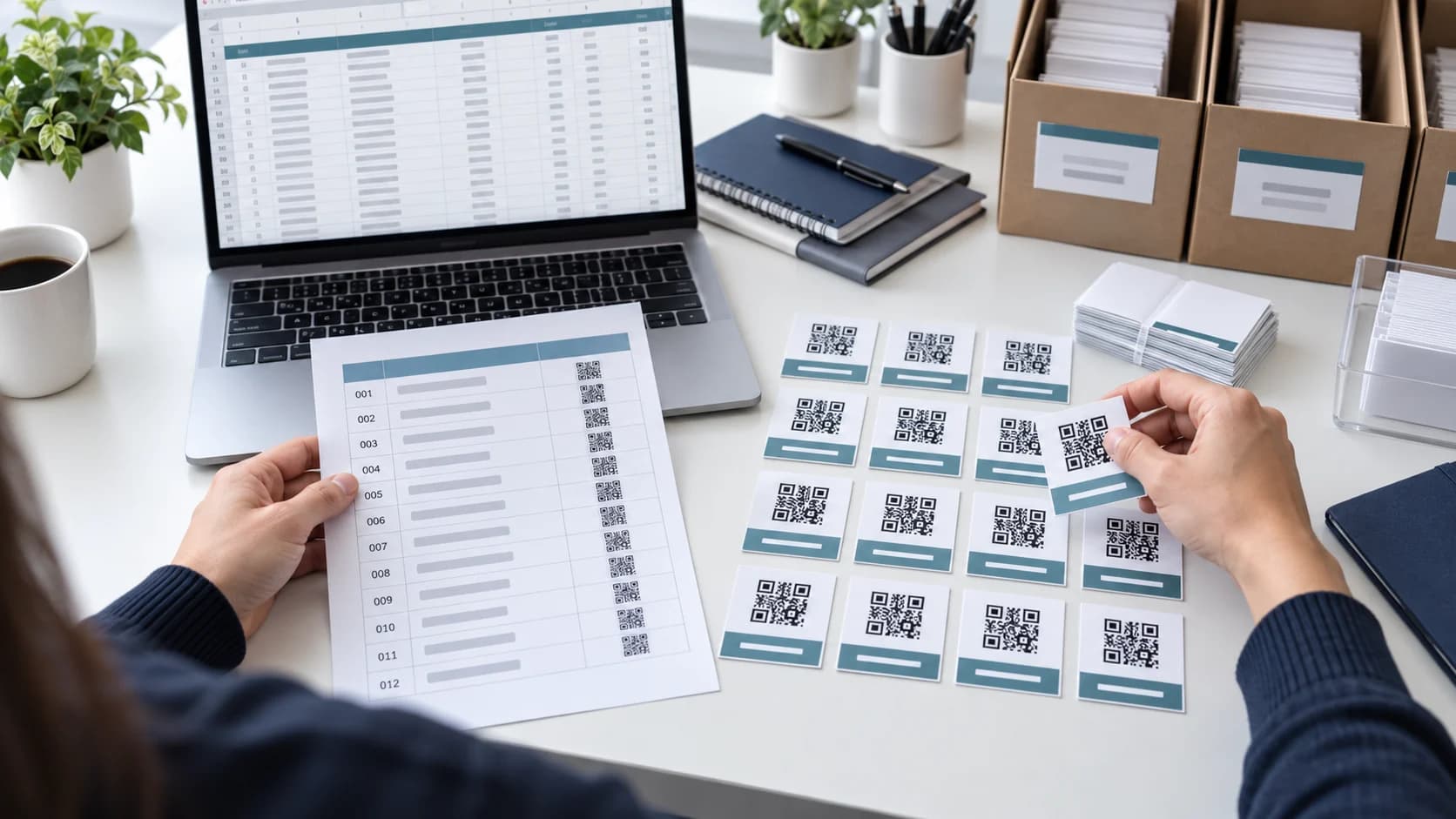
Learning how to create multiple QR codes is less about pressing Generate many times and more about controlling data. A bulk job needs one valid value per row, predictable file names, a mapping back to the source, consistent design, and a testing sample that catches row-shift or truncation errors.
This guide explains a practical list and CSV workflow for campaigns, inventory labels, classrooms, events, properties, and product sheets. CraftMyQR’s bulk QR code generator currently handles up to 100 entries in one browser-based batch and downloads the codes with a mapping CSV.
How to Create Multiple QR Codes in 8 Steps
That is the reliable answer to how to create multiple QR codes. The batch generator saves time, but the source file and quality controls determine whether the result is usable.
- Define one batch purpose. Keep destinations and ownership rules consistent.
- Build a clean source list. Put one value on each line or prepare a name,value CSV.
- Normalize the data. Remove accidental spaces, duplicates, broken URLs, and spreadsheet errors.
- Choose one shared design. Apply sufficient contrast and a modest logo across the batch.
- Generate the batch. Use a tool with a documented row limit and output mapping.
- Download and preserve the mapping. Keep filenames tied to the original names and values.
- Sample-test strategically. Scan boundary rows and unusual inputs on several devices.
- Release and maintain. Record owner, date, source file, destination policy, and replacement procedure.
Choose a Plain List or a Name,Value CSV
A plain list works when each line is simply a URL or text value and automatic filenames are acceptable. It is fast for a small set of campaign pages, documents, or contact links.
A two-column CSV is better when every code needs a human label. The first column can hold the desired name and the second the encoded value. Follow conventional CSV quoting when commas, quotes, or line breaks appear; RFC 4180 describes the widely used comma-separated format.
Open the file in a plain-text editor before uploading. Spreadsheet software may convert long numbers, dates, leading zeros, or scientific notation. Export as UTF-8 and inspect a few complicated rows directly.
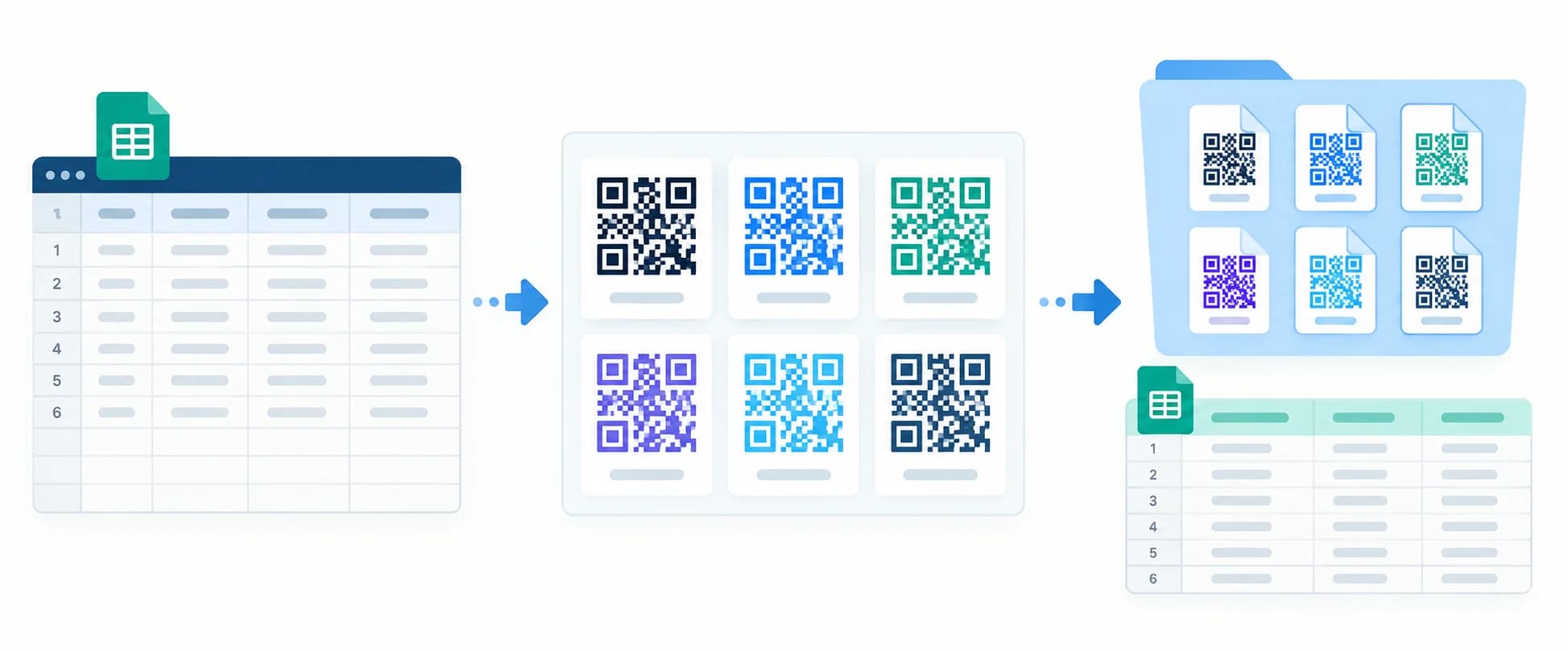
Clean and Validate Every Source Row
Remove empty lines, duplicate names, duplicate destinations, hidden spaces, and malformed protocols. For URLs, require HTTPS when available and open each unique domain. For product identifiers or serial values, preserve leading zeros and exact capitalization.
Decide whether fragments, tracking parameters, and trailing slashes are meaningful. Do not “clean” them automatically without understanding the destination. A campaign URL with a UTM tag is different from the same page without it.
Keep the source of truth under version control or in a dated shared folder. Add columns for owner, placement, status, and last test outside the two-column import when the project needs an operational register.
Plan Names and Mapping Before Generation
A folder containing qr-1.png through qr-100.png is difficult to audit. Use short, unique names that identify the product, location, asset, or campaign without exposing private data. Sanitize characters that operating systems do not allow in filenames.
Preserve the generator’s mapping CSV beside the downloaded images. That file is the bridge between artwork and destination. Printers, designers, and fulfillment teams should receive the same version, not separate attachments assembled by hand.
Add a batch identifier and date to the parent folder. If the codes are regenerated, create a new version rather than silently replacing files. This helps resolve a mislabeled item without guessing which export reached production.
Apply One Scannable Design Across the Batch
Use one foreground color, background, error-correction setting, logo treatment, and export format unless a real requirement justifies variation. Consistency makes failures easier to diagnose and prevents one row from receiving an untested decorative style.
Longer values can create denser patterns than shorter ones. A shared physical size that works for the easiest row may fail for the densest. Identify the longest or most complex payload and make it part of the test sample.
Keep finder patterns unobstructed, preserve the quiet zone, and prefer vector output for layouts that scale. If a logo is used, test the densest code with that exact logo before generating the full production set.
Generate the Batch With CraftMyQR
Open the CraftMyQR bulk generator, paste one value per line or import a name,value CSV, then review the parsed entries. The current tool supports batches of up to 100 codes and applies one shared design.
Generate in the browser, download the QR images, and keep the output mapping CSV. Break larger projects into deliberate batches rather than forcing an undocumented limit. Use batch names such as campaign-region-01 and campaign-region-02 so the pieces can be audited later.
The generator can create the files, but it cannot know whether a value belongs to the right product or whether a destination is authorized. Data review and release approval remain part of your process.
Test a Representative Sample
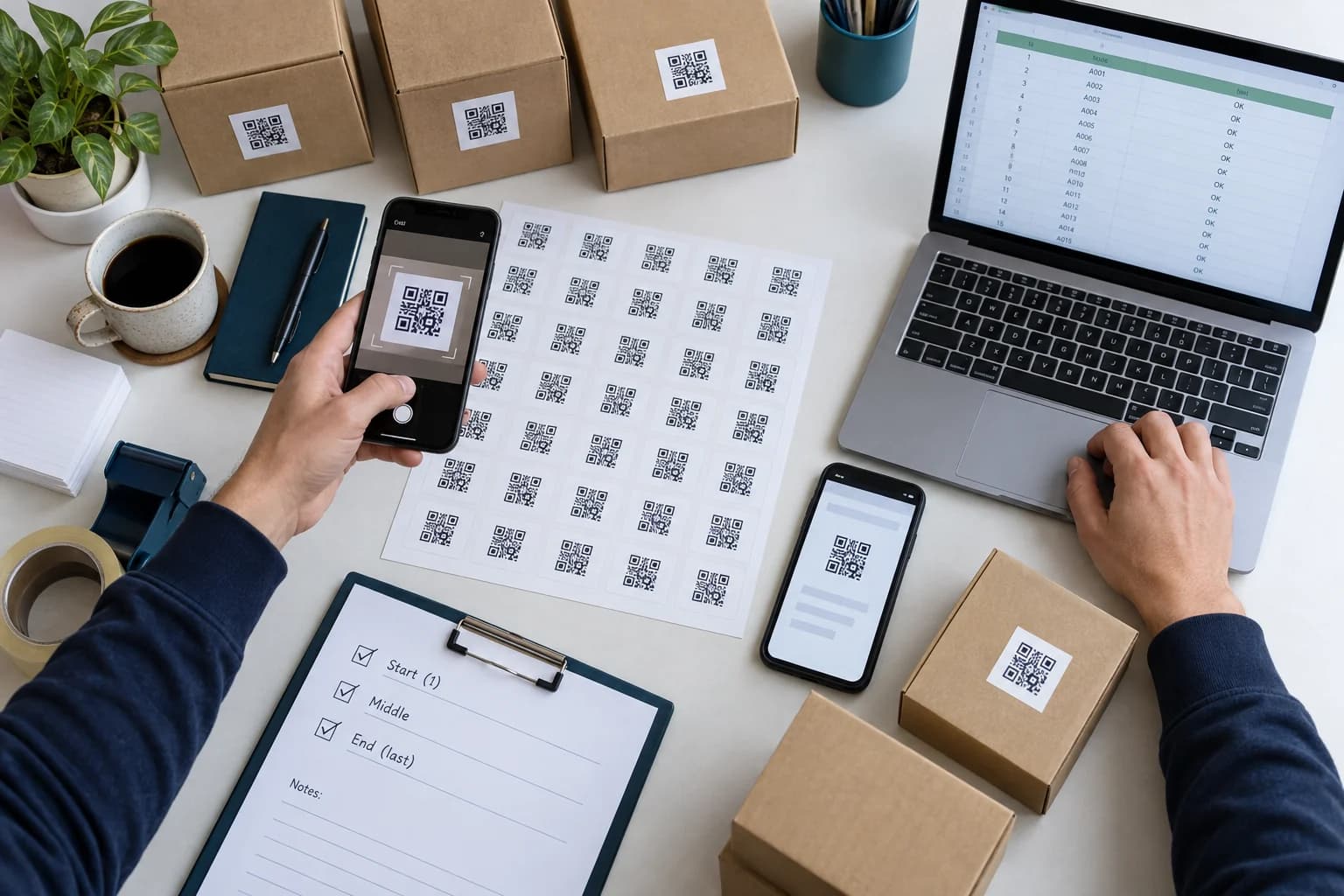
At minimum, test the first, middle, and last rows; the longest and shortest values; any row with commas, quotes, non-ASCII characters, or special symbols; and every destination classified as high risk. For a small critical batch, scan every code.
Compare the decoded value with the source row, not only the label printed beside it. This catches an off-by-one mapping error where every code works but belongs to the next item. Test on recent iPhone and Android devices.
When codes will be printed, test the actual label stock, size, finish, curvature, and production export. A digital batch can be perfectly mapped yet fail after thermal printing, lamination, or placement over a seam.
Static and Dynamic Choices at Batch Scale
Static codes are self-contained and simple, but each destination is fixed. They work for stable identifiers and long-lived URLs that your organization controls. Updating one destination may require locating and replacing every related label.
Dynamic codes add managed redirects and can support destination changes or scan analytics. They also create account, billing, privacy, and service dependencies across the entire batch. Read the static versus dynamic guide before committing hundreds of assets.
Define who may change redirects and how changes are approved. A flexible batch without access control can cause larger mistakes than a fixed one. Export a periodic register of active destinations when business continuity matters.
Common Bulk QR Code Mistakes
A short preflight script or manual checklist is worth the time. Verify row count, unique names, unique values where expected, URL syntax, and output count before handing files to production.
- Row shifts: a name and value become misaligned during sorting or copy-and-paste.
- Duplicate filenames: later exports overwrite earlier codes.
- Spreadsheet conversion: leading zeros or long identifiers are changed.
- Mixed destination types: one batch has no coherent owner or testing rule.
- Testing only the first code: boundary rows and unusual characters remain unchecked.
- Losing the mapping file: artwork can no longer be traced to its encoded value.
- Ignoring output limits: entries are silently omitted or split without documentation.
Why Use CraftMyQR for Multiple QR Codes?
CraftMyQR’s bulk QR code generator accepts a simple list or name,value CSV, applies one design, creates up to 100 codes per batch, and returns both image files and a mapping CSV. The workflow is visible and bounded rather than an unexplained mail merge.
That is dependable for small and medium batches where traceability matters. Larger or highly regulated programs may require an API, database integration, approval workflow, and automated verification beyond a browser tool.
The best answer to how to create multiple QR codes is to treat the source list and mapping as production data. Clean it, version it, sample-test intelligently, and keep ownership records. Use CraftMyQR for the controlled generation step.
Browse the CraftMyQR QR code tools to choose the generator that matches the destination and workflow.
Frequently Asked Questions
How many QR codes can I generate at once with CraftMyQR?
The current CraftMyQR bulk tool supports up to 100 entries in one batch. For a larger project, divide the source into clearly named batches, preserve each mapping CSV, and verify that the combined output count matches the approved source.
What columns should a bulk QR CSV contain?
Use a simple name,value structure: one unique human-readable name and one exact URL or text value per row. Quote fields that contain commas or quotes, export as UTF-8, and inspect the plain text before importing.
Can every QR code have a different design?
A shared design is safer and faster for a coherent batch. If certain groups require different colors or logos, split them into separately named batches and test each design against its densest or most complex payload before production.
How do I prevent filenames from overwriting each other?
Give every row a unique, filesystem-safe name and retain a batch identifier. Review duplicates before generation. Store each export in a versioned folder and never merge folders blindly when separate batches may contain identical filenames.
Do I need to scan every generated QR code?
For small, safety-critical, or high-value batches, scan every code. Otherwise use a risk-based sample that includes boundaries, the longest and shortest values, unusual characters, every destination type, and any row with costly consequences if mislabeled.
Can I create multiple dynamic QR codes?
Yes, but dynamic batches need more governance than static images. Confirm service limits, ownership, billing, redirect permissions, privacy, analytics retention, and an exportable destination register before depending on managed links across many printed assets.
Why did Excel change my QR source data?
Spreadsheet software may interpret leading zeros, long numbers, dates, or scientific notation automatically. Import sensitive identifiers as text, avoid unnecessary numeric formatting, export UTF-8 CSV, and compare the final plain-text values with the original system.
What should I keep after a bulk QR export?
Keep the approved source file, output mapping CSV, generated images, design settings, batch identifier, owner, date, test results, printer proof, and replacement procedure. Together these records let you trace any physical code back to its exact value.
Need to create a QR code now?
Create and preview your QR code with our free generator. For long-term materials like menus, packaging and posters, consider upgrading to dynamic QR codes.