
How to use it
Let guests join WiFi without asking for the password
Works well in cafés, hotels, gyms and offices, and can share a display with a review QR code.
Table signHotel key sleeveReception signMeeting room sticker
Help guests join the correct WiFi network in cafés, hotels, offices, gyms and stores without typing a password.
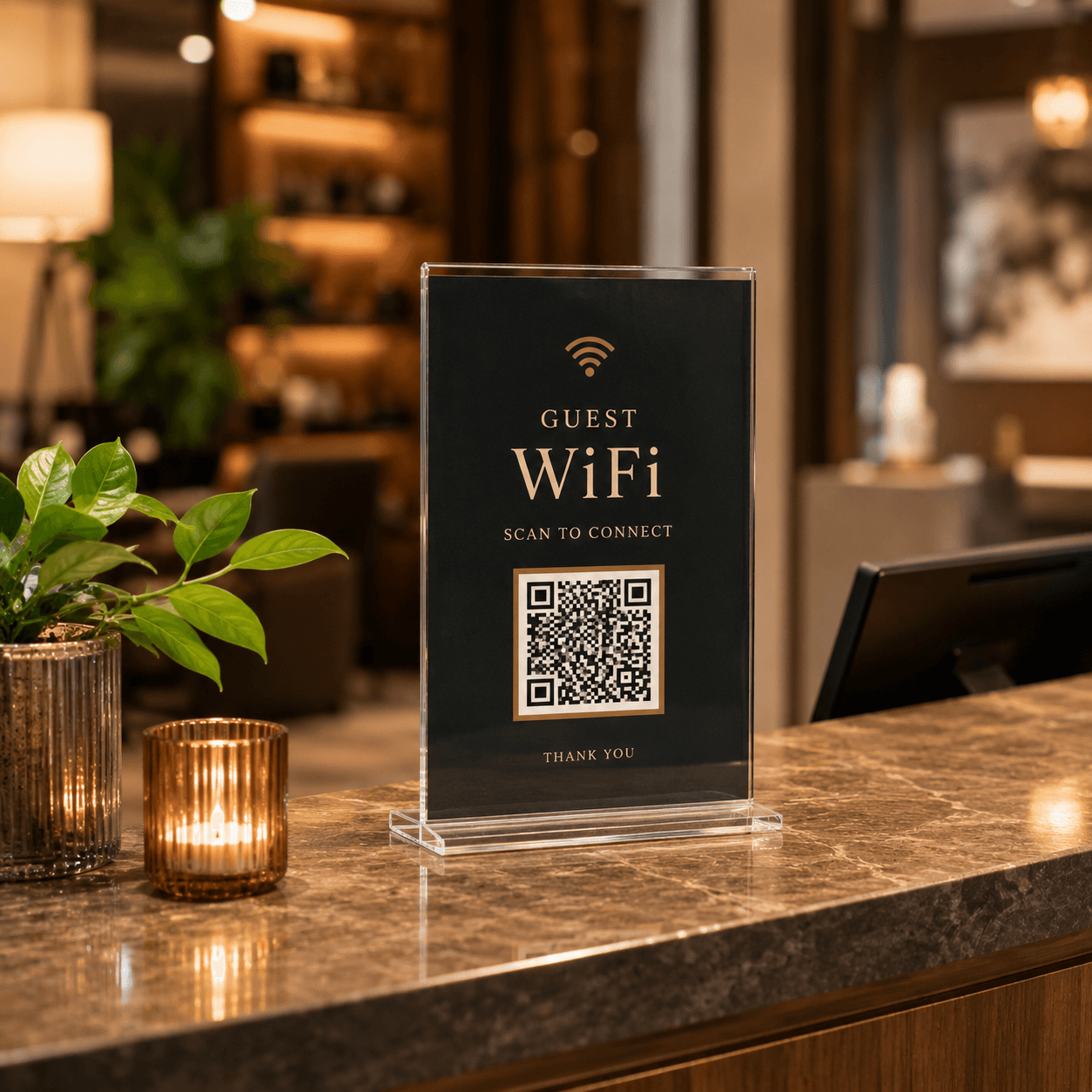
Works well in cafés, hotels, gyms and offices, and can share a display with a review QR code.
These materials are often printed, displayed or kept in service for a long time. A dynamic QR code lets you update the destination for a menu, review page, check-in form, product guide or contact page without changing the QR image.
Common questions about creating, downloading, printing and managing QR codes.
Use table signs, reception displays, meeting-room stickers or hotel key sleeves. Keep the code visible but avoid exposing a private staff network.
Yes, but label each action clearly and leave enough separation so guests know which code connects to WiFi and which opens the review page.
Dynamic QR codes let you change the destination after printing and review scan activity over time.