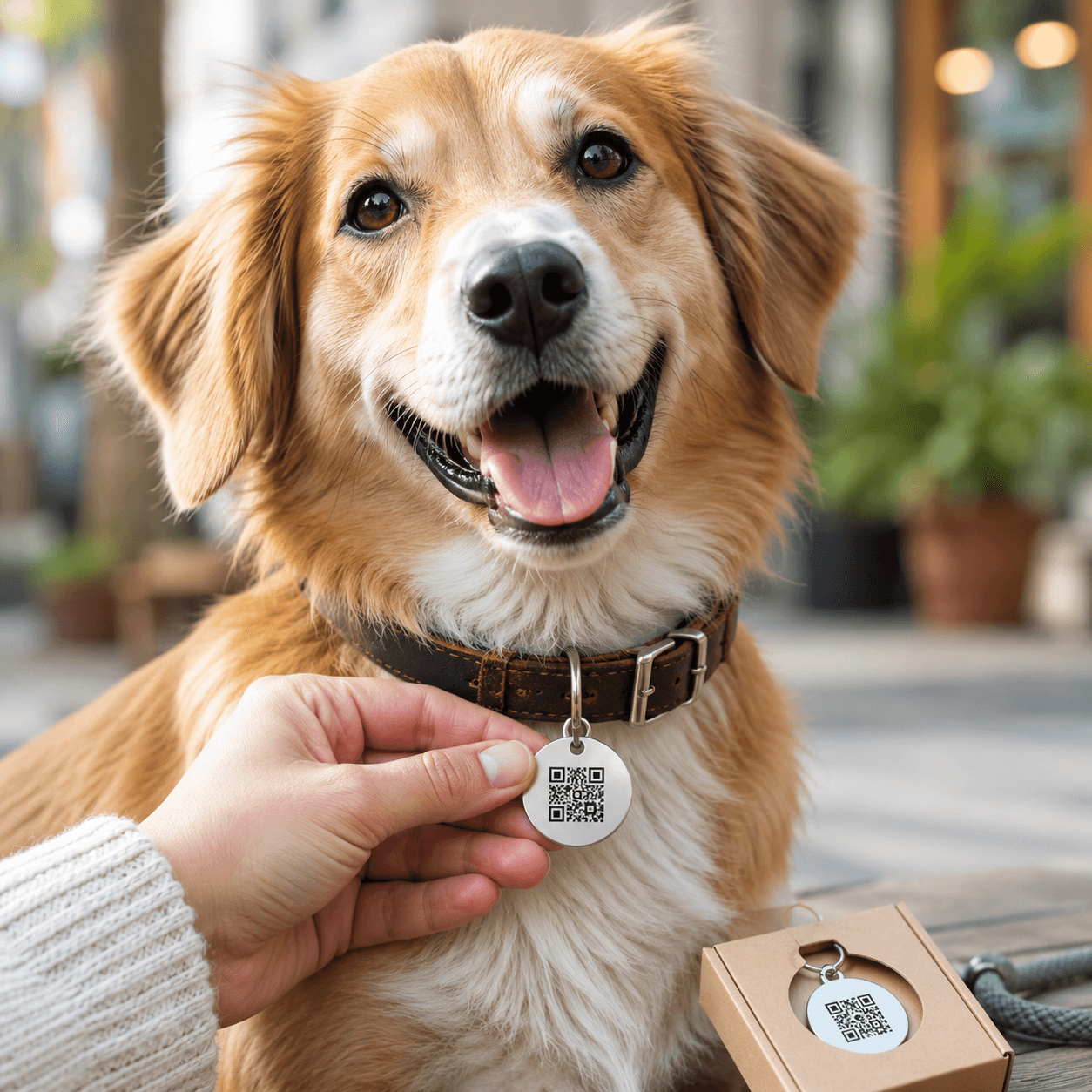
Make contact information available if a pet is lost
Suitable for collar tags, pet ID cards and custom pet store services. A dynamic code is easier to maintain when contact details change.
Collar tagPet ID cardCustom store tagE-commerce package card
Dynamic QR workflow
Keep the content current after the QR code is printed
1Prepare the contact or pet profile page
2Create a dynamic QR code
3Produce the tag or card
4Update contact details in Dashboard
A dynamic QR code is recommended for this workflow
These materials are often printed, displayed or kept in service for a long time. A dynamic QR code lets you update the destination for a menu, review page, check-in form, product guide or contact page without changing the QR image.
Common questions about creating, downloading, printing and managing QR codes.
Should a pet tag use a dynamic QR code?
A dynamic code is useful when phone numbers, addresses or emergency contacts may change. Make sure the managed destination remains active for the life of the tag.
Can pet stores offer QR identification tags?
Yes. Pet stores, tag makers and online sellers can use a QR profile or contact workflow, provided the printed code remains large and durable enough to scan.
Dynamic QR codes
Need to update links later or review scan data?
Dynamic QR codes let you change the destination after printing and review scan activity over time.