
Google Form QR Code Generator
Create a QR code for a Google Form using the responder link. Publish the form, check access, customize the code and download PNG, SVG or PDF.
Create a QR code for your Google Form
Paste the responder link below. Customize the QR code, test the destination and download a print-ready file.
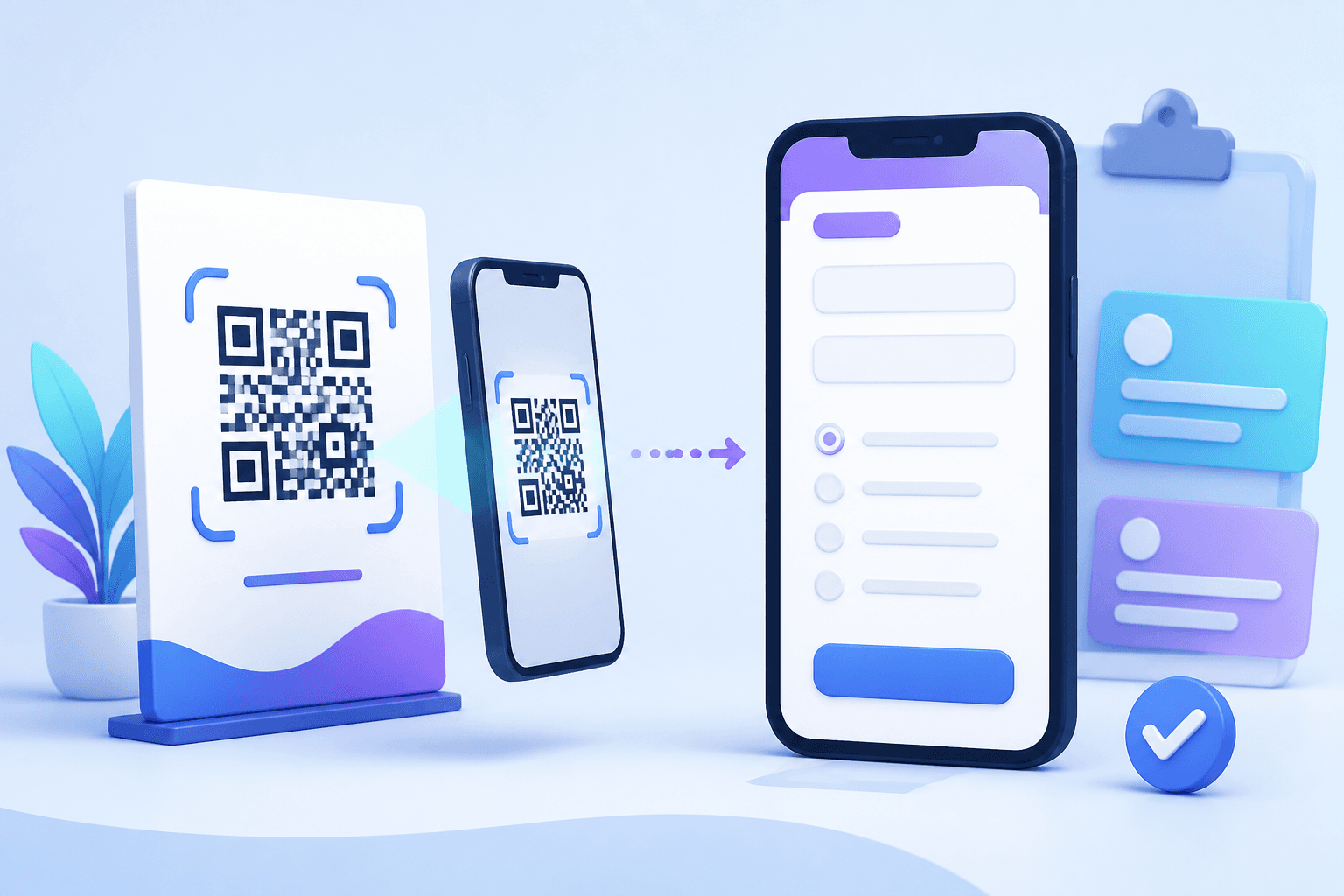
Quick answer: Publish your Google Form, copy the responder link, paste it into the generator below, customize the code, scan-test it and download the finished QR code.
How to create a QR code for a Google Form
- Finish and publish the form. Review the response settings and make sure the intended audience can open it.
- Copy the responder link. Use the responder URL rather than an editor or collaborator link.
- Paste the URL into the generator above. The live QR preview updates from the destination you enter.
- Customize carefully. Change colors or add a logo while keeping strong contrast and clear space around the code.
- Test before distribution. Scan the final code on more than one phone and confirm that the responder view opens without unexpected permission prompts.
- Download the code. CraftMyQR supports PNG, SVG and PDF output.
Google Forms access rules still apply after scanning. A technically valid QR code can lead to a form that blocks some respondents, so test the responder link while signed out before printing.
Check Google Form access before printing
- Use the responder link, not the form editing URL.
- Confirm the form is published.
- Check whether respondents must sign in.
- Verify any domain, group or audience restrictions.
- Submit one test response from a phone.
Static vs dynamic QR code for Google Forms
| Feature | Static QR code | Dynamic QR code |
|---|---|---|
| Google Form URL stored directly | Yes | No — uses a managed short link |
| Change destination after printing | No | Yes |
| Scan analytics | No built-in tracking | Available through the managed redirect |
| Best for | Permanent form links | Long-running campaigns and reusable print |
Editing questions or settings inside the same Google Form normally does not require a new QR code if the responder URL stays the same. If you replace the form with a different URL, a static code needs to be regenerated. A dynamic QR code lets you change the destination later while keeping the printed pattern.
Where a Google Form QR code works well
- Event registration: posters, invitations, badges and check-in desks.
- Customer feedback: receipts, counter signs and post-service cards.
- Education: attendance forms, quizzes, surveys and course feedback.
- Lead capture: trade-show booths, brochures and sales materials.
- Internal workflows: inspections, requests and equipment checklists.
Best practices for a Google Form QR code
Write a clear call to action
Tell people what happens after scanning: “Scan to register,” “Scan to complete the survey,” or “Scan to check in.”
Design the form for phones
Most QR visitors arrive on a mobile device. Keep the form concise and test the entire responder experience on a phone.
Keep the QR code easy to scan
Use strong contrast, preserve the quiet zone, avoid stretching the image and test the final physical size before printing.
Measure the right thing
Google Forms measures completed responses. A dynamic QR code can additionally measure scan activity before the visitor reaches the form.
Google Form QR Code FAQ
Can I make a QR code for a Google Form for free?
Yes. If you have a responder URL, you can create a standard URL QR code with CraftMyQR without uploading the form itself.
Why does my Google Form QR code ask people to sign in?
The QR code only opens the form URL. Sign-in requirements come from the form responder access and sharing settings.
Will the QR code still work after I edit the form?
Usually yes, provided the responder URL remains unchanged.
Can I create a QR code for a pre-filled Google Form?
Yes. Convert the specific pre-filled responder URL into a QR code and test that the intended fields are populated correctly.
Can I track Google Form QR code scans?
Use a dynamic QR code when you need managed scan tracking in addition to the responses recorded by Google Forms.
Google Forms is a product of Google. CraftMyQR is not affiliated with or endorsed by Google.